
VR-LAPTOP Decision guide
Best Laptops for Student Content Creators: £700, £1100
Juggling Premiere Pro, Lightroom, and a dissertation? Find the right laptop for student content creators between £700 and £1100. Real advice, no fluff.
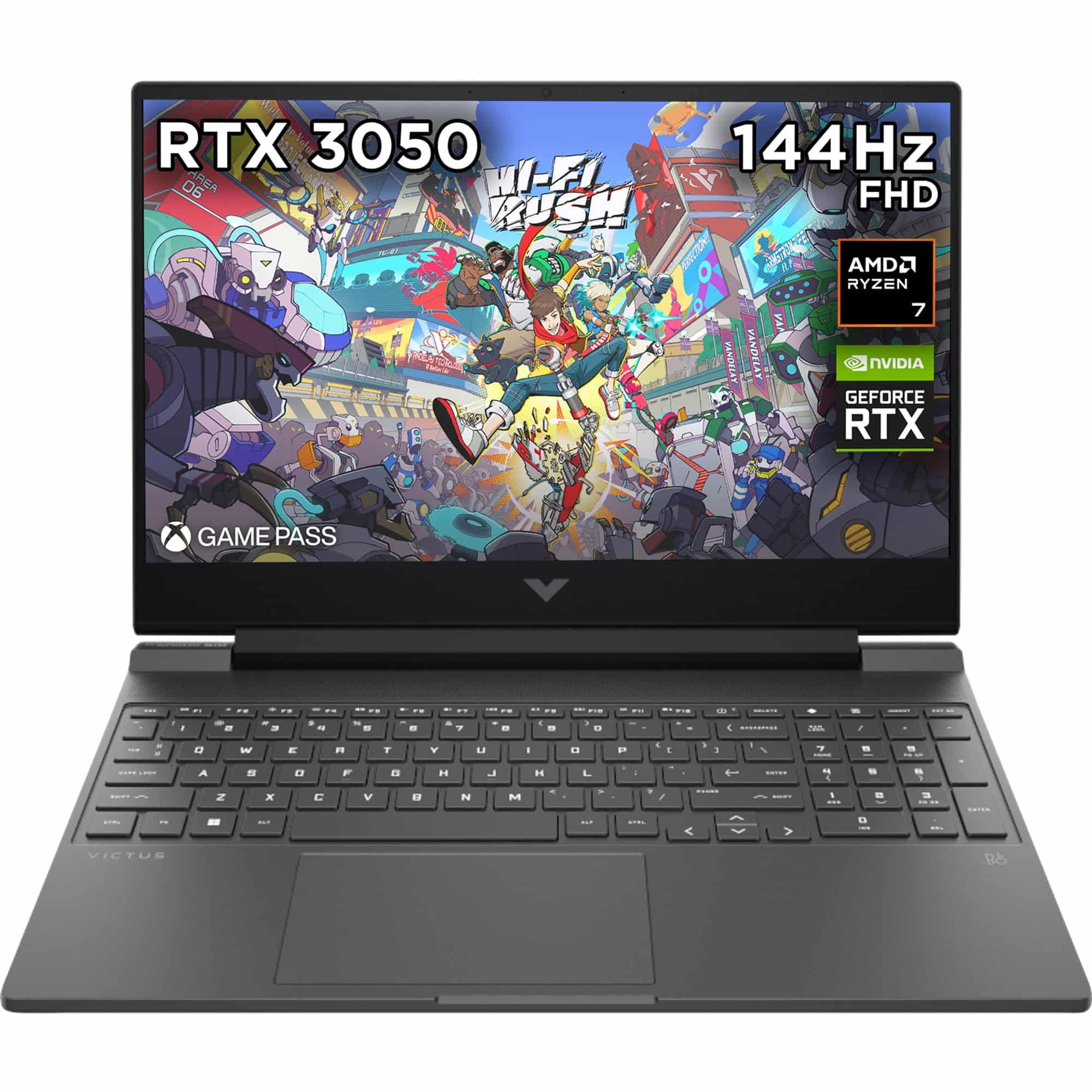 Top pick: HP HP Victus 15.6" Gaming Laptop | AMD Ryzen 7 7445H Processor | 16GB RAM | 512GB SSD | NVIDIA GeForce RTX 4050 | 144Hz FHD IPS Anti-glare Display | Windows 11 | AMD FreeSync | Fast charge | 15-fb3003sa
You're colour-grading a short film at half eleven on a Tuesday, Premiere Pro is open, so is Lightroom, and your lecture slides are somewhere under four browser tabs. Your current laptop is making that fan noise again. Somewhere between £700 and £1100, there's a machine that handles all of this without the drama, and picking the right one means knowing what student content creation actually demands, not what a spec sheet says it demands.
What actually matters
CPU and GPU performance
Editing video is the most demanding thing most students will ask a laptop to do. You want a chip that handles timeline scrubbing without dropping frames and exports without turning your desk into a radiator. Apple's M4 is genuinely in a different league for sustained performance per watt. On the Windows side, a dedicated GPU makes a real difference for GPU-accelerated rendering in Premiere and After Effects.
RAM
16GB is the floor. Anything less and you'll feel it the moment Lightroom, Chrome, and your editing app are all open together. Unified memory (as found on Apple silicon) is more efficient than standard DDR5, so 16GB on a Mac goes further than 16GB on most Windows machines. Don't be talked into 8GB at this budget.
Display
You're colour grading. Panel quality matters. Look for at least 100% sRGB coverage, and ideally something close to P3 if you're posting to platforms that support wide colour. Brightness matters too if you're editing anywhere near a window, which, as a student, you probably are.
Battery life
A full day on campus without a charger isn't a luxury, it's a requirement. Anything under six hours of real-world use is going to cause you faff. This is one area where the MacBook platform has a proper advantage over most Windows alternatives at this price.
What you can ignore
Thunderbolt 4 count: One port is enough for most students. You're not running a multi-monitor edit suite in a halls bedroom.
High refresh rate displays above 120Hz: Useful for gaming, irrelevant for editing. A better-quality 60Hz panel beats a mediocre 165Hz panel every time for colour work.
More than 512GB internal storage: Get an external SSD for project files. It's cheaper, more flexible, and keeps your system drive clean. Don't pay a premium for 1TB internal if it means compromising elsewhere.
Discrete GPU above mid-range: A top-end gaming GPU draws too much power and kills battery life. For student-level content creation, a mid-range dedicated GPU or Apple silicon is the sweet spot.
Three worth considering
If battery life and export speed are your top priorities and you're not fussed about gaming, the MacBook Air M4 is a no-brainer at this budget. It's the pick for creators who live in Lightroom and Premiere, want silence in the library, and need the machine to last all day without a charger. The trade-off is the ecosystem: if your course software is Windows-only, that's a genuine blocker. But for most creative students, it's spot on.
The HP Victus 15 is the one to consider if you want dedicated GPU grunt for rendering and you also want to unwind with a game after a long edit session. It's pricey for what the display delivers, and battery life won't get you through a full day unplugged, but the raw performance per pound is hard to argue with. Right for the student who edits, games, and doesn't mind keeping a charger in their bag.
The Dell Copilot DC16256 is worth a look if you want a polished Windows machine with a solid build and you're interested in the AI-assisted features coming through in newer creative apps. It's a sensible, well-rounded option for creators who want something that feels proper and professional without going full Mac. The trade-off is that it doesn't have the raw GPU of the Victus or the efficiency of the M4, so it sits in the middle of the pack on pure performance.
Mac or Windows: the decision that actually splits student creators
This is the real fork in the road. If your course uses Windows-only software (some architecture, engineering, or specialist media programmes do), the choice is made for you. But if you have flexibility, think honestly about your workflow. Mac wins on battery, thermal performance, and the Final Cut and Logic ecosystems. Windows wins on software compatibility, gaming, and upgrade flexibility. Most student creators posting to YouTube, Instagram, or TikTok will be well served by either, so let your software requirements and campus habits decide, not brand loyalty.
Before you buy: a checklist
- Confirm your course software runs on the OS you're choosing. Check with your department, not just the software website.
- Check the return and warranty policy. Student budgets don't have room for dodgy build quality going unnoticed until day 31.
- Test the display in person if you can. Screenshots don't tell you how a panel looks at an angle or in daylight.
- Factor in accessories. A decent external SSD and a USB-C hub can add up. Build that into your total budget before you commit.
- Check whether your university offers student discounts. Apple Education pricing and Dell student portals can knock a meaningful amount off the asking price.
Three worth your money
Each link adds the product to your Amazon basket so you can compare them side-by-side at checkout.
HP
HP Victus 15.6" Gaming Laptop | AMD Ryzen 7 7445H Processor | 16GB RAM | 512GB SSD | NVIDIA GeForce RTX 4050 | 144Hz FHD IPS Anti-glare Display | Windows 11 | AMD FreeSync | Fast charge | 15-fb3003sa
ASUS
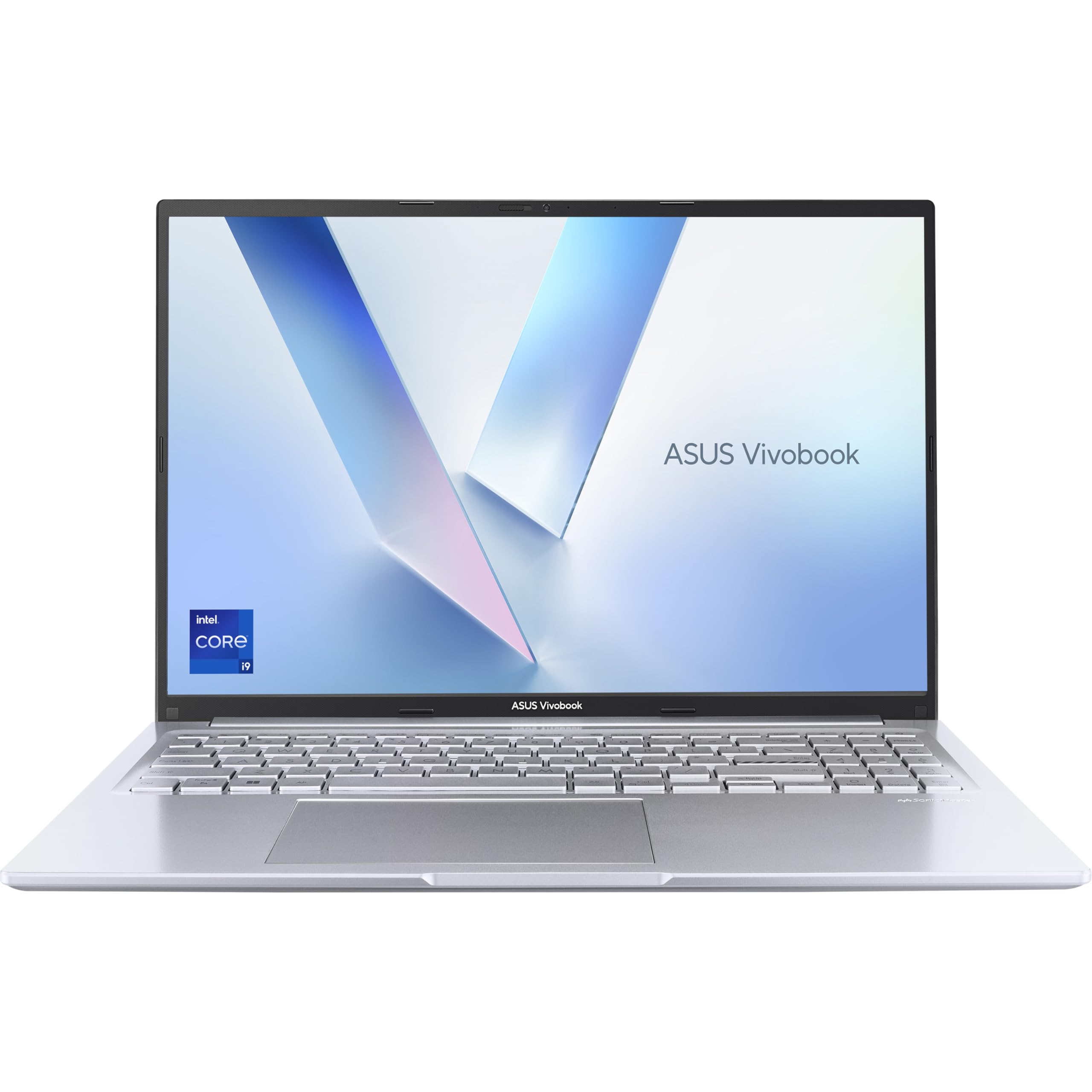
ASUS Vivobook 16 X1605VA Laptop | 16.0" WUXGA 16:10 Screen | Intel Core i9-13900H | 16GB RAM | 1TB PCIe SSD | UK Layout Backlit Keyboard | Windows 11
ASUS
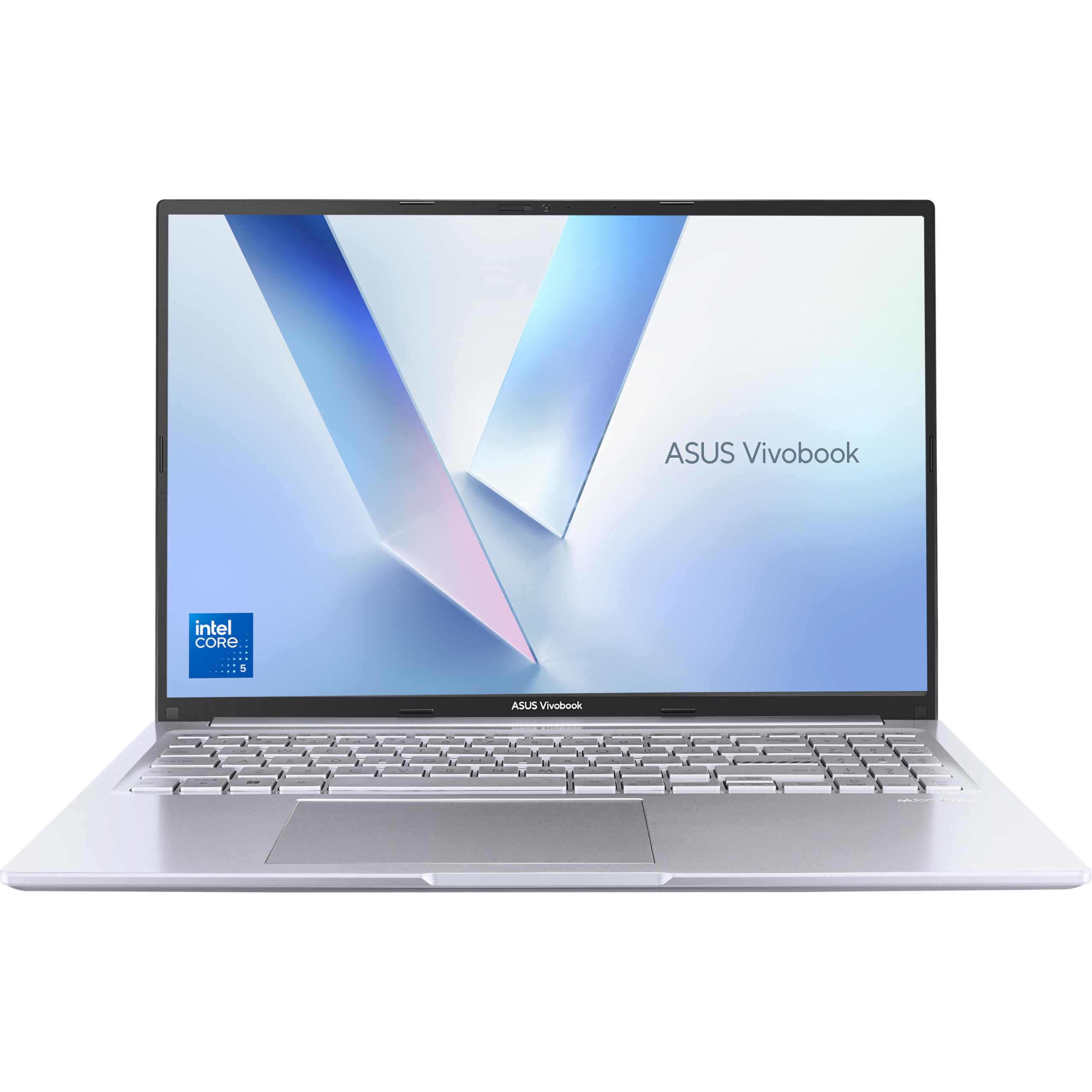
ASUS Vivobook 16 X1605VA Laptop | 16.0" WUXGA 16:10 Screen | Intel Core 5-120U | 16GB RAM | 512GB PCIe SSD | Windows 11 | Silver
- HP Envy x360 14 Ryzen 7 8840HS Review: Strong Performance, Real Trade-Offs
- Acer Aspire Go 15 AG15-71P Review: Strong CPU, Spanish Keyboard Caveat
- Acer Nitro 5 GTX 1650 Review UK (2026): Honest Verdict on a Dated but Capable Machine
- ASUS VivoBook S15 S533 Review: Great Keyboard, Ageing Silicon
- ASUS Vivobook 14 i3-1215U Review: Reliable but Limited
We're an Amazon Associate. If you click a product link and buy something, we earn a small commission at no extra cost to you. We only recommend products we'd use ourselves.
Top pickHP Victus 15.6" Gaming Laptop | AMD Ryzen 7 7445H Processor | 16GB RAM | 512GB SSD | NVIDIA GeForce RTX 4050 | 144Hz FHD IPS Anti-glare Display | Windows 11 | AMD FreeSync | Fast charge | 15-fb3003sa£828.00Add to cart →