You're annotating a 90-slide histology deck at midnight, Anki is open in the background, and your laptop fan kicks in like a jet engine every time you load a 3D anatomy model. Medical school puts a specific kind of pressure on a machine: long hours, dense PDFs, the occasional video-heavy lecture platform, and absolutely no room for a dodgy battery dying mid-OSCE prep. Somewhere between £700 and £1100, there are laptops that handle all of this properly. Here's how to find yours.
What actually matters
Battery life
Choosing between the best laptops for medical students UK at £700 or £1100 comes down to one brutal question: will it survive a full placement day without a charger? Most won't. The battery figures on the box are fiction, tested with the screen dimmed and Wi-Fi off, which is nothing like anatomy revision with fifteen tabs open and Anki running. As of August 2026, Apple Silicon and AMD Ryzen 7 machines are the two chips actually delivering ten real hours, and they've pulled well ahead of everything else at these prices. Below, I've picked the specific models worth your money at each budget, flagged the ones that look tempting but fall short, and explained exactly what matters when you're the one paying.
RAM
16GB is the minimum worth buying in 2026. Medical students tend to have a lot open at once: lecture recordings, browser tabs, reference apps, note-taking software. 8GB starts to feel cramped faster than you'd reckon, especially as your software stack grows in later years. If you can get 16GB within budget, do it.
Display quality
You'll be staring at this screen for hours at a stretch, so a sharp, comfortable panel matters more than most spec sheets suggest. Look for at least a 1080p IPS display with decent brightness, ideally above 300 nits. Colour accuracy is less critical than readability, so don't get distracted by marketing around wide colour gamuts.
Weight and build
Under 2kg is a genuine quality-of-life improvement when you're commuting to hospital sites with a bag already full of textbooks. Solid build quality also matters: a laptop that flexes and creaks under light pressure is going to feel worse after two years of daily use.
What you can ignore
Dedicated GPU: Unless your research involves 3D rendering or data science, a discrete graphics card adds cost, heat, and battery drain you simply don't need. Integrated graphics on current chips handle anatomy software and video without any bother.
High refresh rate displays: 120Hz and 144Hz panels are brilliant for gaming. For reading PDFs and watching lectures, a standard 60Hz screen is perfectly fine and often found on lighter, longer-lasting machines.
Thunderbolt 4 overkill: One or two USB-C ports with decent speeds is all you need. Paying a premium for a full Thunderbolt 4 array is more relevant to video editors than medical students.
Top-tier storage speeds: Fast NVMe SSDs are nice, but the difference between a mid-range and premium SSD is invisible in day-to-day use. 512GB of storage matters more than how quickly it reads sequential data.
Three worth considering
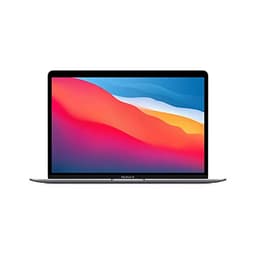
The MacBook Air M4 is the no-brainer pick for most medical students, and it's not close. Battery life is exceptional, the display is genuinely lovely to work on, and the whole machine is light enough that you forget it's in your bag. It runs cool and quiet, which matters when you're in a library or a seminar room. The honest trade-off is macOS compatibility: a small number of NHS and university systems still expect Windows, so check your medical school's software list before committing. If everything runs in a browser or has a Mac version, this is the one to get.
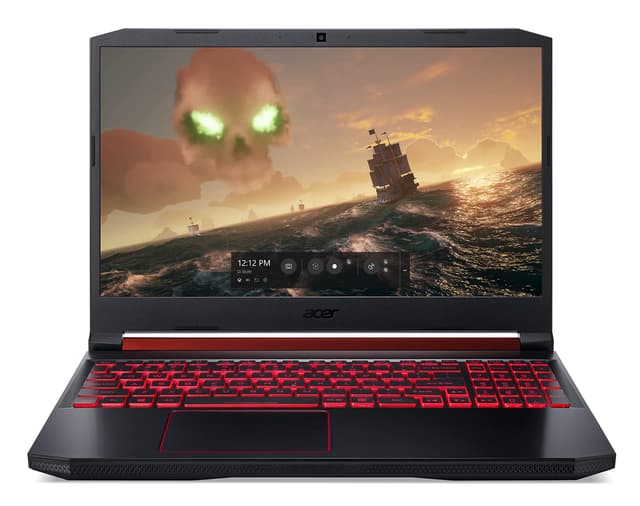
If your course leans on Windows-only software, or you just prefer Windows, the HP Victus 15 offers a proper amount of performance for the money. It's a gaming laptop by label, but the specs translate well to heavy multitasking, and it sits comfortably within this budget. The trade-off is that it's bulkier and the battery won't last a full placement day without a top-up. Best suited to students who are mostly campus or home based rather than constantly on the move.
The Lenovo LOQ is worth a look if you want Windows performance and a bit more build confidence than entry-level options. Lenovo's keyboard quality is consistently good, which counts for a lot when you're typing notes through a four-hour lecture block. Like the Victus, battery life is the main compromise, and it's on the heavier side. Students who prioritise raw performance and spend most of their time near a desk will get the most out of it.
Mac or Windows: the decision that actually matters
This is the real fork in the road at this budget. The MacBook Air M4 is a better laptop for most of what medical students do day to day. But medicine in the UK has legacy software. Some e-portfolio systems, certain simulation platforms, and the odd hospital IT tool still assume Windows. Before you buy anything, email your medical school's IT department and ask for a list of required software. If everything is web-based or cross-platform, go Mac without hesitation. If there's one stubborn Windows-only tool, check whether it runs under Parallels before ruling the Air out entirely. Sorted.
Before you buy: a checklist
- Confirm your medical school's required software list and check Mac or Windows compatibility before deciding on an operating system.
- Verify the RAM is 16GB, not 8GB. At this budget you should not be compromising on this.
- Check the return and warranty policy. A two-year warranty or accidental damage cover is worth having for a machine that travels daily.
- Weigh the laptop up against your current bag setup. If you're already carrying textbooks and a stethoscope, every 200g counts.
- Buy from a retailer with a clear returns window. Your first week of use will tell you more about whether it fits your workflow than any review will.
Our shortlist
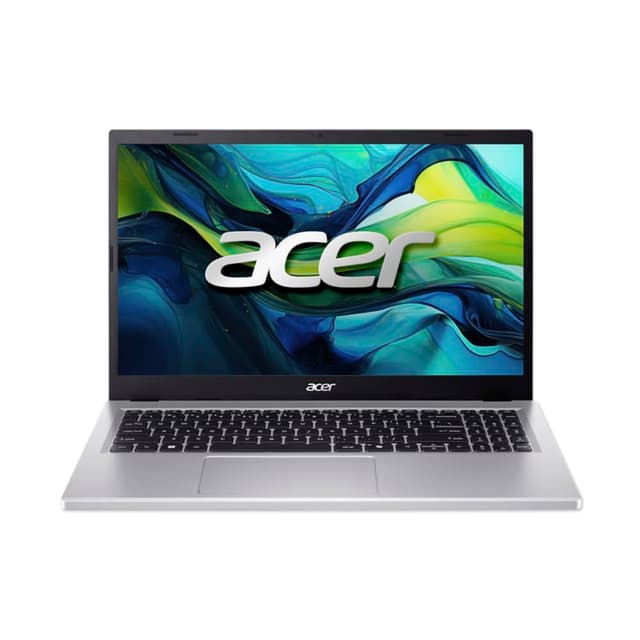
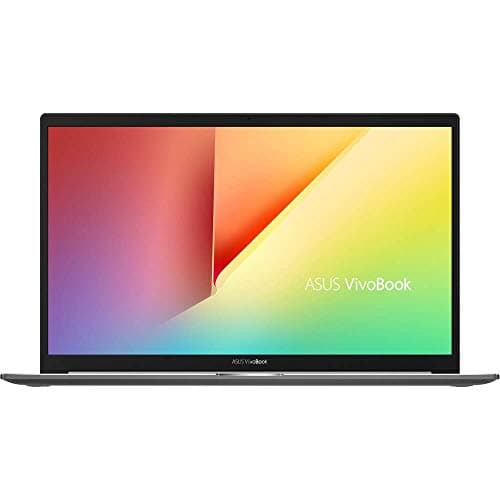
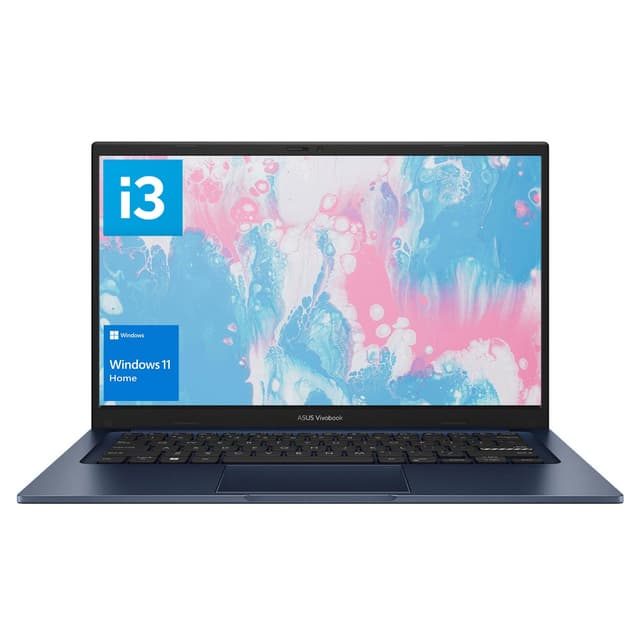
These are the units from our catalogue that fit what this guide describes. Prices and stock come from the live listing, so they update on their own rather than going stale in the text above.
£699.18 · ★★★★☆ (4.2) · 19
£1,059.99 · ★★★★☆ (4.4) · 83
£999.00 · ★★★½☆ (3.8) · 10
£599.99 · ★★★★☆ (4.4) · 38
£1,309.06 · ★★★★☆ (4.3) · 28
£499.97 · ★★★★½ (4.8) · 4,363