It's half eleven at night, you've got a problem question due at nine, and you've got Westlaw open in six tabs, a 60-page PDF of a Court of Appeal judgment sitting in Adobe, your OSCOLA bibliography half-finished in Word, and Teams pinging you about a mooting session. Your laptop is the one thing that cannot be the problem. Between £400 and £700, you can get a machine that handles all of this without drama, but only if you know which specs actually matter for the way law students work.
What actually matters
RAM
Law school runs on browser tabs, PDF annotations, and Word documents that grow to eighty pages by second term, which is exactly why picking the best laptop for law students in the UK comes down to a few specs that actually matter rather than a spreadsheet of numbers. The good news? You don't need to spend a fortune. Whether your budget stretches to £400 or closer to £700, there are genuinely capable machines that'll handle Westlaw, LexisNexis, and a Teams call at the same time without stuttering. Below I've picked out the models worth your money as of August 2026, explained the one spec you shouldn't compromise on, and flagged the traps that catch first-year students out.
Display
You will spend hours reading dense text on this screen. A Full HD (1920x1080) panel is the minimum, and you want something with decent brightness and reasonable colour accuracy so your eyes aren't wrecked by a library session. A 15 or 16-inch screen also lets you have two documents open side by side without squinting, which becomes a habit fast once you've tried it.
Battery life
Law school days are long and library sockets are competitive. A laptop that gives you six or seven hours of real-world use is fine; anything under five is a liability. Manufacturers inflate battery figures, so look for independent test results rather than the box claim.
Keyboard
You'll type thousands of words a week. A keyboard with decent key travel and a comfortable layout isn't a luxury, it's a practical requirement. Chiclet-style keyboards with shallow travel get tiring fast during long essay sessions.
Storage
512GB SSD is the minimum worth considering. Case bundles, lecture recordings, and years of notes accumulate quickly, and a slow spinning hard drive will make boot times and file loading feel like punishment.
What you can ignore
Dedicated graphics: Legal research, Word, and PDF readers need no GPU to speak of. Integrated graphics handle everything. Any laptop pushing a discrete GPU at this budget is spending your money on the wrong thing.
Touchscreen: Sounds handy, adds cost, and most law students never use it after the first week. Annotating PDFs with a mouse or trackpad is perfectly workable and you won't miss it.
High refresh rate display: 120Hz or 144Hz panels are built for gaming. Reading case law at 60Hz is identical to reading it at 144Hz. Don't pay extra for this.
Premium audio: Laptop speakers are laptop speakers. If you care about sound quality for lectures or music, a cheap pair of earphones sorts that entirely, and no manufacturer at this price point is offering anything genuinely impressive anyway.
Three worth considering
The Dell 15 Laptop DC15250 is the one to look at first if you want a reliable, no-faff daily machine. Dell's build quality at this price is solid, the keyboard is comfortable for long typing sessions, and the spec configuration hits that 16GB RAM target that law students actually need. The trade-off is that it's not the most exciting machine visually, but frankly, you're writing contract law essays at midnight, not showing it off. For students who want something dependable from a brand with proper UK support, this is a strong starting point.
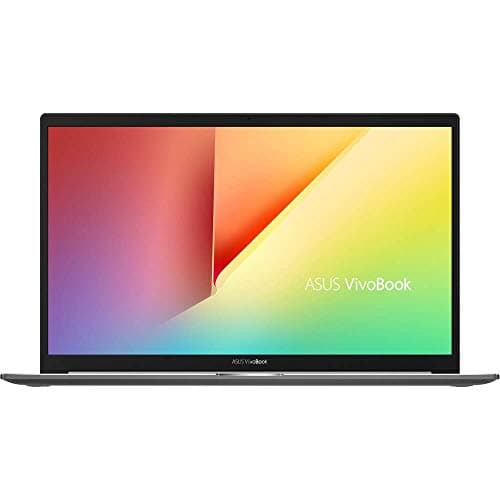
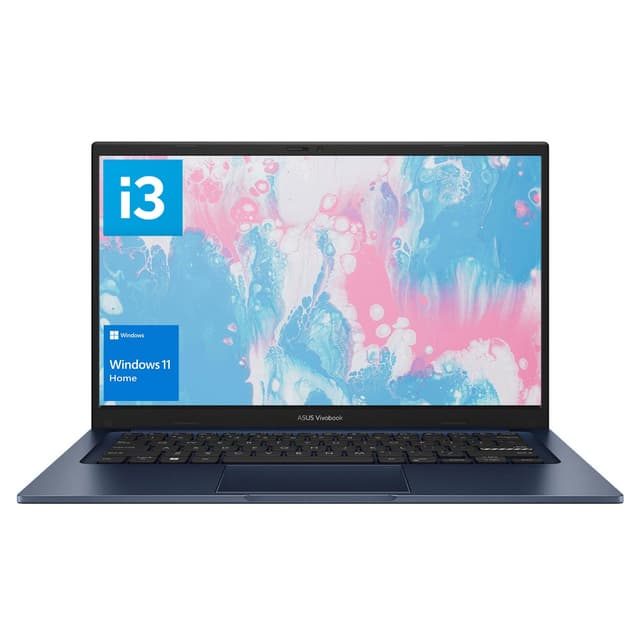
The ASUS Vivobook 16 X1605VA earns its place here because of that larger 16-inch display. If you regularly work across multiple documents or find yourself zooming in on scanned court documents, the extra screen real estate is genuinely useful rather than just a spec number. The Intel Core i5 or i7 configuration handles multitasking well, and ASUS has improved build quality noticeably on recent Vivobook generations. Battery life is the one area to check against your own usage patterns, as it varies depending on workload. That said, for students who spend long stretches in the library and value screen size, it's a spot-on choice.
The ACEMAGIC 18.5 Budget Laptop is worth a mention for students who want the largest possible screen for the money and are working primarily at a desk or in a fixed library spot. The 18.5-inch display is unusual at this price and makes reading lengthy judgments genuinely comfortable. The honest trade-off is portability: this is not a machine you'll want to carry across campus every day. If your setup is mostly desk-based and you want maximum screen size without stretching the budget, it does the job.
Windows or Chromebook: the choice most law students get wrong
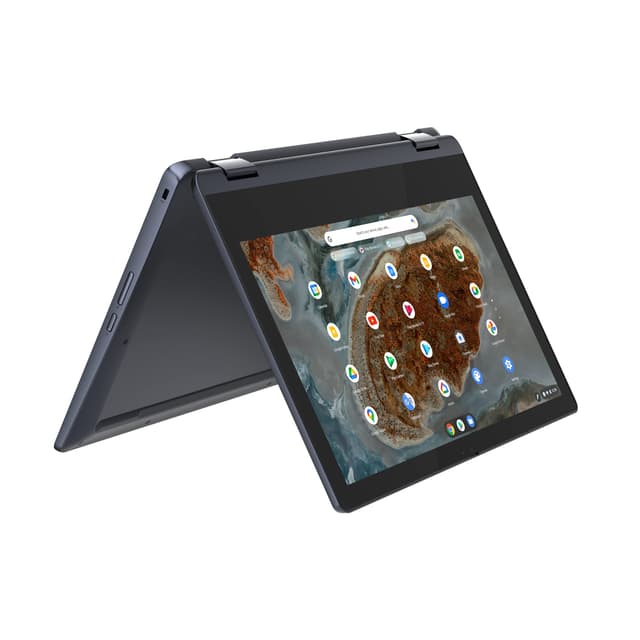
Chromebooks occasionally get recommended to students on the basis that they're cheap and light. For law students specifically, this is worth pushing back on. Westlaw and LexisNexis both run in a browser and technically work on Chrome OS, but university VPNs, specific legal software, and some institutional IT systems are built around Windows. You may also need to install desktop applications during placements or vacation schemes. Windows gives you full flexibility without having to think about compatibility, and between £400 and £700 you can get a genuinely capable Windows machine. Chromebooks make sense for some students. Law students, with their specific software ecosystem, are not really that group.
Before you buy: a checklist
- Confirm it ships with 16GB RAM, not 8GB with an upgrade path. Some listings show a base spec that won't serve you well from day one.
- Check your university's IT requirements. Some institutions specify minimum specs or require particular software that narrows your options.
- Look up the keyboard layout before ordering. UK law students need a proper UK keyboard layout, and some imported models ship with US layouts that move the @ and £ symbols around.
- Verify the return policy. Buy from a retailer with a clear returns window so you can test it properly before the academic year starts.
- Factor in a case or sleeve. Carrying a laptop in a bag with textbooks and lever arch files without protection is a dodgy habit that ends badly. Budget a small amount for basic protection.
Our shortlist
These are the units from our catalogue that fit what this guide describes. Prices and stock come from the live listing, so they update on their own rather than going stale in the text above.
£699.18 · ★★★★☆ (4.2) · 19
£1,059.99 · ★★★★☆ (4.4) · 83
£999.00 · ★★★½☆ (3.8) · 10
£599.99 · ★★★★☆ (4.4) · 38
£1,309.06 · ★★★★☆ (4.3) · 28
£499.97 · ★★★★½ (4.8) · 4,363