
VR-LAPTOP Decision guide
Best Laptops for Engineering Students: £700, £1100 UK Guide
Engineering students need RAM, processing grunt, and battery life, not marketing fluff. Here are three laptops worth your £700, £1100 budget in the UK.
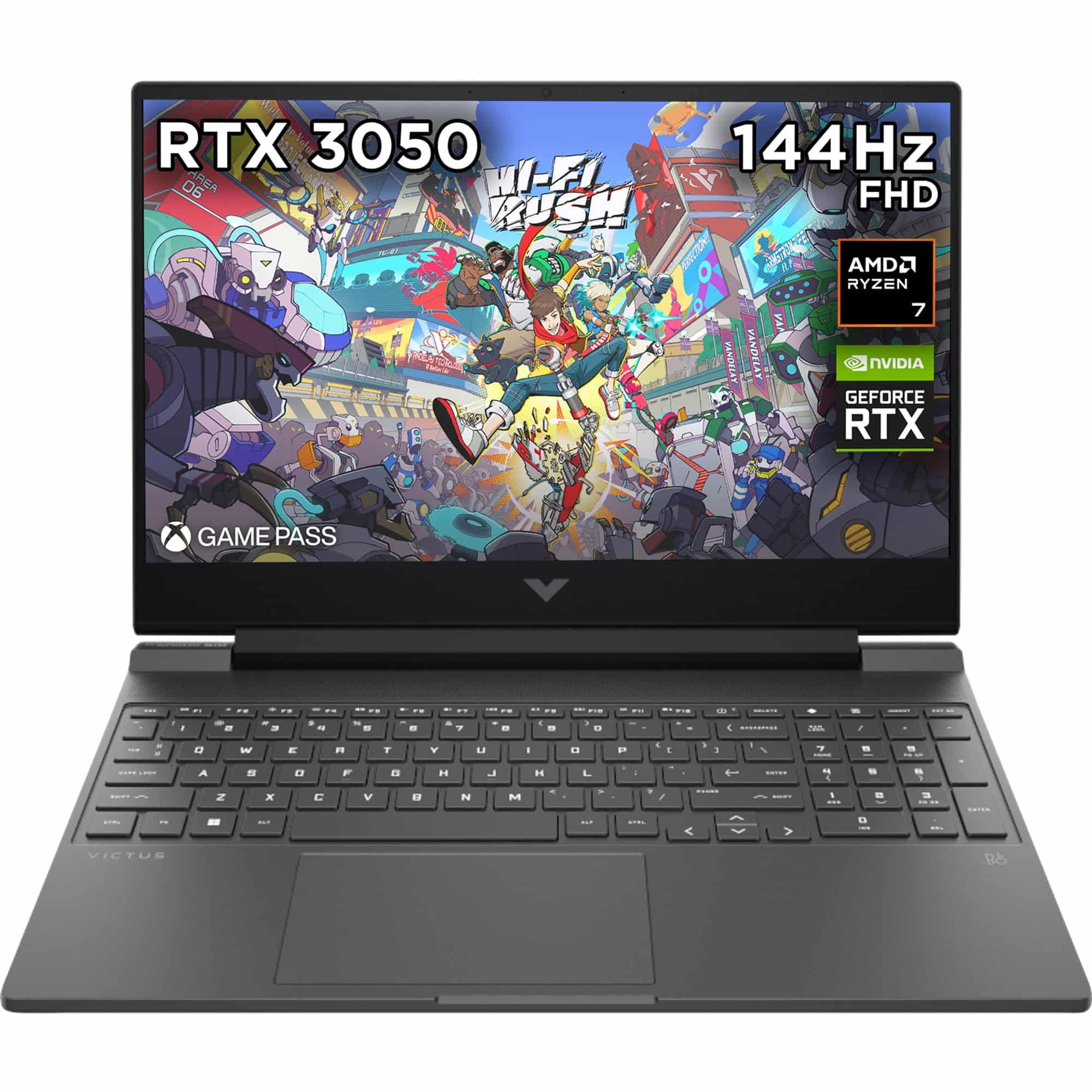 Top pick: HP HP Victus 15.6" Gaming Laptop | AMD Ryzen 7 7445H Processor | 16GB RAM | 512GB SSD | NVIDIA GeForce RTX 4050 | 144Hz FHD IPS Anti-glare Display | Windows 11 | AMD FreeSync | Fast charge | 15-fb3003sa
It's half eleven on a Wednesday, your MATLAB simulation has been running for twenty minutes, your AutoCAD file is open in another window, and your laptop fan sounds like it's auditioning for a wind tunnel experiment. Engineering degrees are genuinely demanding on hardware in a way that most student laptop guides completely ignore. Between £700 and £1100, there are machines that will handle the workload properly and ones that will make the next three years quietly miserable. Here's how to tell the difference.
What actually matters
RAM
Picking the best laptop for engineering students comes down to one uncomfortable truth: the software you'll actually run doesn't care about your budget. MATLAB, Simulink, AutoCAD, Ansys, they all chew through memory, and you'll have them open alongside a browser stuffed with tabs and a lecture recording. Sixteen gigabytes of RAM is your absolute floor. Thirty-two is the sensible target if the money's there, or if the machine lets you upgrade down the line. That's the part most people get wrong, and it's expensive to fix later. Below, I've split the picks into two clear price bands, £700 and £1100, so you can match the spec to what you're actually studying without overpaying for headroom you'll never touch.
Processor
You need sustained performance, not just burst speed. A lot of engineering tasks, particularly simulation and compilation, run for minutes at a time rather than seconds. Modern AMD Ryzen 7 or Intel Core Ultra chips handle this well, and Apple's M4 is genuinely impressive for sustained workloads without throttling. Avoid anything below a Ryzen 5 or Core i5 equivalent at this budget.
GPU
Depends on your discipline, straight up. Mechanical and civil engineers doing 3D CAD or rendering will get real value from a discrete GPU, something around an RTX 4060 level. Software engineers and most electrical engineers can get by on integrated graphics. If you're not sure what your later modules will demand, a mid-range discrete GPU is decent insurance.
Battery life
Campus days are long. Labs, lectures, and library sessions can easily stack to eight or nine hours, and hunting for a socket in a busy engineering building is a genuine faff. Aim for a machine that independent tests show hitting eight hours or more under mixed use. Manufacturer claims are almost always optimistic, so check real-world reviews.
Display
A 1080p or 1440p display at 15 inches is the sweet spot. You'll be reading schematics, checking simulation outputs, and staring at code for hours, so a sharp, reasonably colour-accurate panel matters more than raw brightness. IPS or OLED panels are preferable to cheap TN screens, which can make fine detail look muddy.
What you can ignore
High refresh rate displays. A 144Hz or 165Hz screen is brilliant for gaming but makes essentially no difference when you're running simulations or drafting in AutoCAD. Don't pay extra for it.
RGB keyboards. Looks fun in the shop, irrelevant in the library at 1am. Some gaming laptops bundle RGB as a selling point and charge accordingly. It's not a reason to choose or avoid a machine, but don't let it sway you.
More than 512GB of base storage. University servers, OneDrive, and external drives handle the bulk of large project files perfectly well. A fast 512GB SSD is fine for most students. Spending extra on a 1TB internal drive is rarely the best use of budget here.
Thunderbolt 4 at all costs. Useful if you're connecting to an external GPU dock or high-end peripherals, but most engineering students never need it. USB-C with good transfer speeds and a couple of USB-A ports will do the job for the vast majority of setups.
Three worth considering
The HP Victus 15 is the pick for engineers who want discrete GPU performance without the premium price tag. It's well suited to mechanical or civil engineering students who need to run AutoCAD or light rendering alongside their coursework. The RTX 4060 handles 3D workloads properly, the build is solid, and it sits comfortably within the lower end of this budget. The honest trade-off is that it's not the most elegant machine to carry around, and battery life under load is shorter than you'd want for a full campus day. Near a socket, though, it's spot on.
The MacBook Air M4 is worth serious consideration for software, electrical, or chemical engineering students whose course doesn't mandate Windows-only tools. The M4 chip handles MATLAB, Python, and sustained compilation tasks brilliantly, and the battery life is genuinely class-leading, which matters when you're on campus all day. The trade-off is real: if SolidWorks or similar Windows-only CAD software is on your required list, the MacBook Air is a problem. Check your course handbook before committing. For those it suits, it's a proper workhorse.
The Lenovo LOQ sits in the middle ground and does it well. It's a good shout for engineers who want reliable GPU performance, a sturdy build, and Lenovo's generally decent keyboard for long typing sessions. It handles simulation software and CAD without drama, and the price-to-performance ratio is hard to argue with. Battery life is the one area where you'll notice the compromise, so it suits students who spend most of their time in labs or lecture theatres with power access nearby rather than roaming all day.
Windows vs macOS: the decision engineering students actually face
This is the one that causes the most confusion, and the answer is genuinely: check your course requirements first. Many UK engineering programmes still use Windows-only software, particularly for CAD and simulation tools with no macOS equivalent. If your department uses SolidWorks, you need Windows, full stop. If your course is more Python, MATLAB, and general computing-heavy, macOS is a legitimate and often excellent choice. Don't let brand loyalty or peer pressure decide this. A quick email to your department's IT team or a look at the first-year module handbook will give you a definitive answer, and that answer should drive the decision more than anything else on this list.
Before you buy: a checklist
- Confirm your course's required software. Check whether any tools are Windows-only before ruling out or committing to macOS. Your department's IT page or student handbook usually lists this.
- Verify the RAM is upgradeable. Some laptops solder RAM to the motherboard, which means you're stuck with what you buy. If you're starting with 16GB, knowing you can upgrade to 32GB later is genuinely useful.
- Check the warranty and UK support. A one-year manufacturer warranty is standard, but some retailers offer extended cover. Engineering students put laptops through heavy use, so accidental damage cover is worth considering.
- Look at independent battery tests, not manufacturer claims. A laptop rated at "up to 12 hours" by the manufacturer might deliver six under real workloads. Find a review that tests under mixed use before you reckon you're sorted on battery life.
- Buy from a retailer with a decent return window. The first two weeks of actual use will tell you more than any spec sheet. Make sure you have room to return or exchange if something feels off.
Not studying engineering, or working with a bigger budget? Our guide to the best laptops for university students under £1000 ranks the strongest all-round student picks.
Three worth your money
Each link adds the product to your Amazon basket so you can compare them side-by-side at checkout.
HP
HP Victus 15.6" Gaming Laptop | AMD Ryzen 7 7445H Processor | 16GB RAM | 512GB SSD | NVIDIA GeForce RTX 4050 | 144Hz FHD IPS Anti-glare Display | Windows 11 | AMD FreeSync | Fast charge | 15-fb3003sa
ASUS
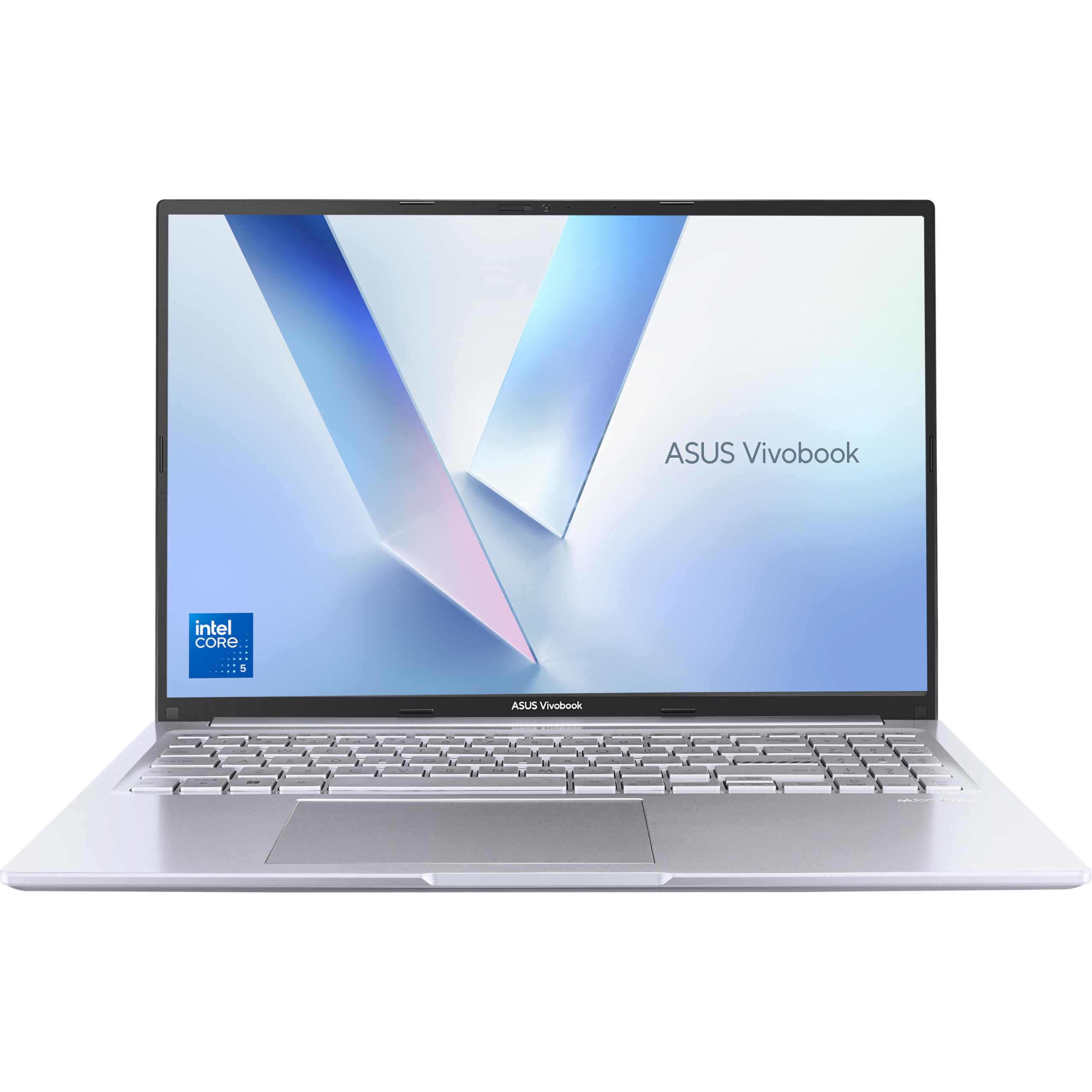
ASUS Vivobook 16 X1605VA Laptop | 16.0" WUXGA 16:10 Screen | Intel Core 5-120U | 16GB RAM | 512GB PCIe SSD | Windows 11 | Silver

acer
Acer Aspire 5 Slim Laptop, 15.6" Full HD IPS Display, AMD Ryzen 5 3500U, Vega 8 Graphics, 8GB DDR4, 256GB SSD, Backlit Keyboard, Windows 10 Home, A515-43-R5RE, Silver
- HP Envy x360 14 Ryzen 7 8840HS Review: Strong Performance, Real Trade-Offs
- Acer Aspire Go 15 AG15-71P Review: Strong CPU, Spanish Keyboard Caveat
- Acer Nitro 5 GTX 1650 Review UK (2026): Honest Verdict on a Dated but Capable Machine
- ASUS VivoBook S15 S533 Review: Great Keyboard, Ageing Silicon
- ASUS Vivobook 14 i3-1215U Review: Reliable but Limited
We're an Amazon Associate. If you click a product link and buy something, we earn a small commission at no extra cost to you. We only recommend products we'd use ourselves.
Top pickHP Victus 15.6" Gaming Laptop | AMD Ryzen 7 7445H Processor | 16GB RAM | 512GB SSD | NVIDIA GeForce RTX 4050 | 144Hz FHD IPS Anti-glare Display | Windows 11 | AMD FreeSync | Fast charge | 15-fb3003sa£828.00Add to cart →