
VR-LAPTOP Decision guide
Best Laptops for Business Students: £700, £1100 Guide
Choosing a laptop for a business degree? We cut through the noise on specs, battery life, and portability to help you pick right between £700 and £1100.
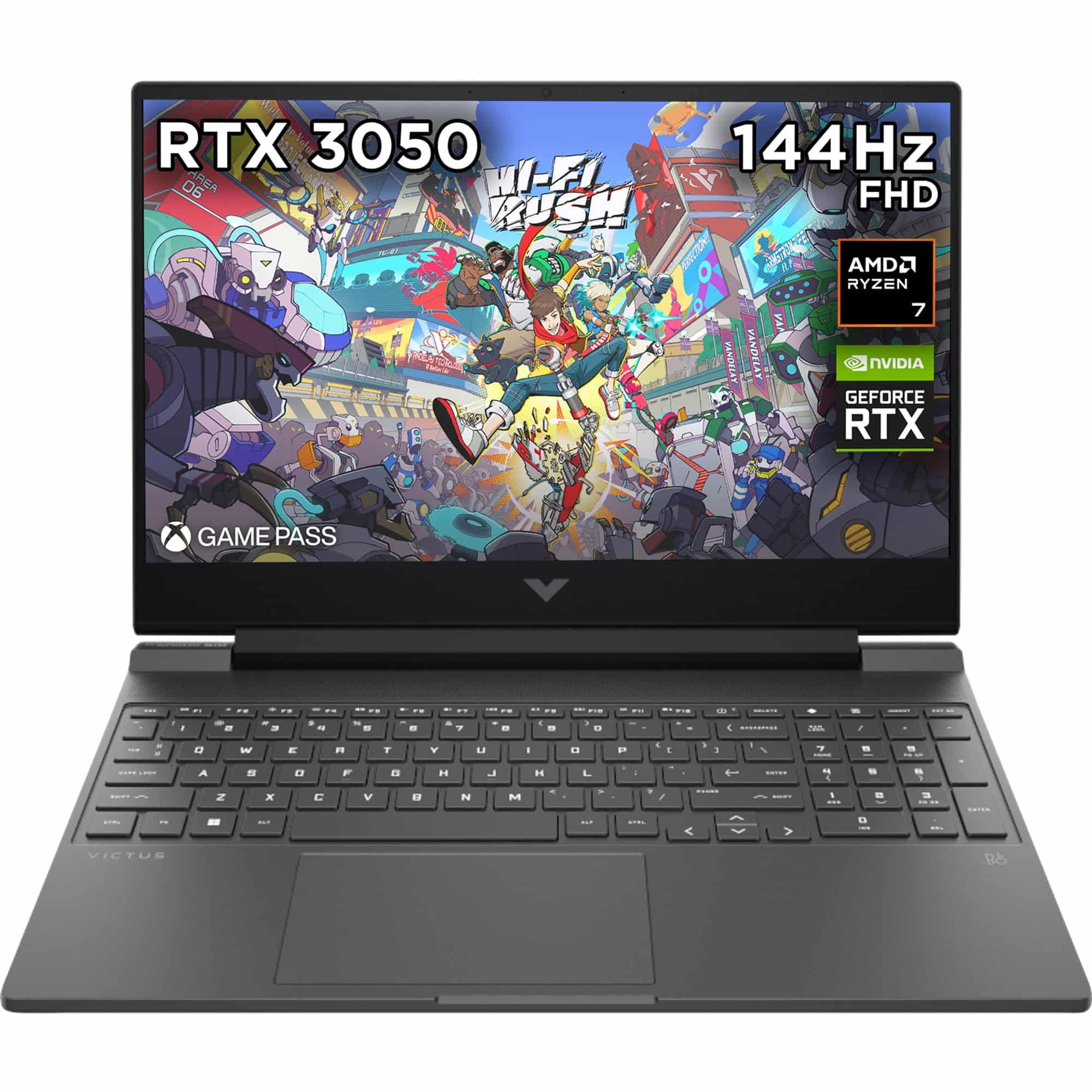 Top pick: HP HP Victus 15.6" Gaming Laptop | AMD Ryzen 7 7445H Processor | 16GB RAM | 512GB SSD | NVIDIA GeForce RTX 4050 | 144Hz FHD IPS Anti-glare Display | Windows 11 | AMD FreeSync | Fast charge | 15-fb3003sa
You've got a 9am finance lecture, a group presentation due Thursday, and a part-time job that means you're finishing off case studies at half eleven on a Tuesday night. Your laptop needs to handle Excel models, PowerPoint decks, Teams calls, and a browser that never has fewer than fifteen tabs open. It also needs to survive a full day on campus without dying before your last seminar. Somewhere between £700 and £1,100, there's a machine that does all of that without making you miserable.
What actually matters
Battery life
This is the one. A business student's day is long and unpredictable, and power sockets in lecture theatres are a lottery. You want a laptop that genuinely lasts ten hours under real workloads, not the manufacturer's optimistic figure recorded while playing a looping video at minimum brightness. Anything under eight hours of honest use is going to cause you grief by week three of term.
Display quality
You will stare at spreadsheets, slide decks, and dense case study PDFs for hours at a stretch. A sharp, comfortable IPS or OLED panel with decent brightness makes that far less fatiguing. Aim for at least 1080p, ideally on a 14 or 15-inch screen. Glossy panels look lovely in a shop and become mirrors the moment you sit near a window.
RAM and storage
16GB of RAM is the minimum worth considering in 2026. Business software is not especially demanding, but having Teams, Excel, a browser, and Outlook all open simultaneously adds up faster than you'd reckon. For storage, 512GB is fine if you use OneDrive or Google Drive regularly. A fast SSD matters more than raw capacity.
Keyboard and build
You are going to type a lot. Thousands of words of essays, reports, and emails. A keyboard that feels proper to type on is not a luxury, it's a productivity tool. Build quality matters too because this machine is going in a bag every single day for three years.
What you can ignore
A dedicated GPU. Unless your course involves GPU-accelerated data work, integrated graphics handle everything business software asks of them. A discrete GPU adds cost, weight, and fan noise you simply don't need.
A 144Hz or higher refresh rate display. Lovely for gaming, irrelevant for spreadsheets. Standard 60Hz or 90Hz is perfectly comfortable for productivity and saves battery.
More than 16GB RAM. Some retailers will try to upsell you to 32GB. For a business degree, that's overkill. Save the money or put it toward a better display or longer battery life.
A chunky chassis with aggressive styling. Heavier laptops with RGB lighting and angular vents are designed for a desk. You need something you can carry without noticing it by the end of the day.
Three worth considering
The MacBook Air M4 is the no-brainer pick for business students who are already in the Apple ecosystem or who prioritise battery life above everything else. The M4 chip handles Microsoft 365 brilliantly, the build quality is genuinely excellent, and you can expect a full day of use without a charger. The honest trade-off is that a small number of specialist finance or accounting applications still behave better on Windows, so check your course software list before committing. For students who want the best all-round portable experience and can live within macOS, this is the one to beat at this budget.
If you're set on Windows and want something lighter and more professional in feel, the HP Victus 15 offers solid everyday performance at a price that sits comfortably within the lower end of this budget. It's a capable machine for the core business workload, though the gaming-oriented design means it's a touch bulkier than a dedicated productivity laptop. Worth a look if you also want to game occasionally and don't mind the extra weight in your bag.
The Lenovo LOQ is the pick for the business student who also games seriously and wants one machine to do both jobs. Performance is strong, the keyboard is decent, and Lenovo's build quality is reliable. The trade-off is battery life: gaming laptops in this class rarely last a full campus day unplugged, so you'll want to factor in carrying the charger. For someone who spends most of their time at a desk and games in the evening, that's a perfectly reasonable compromise.
Mac or Windows: the decision most business students actually agonise over
The honest answer is that both work well for a business degree. macOS handles Microsoft 365 properly now, battery life on the MacBook Air M4 is class-leading, and the build quality is hard to argue with. Windows gives you broader software compatibility, more hardware choice, and tends to be the default in corporate environments, which matters if you're thinking about internships. If your university IT department or your specific modules rely on Windows-only software, that settles it. If not, pick whichever ecosystem you already know. Switching operating systems mid-degree is unnecessary faff.
Before you buy: a checklist
- Check your university's recommended or required software list. Some accounting and finance tools are Windows-only.
- Weigh the actual laptop, not just the spec sheet. Anything over 1.8kg will feel heavy by the end of a long day on campus.
- Confirm the return and warranty policy. Student life is hard on hardware and a solid warranty saves headaches.
- Look at the port selection. At minimum you want USB-A, USB-C, and HDMI for connecting to lecture theatre displays.
- Check whether your student union or university offers education discounts, particularly for Apple, Lenovo, and HP. You can often save a meaningful amount off the retail price.
Three worth your money
Each link adds the product to your Amazon basket so you can compare them side-by-side at checkout.
HP
HP Victus 15.6" Gaming Laptop | AMD Ryzen 7 7445H Processor | 16GB RAM | 512GB SSD | NVIDIA GeForce RTX 4050 | 144Hz FHD IPS Anti-glare Display | Windows 11 | AMD FreeSync | Fast charge | 15-fb3003sa
ASUS
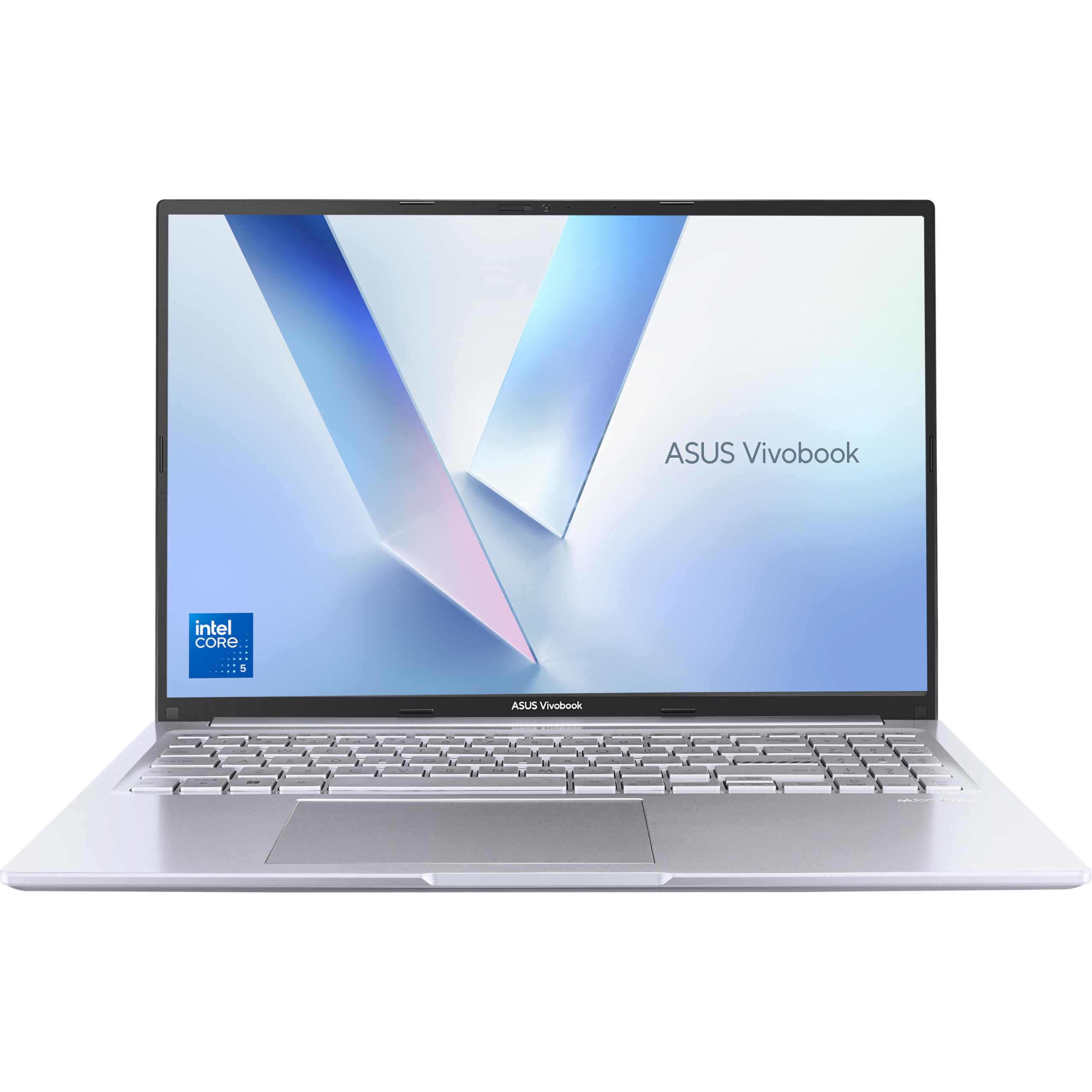
ASUS Vivobook 16 X1605VA Laptop | 16.0" WUXGA 16:10 Screen | Intel Core 5-120U | 16GB RAM | 512GB PCIe SSD | Windows 11 | Silver

acer
Acer Aspire 5 Slim Laptop, 15.6" Full HD IPS Display, AMD Ryzen 5 3500U, Vega 8 Graphics, 8GB DDR4, 256GB SSD, Backlit Keyboard, Windows 10 Home, A515-43-R5RE, Silver
- HP Envy x360 14 Ryzen 7 8840HS Review: Strong Performance, Real Trade-Offs
- Acer Aspire Go 15 AG15-71P Review: Strong CPU, Spanish Keyboard Caveat
- Acer Nitro 5 GTX 1650 Review UK (2026): Honest Verdict on a Dated but Capable Machine
- ASUS VivoBook S15 S533 Review: Great Keyboard, Ageing Silicon
- ASUS Vivobook 14 i3-1215U Review: Reliable but Limited
We're an Amazon Associate. If you click a product link and buy something, we earn a small commission at no extra cost to you. We only recommend products we'd use ourselves.
Top pickHP Victus 15.6" Gaming Laptop | AMD Ryzen 7 7445H Processor | 16GB RAM | 512GB SSD | NVIDIA GeForce RTX 4050 | 144Hz FHD IPS Anti-glare Display | Windows 11 | AMD FreeSync | Fast charge | 15-fb3003sa£828.00Add to cart →