
VR-DESKTOP Decision guide
Best Desktop PCs for Developers: £1,000, £1,500 UK Guide
Compiling, containerising, running local dev servers, your desktop needs to keep up. Here are the three best options between £1,000 and £1,500 in the UK.
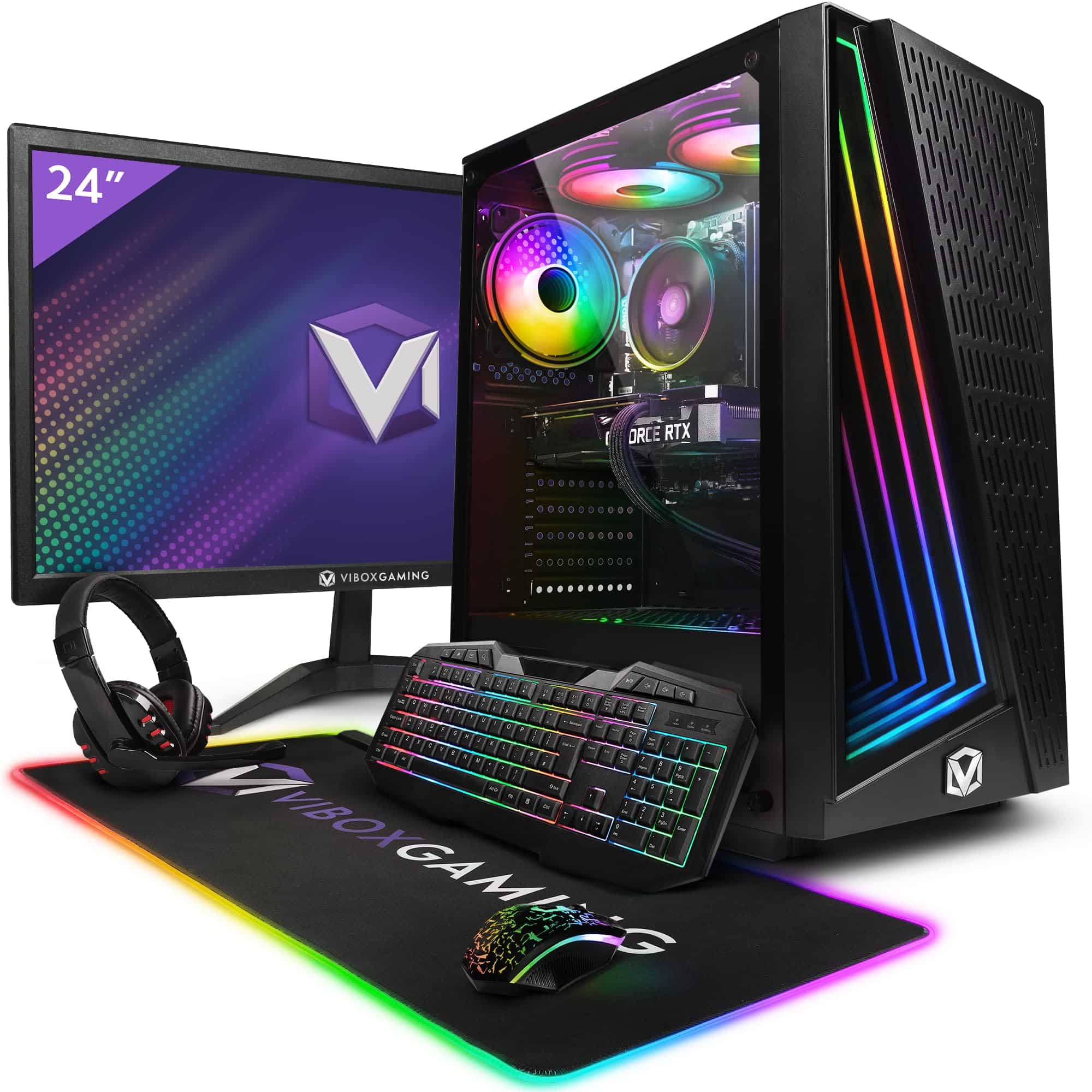 Top pick: Vibox Vibox V Gaming PC (Ryzen 5 5500, RTX 5060 Ti, Black)
It's half ten at night. Your CI pipeline just failed on a dependency conflict, you've got three Docker containers running, VS Code is eating RAM like it's free, and your current machine is audibly struggling. You're somewhere between £1,000 and £1,500 and you need a desktop that handles real workloads without turning every npm install into a meditation exercise. The good news: at this budget, you've got genuinely strong options, including one that might surprise you.
What actually matters
CPU core count and clock speed
Compilation is the one task that will expose a weak processor every single day. Multi-core performance matters more here than in almost any other use case. A processor with eight or more cores, running at decent clock speeds, will cut your build times noticeably compared to older quad-core chips. This is the spec to prioritise above everything else.
RAM
32GB is the practical minimum for a developer desktop in 2026. Running Docker, a local database instance, an IDE, and a browser simultaneously will push 16GB systems into swap territory, and that's where things get sluggish and annoying. If a machine ships with 16GB, check whether it's upgradeable before committing.
Storage speed and capacity
NVMe SSD is non-negotiable. Spinning hard drives will bottleneck everything from boot times to project indexing in your IDE. You want at least 512GB, though 1TB is far more comfortable once you factor in OS, toolchains, node_modules graveyards, and Docker image caches.
Connectivity and expandability
USB-C, multiple USB-A ports, and ideally Thunderbolt support if you're planning to run external displays or fast storage. A desktop that's awkward to plug things into becomes a daily faff. Check the rear IO before assuming it's sorted.
What you can ignore
High-end GPU performance. Unless you're training ML models locally or doing CUDA compute work, a powerful graphics card is largely wasted on development tasks. Don't pay a premium for GPU specs you won't use.
RGB lighting. Genuinely irrelevant to your workflow. Some machines in this range come with it, which is fine, but don't let it influence your decision either way.
Integrated speakers. You'll use headphones or a proper speaker setup. Desktop speakers are almost always an afterthought from manufacturers.
Bundled peripherals. Keyboards and mice that come in the box are usually cheap and replaceable. Factor in a decent keyboard budget separately rather than treating the bundle as a selling point.
Three worth considering
The Vibox VII Gaming PC (i7-12700KF, RTX 5060, White) is the pick for developers who want raw CPU muscle and room to grow. The i7-12700KF is a proper workhorse with twelve cores, which means compilation jobs and parallelised test suites run fast. The RTX 5060 is overkill for pure coding, but if you do any ML experimentation or fancy a game after hours, it's there. The honest trade-off is that it's a larger, louder machine than some developers want on a desk. But if performance is the priority, this one delivers it.
The Vibox IV Gaming PC (Ryzen 7 5700X, RTX 4060, Black) sits at the more accessible end of this budget and is a no-brainer for developers who want a capable, no-nonsense Windows machine without stretching to the top of the range. The Ryzen 7 5700X handles everyday dev workloads well, and the RTX 4060 is more than adequate. The trade-off is that the 5700X is a slightly older architecture compared to newer Ryzen or Intel options, so it won't match the Vibox VII on heavily threaded tasks. For most web and backend developers, though, that difference won't be felt day to day.
The Apple Mac Mini M4 is the wildcard, and for a significant chunk of developers it's actually the smartest buy here. macOS is the native environment for a huge amount of web, iOS, and backend tooling. The M4 chip is genuinely fast, power-efficient, and handles compilation and multitasking with ease. It's also remarkably compact. The trade-off is real though: RAM and storage are fixed at purchase, so you need to spec it correctly upfront. And if your stack is Windows-dependent or you rely on specific Windows-only tools, it's the wrong call entirely.
macOS vs Windows: the decision that actually matters here
This is the fork in the road for most developers at this budget. If you're doing web development, iOS work, or anything in the Apple ecosystem, macOS removes friction that you don't even notice until it's gone. Terminal behaviour, package management via Homebrew, and native Unix tooling all feel more natural. Windows has closed the gap significantly with WSL2, and for.NET, Azure, or enterprise-stack developers it's the obvious choice. Be straight up with yourself about your actual stack before deciding. The Mac Mini M4 and the Vibox machines are both excellent, but they serve different workflows.
Before you buy: a checklist
- Confirm the machine ships with at least 32GB RAM, or verify that RAM slots are accessible and upgradeable if it ships with 16GB.
- Check that storage is NVMe SSD, not SATA or, worse, a spinning drive. Look for 1TB minimum given how quickly dev environments fill up.
- If you're buying the Mac Mini M4, configure RAM and storage at the point of purchase. You cannot upgrade either afterwards.
- Verify the rear IO has enough USB ports and display outputs for your monitor setup before assuming it'll handle a dual-display configuration.
- Check the returns and warranty policy. UK consumer rights give you protection, but manufacturer warranty terms vary and are worth reading before committing at this price point.
Three worth your money
Each link adds the product to your Amazon basket so you can compare them side-by-side at checkout.


We're an Amazon Associate. If you click a product link and buy something, we earn a small commission at no extra cost to you. We only recommend products we'd use ourselves.
Top pickVibox V Gaming PC (Ryzen 5 5500, RTX 5060 Ti, Black)£1064.95Add to cart →