Best Overall Value
Picking a graphics card for content work in 2026 comes down to one question: how fast can it get your project out the door? That's where the best graphics cards for content creators earn their keep, and the gap between a good pick and a costly mistake is wider than the spec sheets suggest. Encoder quality, VRAM headroom for 4K timelines, driver stability during long renders: these matter far more than the core counts marketing teams love to shout about. Some cards breeze through AV1 exports and choke on colour grading. Others do the reverse. We've sorted through the options that actually hold up under real editing loads, so you can spend your money once and get back to the work that pays.
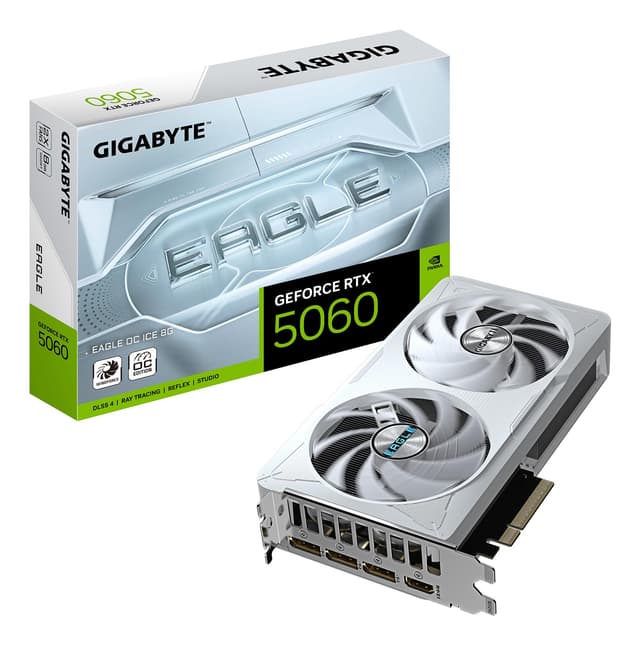
The 8GB of GDDR7 is fast, and while it's not a huge buffer, it's plenty for 1080p editing and comfortable enough for most 4K timelines that aren't stacked with effects. Photo work in Lightroom and Photoshop? Barely breaks a sweat. The low-profile design is the sleeper feature here, it drops into small form factor and slim office cases where most creator cards simply won't fit. IP5X dust resistance is a nice touch for a home studio that isn't spotless.
Here's the thing: at this price you're getting current-gen encode hardware and PCIe 5.0 for a fraction of what the bigger cards cost. Owners consistently praise how quiet and cool it runs. If your work is video, photo and light 3D, this hits the value bullseye. For the full breakdown see our full ASUS RTX 5060 LP review.
Pros
- Latest NVENC with AV1 encode
- Fast GDDR7 memory
- Fits small and slim cases
- Runs quiet and cool
Cons
- 8GB limits heavy 4K work
- Not built for big 3D scenes
Buy on Amazon£429.98Read full review
Best VRAM Under £1000
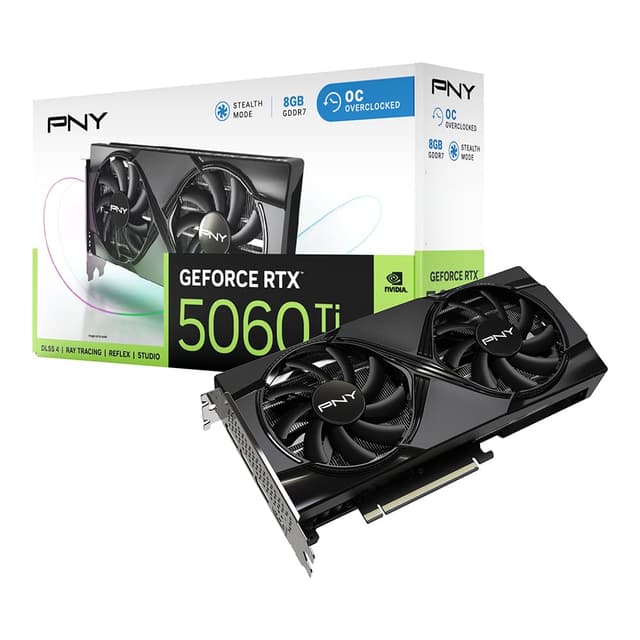
If the RTX 5060 above is the value pick, this is the one to reach for when VRAM is your bottleneck. That 16GB of GDDR7 is the story. Content creators hit memory walls before they hit compute walls, and doubling the buffer over the standard 5060 means 4K timelines with several layers, big Photoshop files and mid-size Blender scenes all stay smooth.
It's the same Blackwell encode engine as our top pick, so AV1, HEVC and H.264 exports fly. Three DisplayPort 2.1a outputs plus HDMI 2.1b give you a proper multi-monitor grading setup too. The 128-bit bus is the one caveat, it's narrower than you might expect at this price, so raw bandwidth isn't class-leading. In practice, the sheer capacity matters more for creators than the bus width, and owners report it holds up well in After Effects and DaVinci Resolve.
For a serious hobbyist or a semi-pro who wants headroom without spending flagship money, this is one of the Best Graphics Cards for content creators on the list. We go deeper in our MSI RTX 5060 Ti 16G review.
Pros
- 16GB VRAM for the price
- Modern AV1 encoder
- Triple DisplayPort 2.1a
- Cool, quiet cooler
Cons
- Narrow 128-bit bus
- Pricey for its tier
Buy on Amazon£1206.14Read full review
Best for Fast Exports
Step up to the 5070 and you get a noticeable jump in compute, which shows up directly in render and export times. If you're the sort who exports a lot of long-form video, or you use GPU-accelerated effects heavily, the extra grunt here pays for itself in saved hours. The 28Gbps GDDR7 on a 192-bit bus gives it far more bandwidth than the 5060 Ti, so it moves data around quickly.
The 12GB buffer is the compromise. It's more than the base 5060, less than the 5060 Ti. For most 4K editing it's fine, but if you regularly work with huge assets or complex 3D, you'll notice it fills sooner than a 16GB card. The Tri Frozr 4 cooler is a genuine highlight, three fans keep it whisper-quiet under sustained render loads, which owners rate highly for long sessions.
This is a fast, well-cooled card for creators who value throughput over sheer VRAM capacity. See our full MSI RTX 5070 Gaming Trio review for the numbers.
Pros
- Strong compute for exports
- High-bandwidth GDDR7
- Excellent triple-fan cooling
- PCIe 5.0 and DP 2.1b
Cons
- 12GB feels tight for 3D
- Larger, needs case room
Buy on AmazonRead full review
Best AMD Value
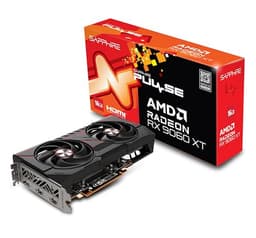
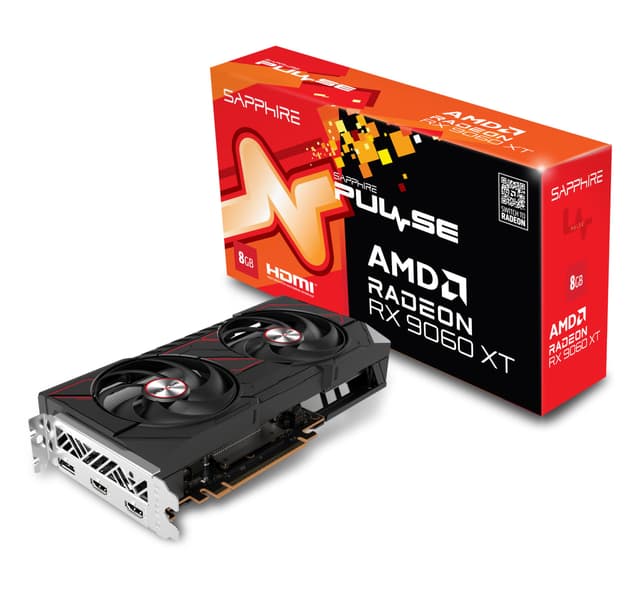
AMD's RDNA 4 changed the value conversation, and this Pulse card is the proof. You get 16GB of GDDR6 at a price that undercuts the NVIDIA 16GB options, which is a big deal for creators who keep hitting memory limits. For colour grading, layered Photoshop work and 4K timelines, that buffer means fewer stalls.
The honest catch is software. AMD's encode quality has improved a lot and the cards support AV1, but the creative world still leans on NVIDIA's CUDA and NVENC. If your editor or renderer is CUDA-accelerated, an AMD card leaves some performance on the table. Check your specific software first. Where AMD is fully supported, or you're in OpenCL and Vulkan pipelines, this card is a bargain.
The Sapphire Pulse cooler is a known quantity, quiet and reliable, and owners rate the build. For AMD-friendly workflows it's one of the Best Graphics Cards for content creators when measured on VRAM per pound. Worth a look on our Sapphire Pulse RX 9060 XT review.
Pros
- 16GB VRAM at a keen price
- Modern RDNA 4 architecture
- AV1 encode support
- Quiet Pulse cooler
Cons
- Weaker in CUDA-only apps
- Encode still trails NVENC
Buy on Amazon£469.99Read full review
Best for Heavy 4K & 3D
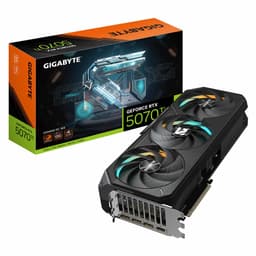
When your work is genuinely demanding, this is where the list gets serious. The 5070 Ti pairs 16GB of GDDR7 with a full 256-bit bus, so you get both capacity and bandwidth, which is exactly what heavy 4K editing and 3D rendering need. Big Blender scenes, complex Fusion comps, multi-stream 4K timelines: this card handles them without the stutter cheaper options show.
It's got the latest NVENC engine too, so encode-heavy workflows fly, and CUDA support means every major creative app uses it fully. The Gaming OC cooler is a chunky triple-fan design that keeps temperatures and noise down during long renders. That does mean it's a large card, so measure your case.
Yes, it costs proper money. But for a working creator whose time is billable, the render speed and VRAM headroom justify it. This is comfortably one of the Best Graphics Cards for content creators for pro-grade work. Full detail in our Gigabyte RTX 5070 Ti review.
Pros
- 16GB GDDR7 on a wide 256-bit bus
- Excellent for 4K and 3D
- Latest NVENC and CUDA
- Strong triple-fan cooling
Cons
- Expensive
- Physically large
Buy on AmazonRead full review
Best AMD Performance
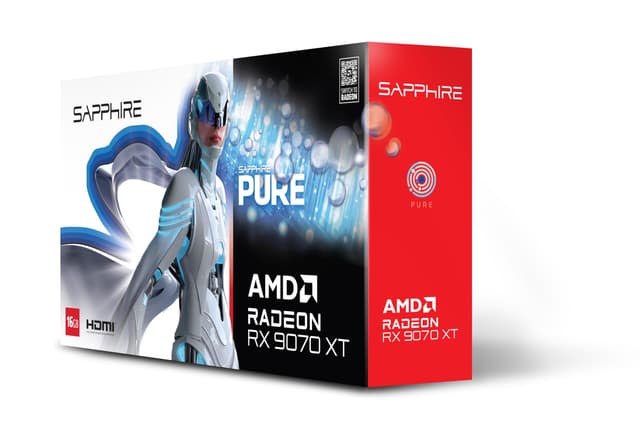
This is AMD's strongest showing for creators on our list. The 9070 XT is a big step up from the 9060 XT, with far more compute and the same generous 16GB of GDDR6. For editing, grading and Vulkan or OpenCL rendering, it's seriously quick, and it undercuts NVIDIA's comparable tier.
The Magnetic Air cooler design is a talking point, XFX uses tool-free magnetic fans so you can pop them off to clean, which is a genuinely thoughtful touch for a dusty home studio. Build quality gets good marks from owners, and it runs cool under load.
Same caveat as the other AMD cards though: if your workflow lives on CUDA, you won't get the full picture here. Check your software support before you buy. But for creators in AMD-friendly pipelines who want strong performance and 16GB without NVIDIA pricing, it's a smart buy. See our XFX Mercury RX 9070 XT review for more.
Pros
- Fast RDNA 4 performance
- 16GB VRAM
- Clever removable magnetic fans
- Good value versus NVIDIA
Cons
- CUDA apps favour NVIDIA
- RGB won't suit everyone
Buy on Amazon£798.00Read full review
Best Cooling
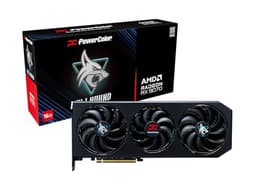
The Hellhound is a well-regarded cooler on a capable 16GB RDNA 4 card. PowerColor's cooling has a strong reputation, and this one keeps the 9070 quiet and frosty even during long export or render sessions, which is exactly what you want if the machine sits next to you all day.
On paper it's a solid creator card: 16GB of GDDR6 gives good headroom for 4K work and layered projects, and the RDNA 4 base means modern AV1 encode is on board. The problem is purely the price. As listed, it's the most expensive card here, and that's very hard to justify against the 9070 XT above or NVIDIA's 5070 Ti, both of which offer more for the money.
If you can find it discounted closer to sensible 9070 pricing, it's a genuinely good creator GPU with excellent cooling. At the current figure, look elsewhere first. The same CUDA caveat applies for AMD as with the other Radeon cards.
Pros
- Superb, quiet cooling
- 16GB VRAM
- Modern RDNA 4 with AV1
Cons
- Very high list price
- Beaten on value by faster cards
- CUDA apps favour NVIDIA
Buy on Amazon£892.22Read full review
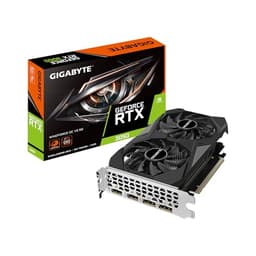
Best Under £200
This is our budget champion, and the reason is simple: it's the cheapest way onto a modern NVIDIA card with a usable NVENC encoder. If you're just getting into content creation and you can't stretch to the 5060, this gets you real hardware encoding for HEVC and H.264, plus CUDA support that your editing software will actually use.
You have to be realistic about the limits. 6GB and a 96-bit bus is entry-level, so this is a 1080p editing and light photo work card, not a 4K render machine. Stack heavy effects or big timelines and you'll feel it. But for beginners cutting YouTube videos, doing Lightroom edits, or learning DaVinci Resolve, it's genuinely capable.
The dual Windforce fans keep it quiet, and it slots into small builds without a fuss. For the money it's one of the Best Graphics Cards for content creators just starting out. It won't grow with you forever, but it's a smart, affordable entry point.
Pros
- Modern NVENC and CUDA
- Under £200
- Quiet dual-fan cooler
- Compact and low-power
Cons
- Only 6GB VRAM
- Narrow 96-bit bus
- Not for 4K or 3D
Buy on Amazon£233.37Read full review
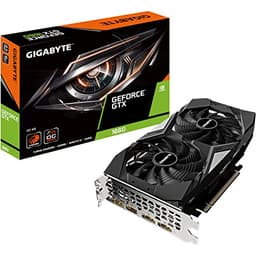
Best for Light Editing
The GTX 1660 is an old warhorse, but it still turns up as a value pick and there's a reason for that. Its 6GB of GDDR5 and Turing cores handle light editing, photo work and 1080p timelines perfectly well, and it draws little power. For a first creation PC on a tight budget, it's not a daft choice.
But you need to know what you're missing. The 1660 lacks the RT cores and, crucially, the newer NVENC generation. It has no hardware ray tracing and its encoder is older, so no AV1 and slower modern-codec exports than the RTX cards above. For CUDA-based effects it still works, just not as quickly.
So this is a light-duty card. Great for a beginner doing stills and basic video, poor for anyone eyeing 4K or serious rendering. Given the RTX 3050 sits close in price with a better encoder, we'd nudge most people that way. Still, as a low-power light editing card, it earns its spot.
Pros
- Low power draw
- Fine for 1080p and photos
- Compact and affordable
- CUDA supported
Cons
- Older encoder, no AV1
- No ray tracing
- Outclassed by the 3050
Buy on Amazon£219.00Read full review
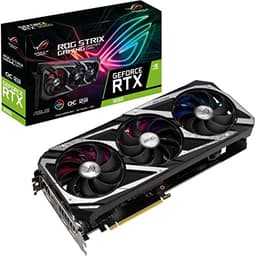
Best VRAM Per Core
The RTX 3060 has long been a darling of budget creators, and the reason is that 12GB of VRAM. That's a lot of memory for a card of this class, and it means layered edits, 4K timelines and mid-size 3D scenes have room to breathe where 8GB cards choke. It has Ampere-generation NVENC and full CUDA support, so it slots neatly into most creative apps.
The ROG Strix version is the fancy one, with a beefy 2.7-slot Axial-tech cooler and Super Alloy Power II components. It's overkill for the chip really, but it runs cold and silent as a result, and the build quality is excellent.
Here's the snag: the listed price. This is a last-gen card, and at the figure shown it's very hard to recommend over a newer 5060 or 5060 Ti that offer modern AV1 encode and faster memory for similar or less. If it drops to a sensible used-market level, the 12GB makes it a smart creator buy. At list, the value just isn't there.
Pros
- Generous 12GB VRAM
- Premium cooler and build
- CUDA and NVENC support
- Very quiet
Cons
- Overpriced at list
- Last-gen, no AV1 encode
- Physically bulky
Buy on Amazon£817.36Read full review
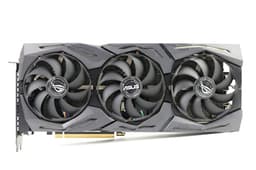
Best Build Quality
The 2070 Super was a lovely card in its day, and the ROG Strix build is beautifully made, with a solid metal shroud and a cooler that barely makes a sound. It has 8GB of GDDR6, CUDA support, and even a USB-C port, which was handy for certain capture and VR workflows.
For creation, it still works. The Turing NVENC encoder does a decent job with H.264 and HEVC, and 8GB covers 1080p and lighter 4K editing. So functionally, it's a capable creator card that will happily edit video and grade photos.
The problem is glaring: it's two generations old and the list price here is enormous. You can buy far newer, faster cards with modern AV1 encode for less. The build quality is genuinely top-tier, hence the badge, but paying flagship money for old silicon makes no sense for a creator today. Only worth it if you specifically need that USB-C output and find it far cheaper. Read more in our ASUS ROG Strix RTX 2070 Super review.
Pros
- Superb build and cooling
- USB-C output
- Still handles light 4K edits
Cons
- Wildly overpriced
- Two generations old
- No AV1 encode
Buy on Amazon£988.51Read full review
Best for Beginners on a Shoestring
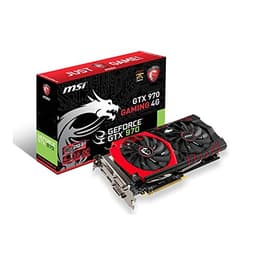
The GTX 970 is the cheapest card on the list, and that's really its only argument for a creator in 2026. It's a genuinely ancient GPU now, Maxwell architecture from years back, and it shows. The 4GB of memory is the killer, it fills fast the moment you open a 4K timeline or a big Photoshop file.
Its encoder is very old and doesn't handle modern codecs well, so exports are slow and quality options are limited. There's no AV1, no ray tracing, and driver support is winding down. For anything beyond very basic 1080p editing and light photo work, it will frustrate you.
So why include it? Because if you've got almost nothing to spend and just need any GPU to get a creation PC running while you save for something proper, it does the absolute minimum. Treat it as a temporary stopgap, nothing more. The Twin Frozr cooler is at least quiet. But honestly, even the RTX 3050 is a far wiser first buy for a creator.
Pros
- Cheapest option here
- Quiet Twin Frozr cooler
- Gets a PC running
Cons
- Only 4GB VRAM
- Very old encoder, no AV1
- Fading driver support
- Struggles with modern work
Buy on Amazon£99.99Read full review