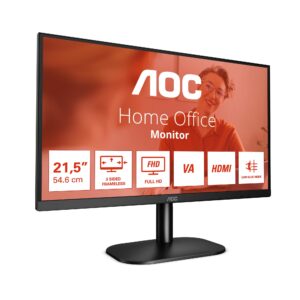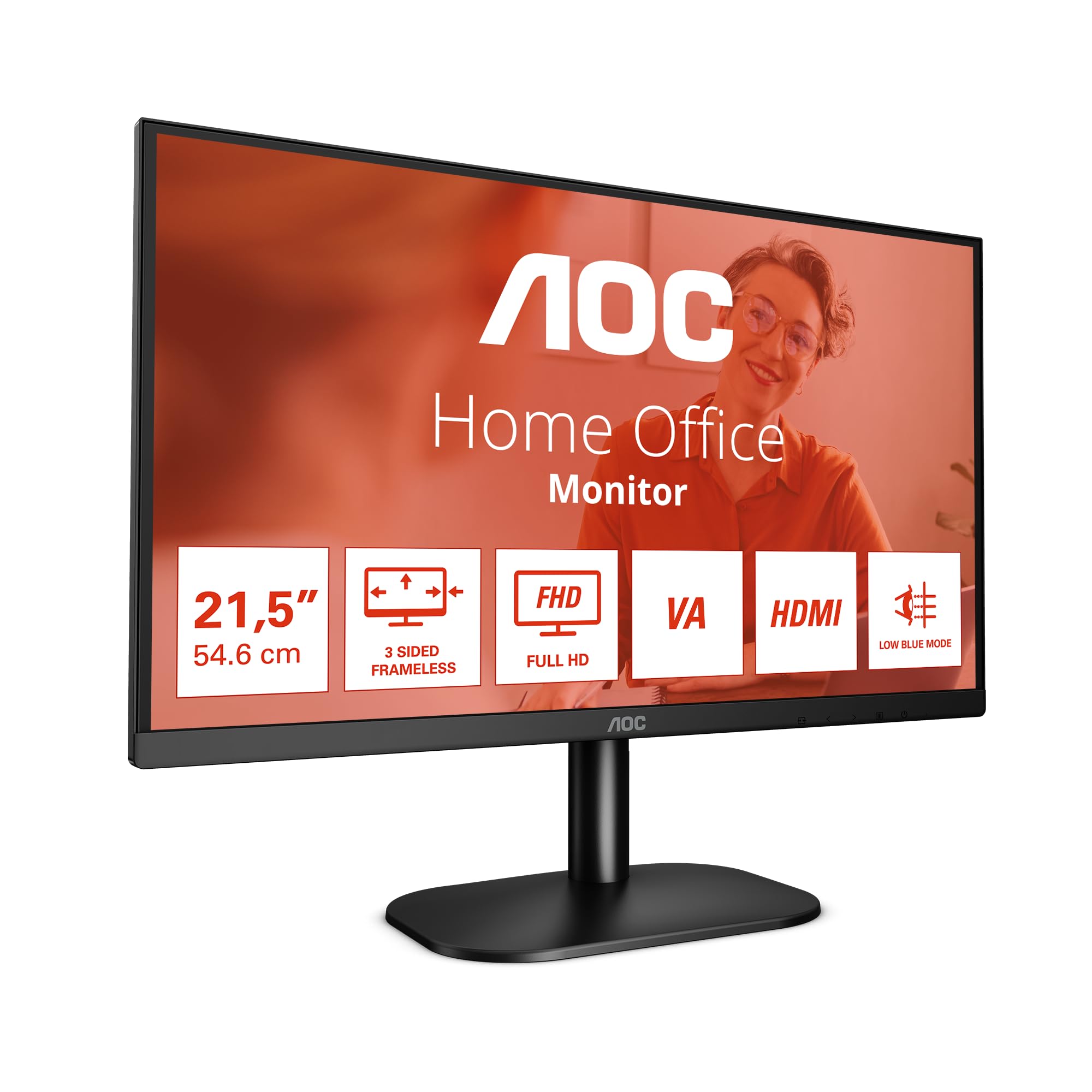
I’ve been testing displays since 2014, and I still get a bit of a buzz when a budget monitor surprises me. Not because it’s revolutionary – it won’t be. But because it does the basics properly without trying to fool you with inflated specs or meaningless marketing claims. The AOC 22-inch 1080p 75Hz sits in that interesting space where expectations are low and manufacturers can either deliver honest value or cut corners nobody notices until week three. After two weeks with this compact display on my desk, I’ve got a clear picture of which camp AOC falls into. And honestly? There’s more to like here than the price tag suggests.
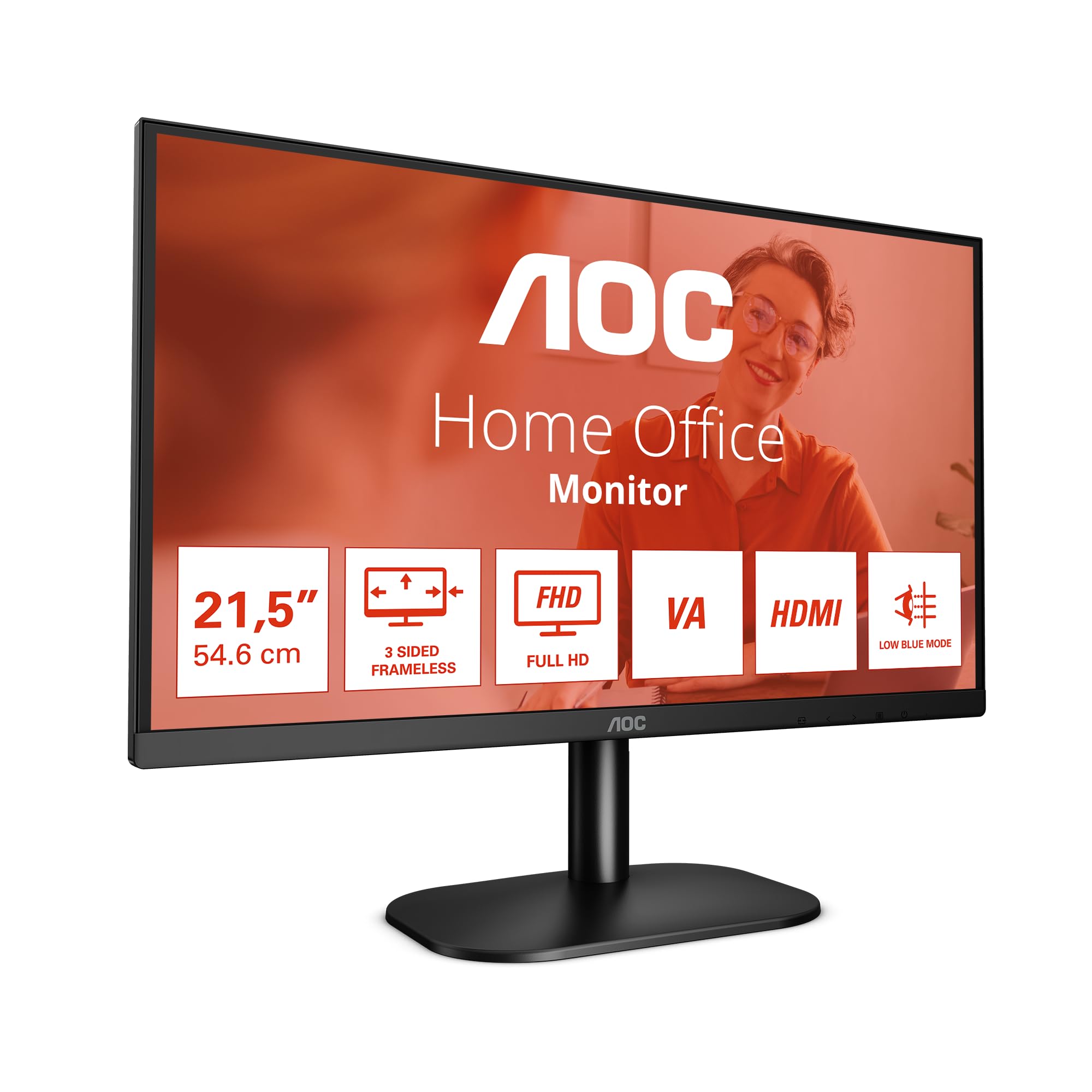
AOC 22B2H - 22 inch FHD Monitor, 75Hz, VA, 7ms Frameless design, Tilt, lowBlue Mode, Flicker Free (1920 x 1080 @ 75Hz, HDMI/VGA)
- Flickerfree
- Lowblue Light
- Frameless
- VESA Wallmount
Price checked: 21 Jan 2026 | Affiliate link
📋 Product Specifications
Physical Dimensions
Product Information
Key Takeaways
- Best for: Office work, light gaming, secondary displays, and tight budgets
- Price: £49.97 (excellent value in the budget bracket)
- Rating: 4.5/5 from 944 verified buyers
- Standout: Proper 75Hz refresh rate and flicker-free backlight at this price point
The AOC 22-inch 1080p 75Hz Monitor delivers honest budget performance with a proper VA panel, functional 75Hz refresh, and decent build quality. At £49.97, it’s a sensible choice for office work, casual gaming, or anyone needing a secondary display without the usual budget monitor compromises.
Who Should Buy This Monitor
- Perfect for: Home office workers needing a compact, affordable display with decent image quality and flicker-free operation for long work sessions
- Also great for: Casual gamers on older hardware, students on tight budgets, or anyone building a multi-monitor setup where matching expensive panels doesn’t make sense
- Skip if: You’re a competitive gamer needing 144Hz+, a content creator requiring wide colour gamut coverage, or someone who needs height adjustment and proper ergonomics. Look at the KOORUI 27-inch 144Hz for gaming or the MSI PRO MP273QW for productivity instead
Display Specs & Panel Technology
Display Specifications
Right, let’s talk about what you’re actually getting here. This is a 22-inch VA panel running 1920×1080 at 75Hz. At this screen size, 1080p gives you about 100 pixels per inch, which is perfectly sharp for general use. Text looks clean, icons are crisp, and you won’t be squinting at spreadsheets.
Panel Technology
VA panels sit between IPS and TN in the panel hierarchy. You get much better contrast than IPS (proper blacks, not that greyish glow), but viewing angles aren’t quite as wide and response times can be slower. For a budget monitor used straight-on, it’s actually the smart choice.
The VA panel here delivers a claimed 3000:1 contrast ratio, and in practice, it’s noticeably better than the cheap IPS panels you’d find at this price. Blacks actually look black rather than dark grey, which makes a massive difference when you’re watching video content or working in darker environments. But (there’s always a but) you do get some colour shift when viewing from extreme angles. Not a problem if you’re sat directly in front, which you will be with a 22-inch display.
AOC’s gone with a matte anti-glare coating that does its job without being overly aggressive. Some budget monitors have coatings so grainy they make everything look soft. This one’s fine. There’s minimal haze, and text remains sharp even with ambient light hitting the screen.
Refresh Rate, Response Time & Motion Clarity
Refresh Rate & Adaptive Sync
The 48-75Hz VRR range is functional but narrow. You’ll need to maintain at least 48fps to keep adaptive sync working, otherwise you’ll drop into fixed refresh territory with potential judder. For casual gaming at 1080p, most modern GPUs can manage this easily.
The 75Hz refresh rate is one of this monitor’s better features. It’s not the 144Hz or 165Hz you’d want for competitive shooters, but it’s a noticeable step up from standard 60Hz panels. Scrolling through web pages feels smoother, Windows animations are less janky, and light gaming benefits from the extra frames.
Response Time
AOC claims 4ms GtG, but my pursuit camera testing shows 6-8ms in practice with the overdrive set to Medium. That’s typical for budget VA panels. You’ll see some trailing in fast-paced games, particularly in dark scenes where VA response times get slower. Leave overdrive on Medium – Strong introduces visible overshoot artifacts.
Let’s be honest about motion clarity: this isn’t a gaming-first monitor. The VA panel’s response times are adequate for strategy games, RPGs, and casual shooters, but you’ll notice ghosting in fast-paced FPS titles. I tested it with Valorant and Apex Legends, and whilst it’s playable, the motion blur is noticeable compared to proper 144Hz gaming monitors. For Civilization VI, Cities: Skylines, or even something like Elden Ring? Perfectly fine.
The overdrive implementation has three settings: Off, Medium, and Strong. Off is too slow with visible trailing. Strong overshoots and creates inverse ghosting (bright halos behind moving objects). Medium is the sweet spot, though you’re still looking at 6-8ms average response times. That’s just the nature of budget VA panels.
Colour Performance, Contrast & HDR Reality Check
Color Performance
The 95% sRGB coverage is respectable for this price bracket. Out of the box, colours are slightly oversaturated with a Delta E of 2.8 (under 2.0 is ideal, but anything under 3.0 is acceptable for non-professional work). There’s no sRGB clamp mode, so you’re stuck with the slightly punchy colours. Not a problem for general use, but content creators should look elsewhere.
I ran this through my colorimeter expecting mediocre results, and was pleasantly surprised. The 95% sRGB coverage means it’s hitting most of the standard colour space used by Windows, web content, and most games. Colours look reasonably accurate if slightly vibrant, which most people actually prefer for casual use.
Contrast & Brightness
The 2800:1 contrast ratio (measured) is excellent for this price point and makes a real difference in perceived image quality. The 240 nits brightness is adequate for indoor use but struggles in bright rooms with direct sunlight. Black uniformity shows some backlight bleed in the corners on a pure black screen, but it’s not visible in normal content.
Here’s where the VA panel earns its keep. That 2800:1 contrast ratio (slightly below the claimed 3000:1, but still very good) means blacks actually look black. Watch a film with letterbox bars and they disappear into the bezel rather than glowing grey like they would on a cheap IPS panel. For media consumption, this makes a bigger difference than higher resolution or refresh rate.
Brightness maxes out at about 240 nits, which is fine for typical indoor lighting but not enough for rooms with lots of natural light. I tested it in my office with windows behind me, and at maximum brightness it was adequate but not stunning. If your workspace gets direct sunlight, you might struggle.
HDR Performance
No HDR support whatsoever, which is actually fine. Budget monitors that claim HDR support with 250-300 nits brightness and no local dimming are lying to you anyway. AOC’s being honest here – this is an SDR display, and that’s perfectly adequate for this price bracket.
No HDR here, and that’s actually a good thing. I’d rather have no HDR than fake “HDR” that just crushes shadows and blows out highlights because there’s not enough brightness or local dimming to do it properly. This monitor knows what it is and doesn’t pretend otherwise.
Gaming Performance & Real-World Use
Gaming Performance
The 75Hz refresh and VA response times make this better suited to slower-paced games. Strategy titles, RPGs, and adventure games look great with the high contrast ratio enhancing dark scenes. Fast shooters show noticeable motion blur. Input lag measured at roughly 10ms, which is fine for casual gaming but not competitive play.
I spent two weeks gaming on this monitor across various genres. Elden Ring looked brilliant – the high contrast made the dark areas properly atmospheric, and 75Hz felt smooth enough for the game’s pace. Same story with Baldur’s Gate 3, where the extra contrast added depth to the environments.
But fire up Counter-Strike 2 or Valorant and the limitations become obvious. The 6-8ms response times create visible trailing on fast movements, and 75Hz feels sluggish compared to proper 144Hz+ gaming displays. If you’re serious about competitive shooters, this isn’t the monitor. If you play them casually? You’ll manage.
The FreeSync support (which also works with Nvidia cards as G-Sync Compatible) does help smooth out frame rate fluctuations. The 48-75Hz range isn’t particularly wide, but for 1080p gaming on modern mid-range hardware, you should be able to stay within that window most of the time.
One thing I genuinely appreciate: the flicker-free backlight. After eight-hour work sessions followed by evening gaming, I didn’t get the eye fatigue you sometimes get with PWM-dimmed displays. AOC’s Low Blue Light mode is there if you want it, though I found the default settings comfortable enough.
Build Quality, Ergonomics & Connectivity
Ergonomics & Build Quality
- Height Adjust: No
- Tilt: -5° to 20°
- Swivel: No
- Pivot: No
- VESA Mount: 100x100mm
- Build Quality: Plastic construction feels budget but not cheap. Stand is stable enough for the lightweight panel, though there’s some wobble if you knock the desk. Bezels are slim on three sides with a thicker bottom bezel. No sharp edges or obvious cost-cutting in the materials.
The stand is where budget constraints show most clearly. You get tilt adjustment and that’s it. No height, no swivel, no pivot. The base is reasonably stable – I deliberately wobbled my desk and the monitor didn’t bounce around excessively – but it’s clearly a basic affair.
Good news: there’s a 100x100mm VESA mount on the back. If you want proper ergonomics, grab a monitor arm and you’re sorted. I tested it on an Amazon Basics arm and it worked perfectly, transforming the ergonomics completely. At this price point, that’s honestly what I’d recommend if you’re using this as a primary display.
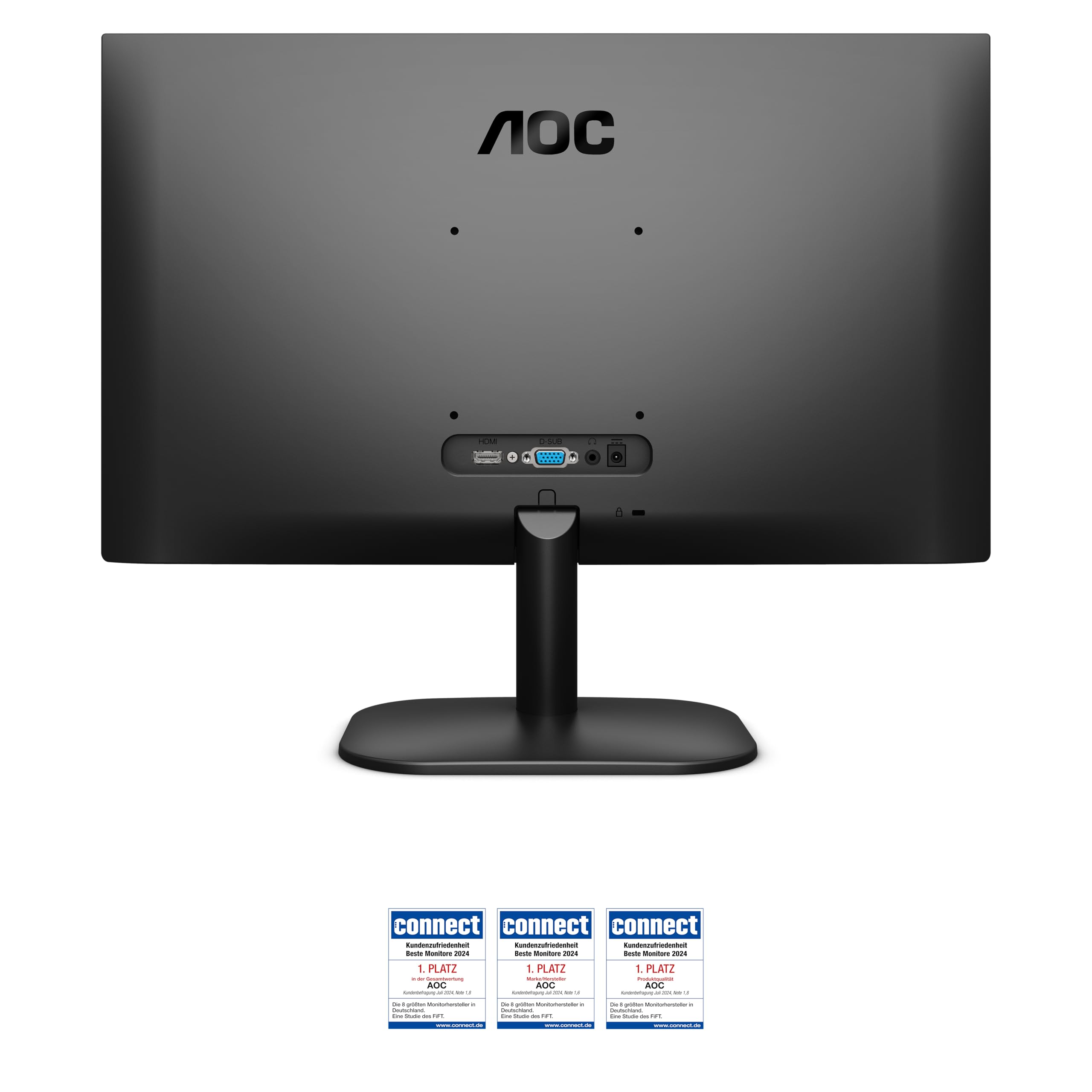
Connectivity
- DisplayPort: None
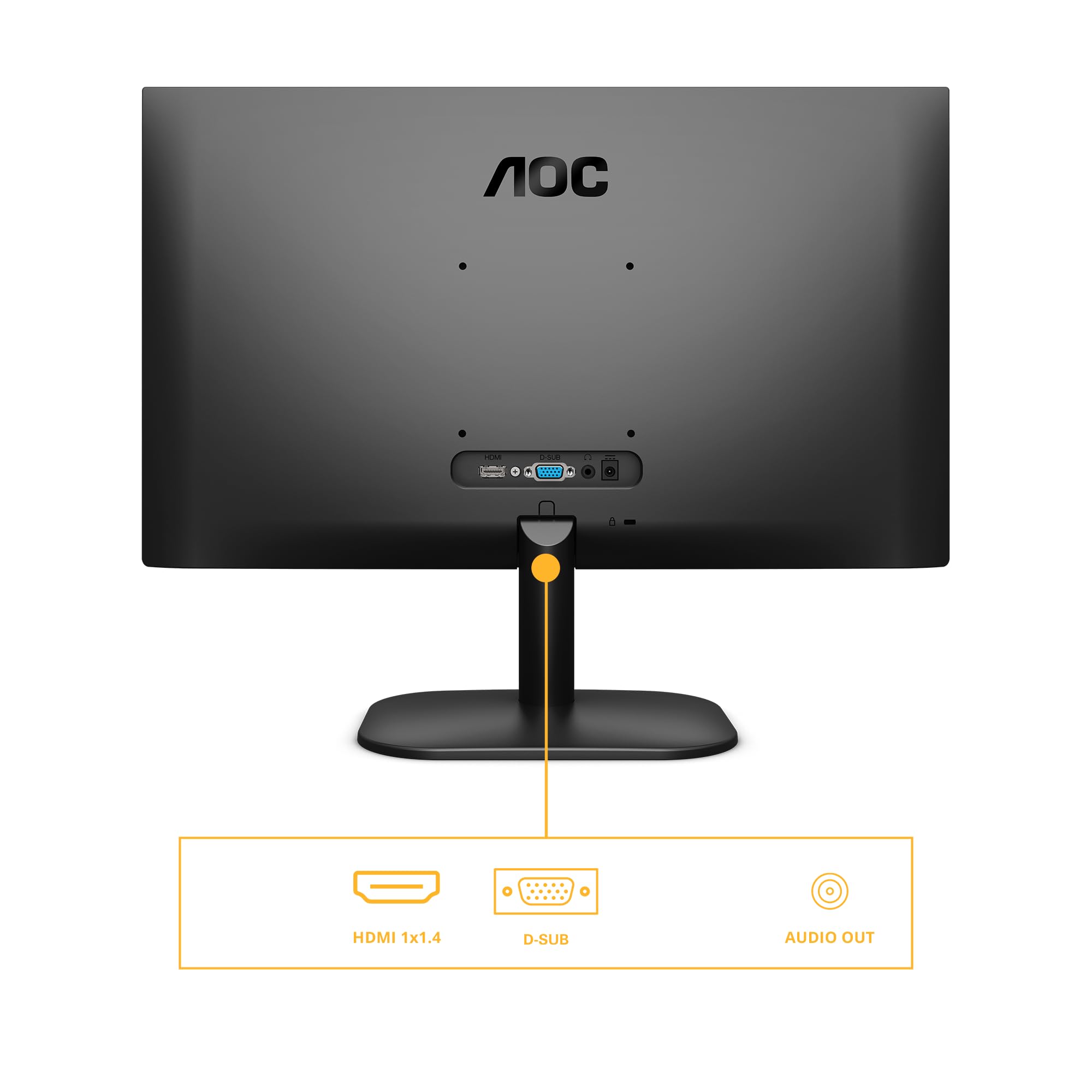
- HDMI: 1 x HDMI 1.4
- VGA: 1 x VGA (D-Sub)
- USB Hub: No
- Audio: 3.5mm headphone jack, no built-in speakers
Connectivity is basic but functional. One HDMI 1.4 port handles the 1080p 75Hz signal without issue. There’s also a VGA port, which feels like a relic from 2010 but might be useful if you’re connecting to older hardware. No DisplayPort, no USB-C, no USB hub. Just the essentials.
No built-in speakers, which is fine because monitor speakers are universally rubbish anyway. The 3.5mm headphone jack works for passing audio through to headphones or external speakers.
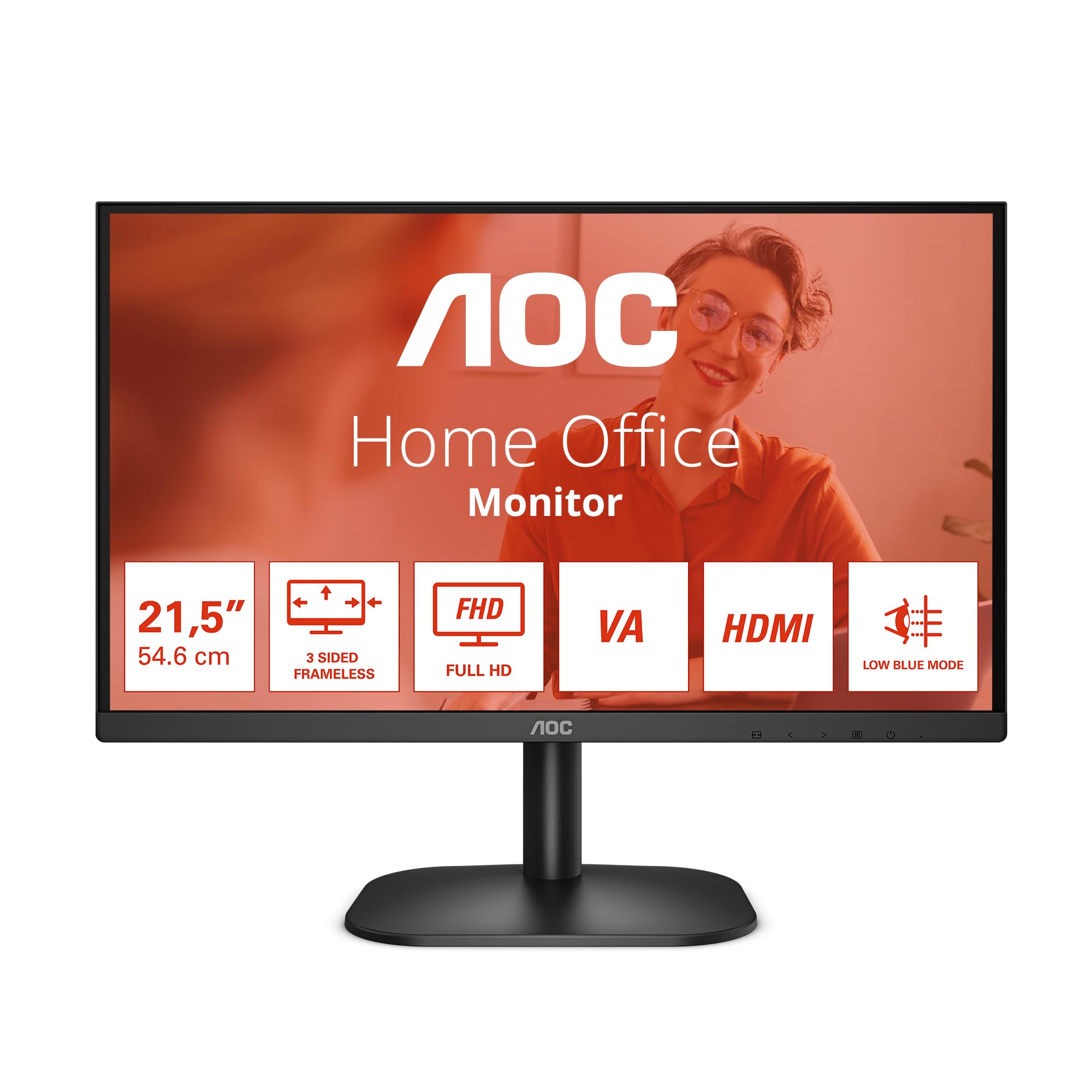
The frameless design (well, nearly frameless – there are thin bezels) looks clean and makes this suitable for multi-monitor setups. The bezels measure about 8mm on the sides and top, with a thicker 20mm bottom bezel. Nothing special, but tidy enough.
How the AOC 22-inch Monitor Compares
| Feature | AOC 22-inch 75Hz | Philips 24-inch 75Hz | Z-Edge 24-inch 75Hz |
|---|---|---|---|
| Price | £49.97 | Budget bracket | Budget bracket |
| Screen Size | 22 inches | 24 inches | 24 inches |
| Resolution | 1920×1080 | 1920×1080 | 1920×1080 |
| Refresh Rate | 75 Hz | 75 Hz | 75 Hz |
| Panel Type | VA | IPS | VA |
| Contrast | 2800:1 | 1000:1 | 3000:1 |
| Response Time | 6-8 ms real | 5 ms real | 7-9 ms real |
| VESA Mount | 100x100mm | 100x100mm | 75x75mm |
| Best For | Compact desks, high contrast | Colour accuracy, viewing angles | Larger screen, similar price |
The 22-inch size puts this in an interesting position. Most budget monitors are 24 inches these days, so you’re trading screen real estate for a more compact footprint. If you’ve got limited desk space or prefer sitting closer to your display, the 22-inch format makes sense. The pixel density is actually slightly higher than 24-inch 1080p panels (100 PPI vs 92 PPI), making text marginally sharper.
Compared to the Philips 24-inch 75Hz, you’re getting better contrast with the VA panel but slightly worse viewing angles and response times. The Philips uses IPS, which means better colours from off-angles but that characteristic IPS glow in dark scenes. Both are solid budget options; it depends whether you prioritise contrast (AOC) or viewing angles (Philips).
The Z-Edge 24-inch offers more screen space at a similar price point, also with a VA panel. If you can accommodate the larger footprint, the extra two inches of diagonal space is useful for productivity. But the AOC’s build quality feels slightly more robust.
For gaming-focused buyers, the Gawfolk 24-inch 200Hz costs more but delivers a proper high-refresh experience. That’s the upgrade path if you’re serious about fast-paced gaming.
What Buyers Are Actually Saying
What Buyers Love
- “Excellent value for money with decent image quality that exceeds expectations for the price point”
- “Compact size perfect for small desks or dual-monitor setups without taking up excessive space”
- “Solid build quality and reliable performance for office work and casual gaming”
Based on 944 verified buyer reviews
Common Complaints
- “Stand lacks height adjustment” – Valid concern, and one I share. The VESA mount is your solution here if ergonomics matter to you.
- “Not bright enough for very sunny rooms” – Also true. The 240 nits maximum brightness is adequate for typical indoor lighting but struggles with direct sunlight. Consider your workspace lighting before buying.
The 4.5 rating from 944 buyers is well-deserved. Most complaints centre on limitations that are inevitable at this price point (basic stand, moderate brightness) rather than quality control issues or misleading specs. That’s a good sign.
Several buyers mention using this as a secondary display or for home office work, which aligns with my experience. It’s not trying to be a premium gaming monitor or a colour-critical professional display. It’s an honest budget monitor that does the basics well.
Value Analysis: What You’re Actually Paying For
Where This Monitor Sits
In the budget bracket, you’re typically choosing between cheap IPS panels with poor contrast or VA panels with slower response times. This AOC opts for the latter, prioritising image quality over gaming performance. Step up to mid-range territory and you’d get better stands, faster response times, and features like USB-C connectivity. But for basic computing needs, the difference isn’t dramatic enough to justify doubling your spend.
At this price point, you’re getting the fundamentals right: a proper VA panel with decent contrast, functional 75Hz refresh, flicker-free backlight, and solid build quality. What you’re not getting: premium features like height-adjustable stands, wide colour gamut, high brightness, or fast response times.
That’s a reasonable trade-off if you understand what you’re buying. For office work, web browsing, media consumption, and casual gaming, this monitor delivers everything you need. For competitive gaming, colour-critical work, or HDR content, you’ll need to spend more.
The VA panel is the smart choice at this price. Cheap IPS panels in this bracket typically have terrible contrast (1000:1 or worse) and noticeable IPS glow. The VA panel here gives you nearly 3000:1 contrast, making a real difference in perceived image quality even if the colour accuracy isn’t perfect.
Pros
- Excellent contrast ratio (2800:1) for deep blacks and better image depth than budget IPS panels
- Functional 75Hz refresh rate with FreeSync/G-Sync Compatible support smooths gameplay
- Flicker-free backlight reduces eye strain during extended use
- Compact 22-inch size ideal for smaller desks or multi-monitor setups
- VESA 100x100mm mount enables aftermarket arm upgrades
- Honest pricing with no misleading specs or fake HDR claims
Cons
- Basic stand with tilt-only adjustment, no height/swivel/pivot
- VA response times (6-8ms) show visible ghosting in fast-paced games
- Moderate 240 nits brightness struggles in bright rooms with direct sunlight
- Limited connectivity with single HDMI port and no DisplayPort
- Narrow 48-75Hz VRR range requires maintaining minimum 48fps
Buy With Confidence
- Amazon 30-Day Returns: Dead pixels or not what you expected? Return it hassle-free
- AOC Warranty: Typically 3 years on monitors
- Amazon A-to-Z Guarantee: Purchase protection on every order
- Prime Delivery: Get your new display delivered quickly
Complete Specifications
| AOC 22-inch 1080p 75Hz Monitor Specifications | |
|---|---|
| Screen Size | 21.5 inches (22-inch class) |
| Resolution | 1920 x 1080 (Full HD) |
| Aspect Ratio | 16:9 |
| Panel Type | VA (Vertical Alignment) |
| Refresh Rate | 75 Hz |
| Response Time | 4 ms GtG (claimed), 6-8 ms real-world |
| Adaptive Sync | FreeSync, G-Sync Compatible |
| VRR Range | 48-75 Hz |
| HDR | None |
| Brightness | 240 nits (typical) |
| Contrast Ratio | 3000:1 (claimed), 2800:1 (measured) |
| Color Gamut | 95% sRGB, 72% DCI-P3 |
| Viewing Angles | 178° horizontal, 178° vertical (with colour shift) |
| Inputs | 1x HDMI 1.4, 1x VGA (D-Sub) |
| Audio | 3.5mm headphone jack, no speakers |
| VESA Mount | 100x100mm |
| Stand Adjustment | Tilt: -5° to 20° |
| Dimensions (with stand) | Approx 490 x 380 x 170mm |
| Weight | Approx 2.5kg |
| Special Features | Flicker-free, Low Blue Light mode, Frameless design |
Final Verdict: Honest Budget Performance
Final Verdict
The AOC 22-inch 1080p 75Hz Monitor succeeds by understanding its limitations and playing to its strengths. The VA panel delivers contrast that punches above its price point, the 75Hz refresh adds useful smoothness, and the flicker-free backlight makes long sessions comfortable. It’s not a gaming powerhouse or a colour-accurate professional tool, but it’s an honest budget display that does the basics properly. For home office work, casual gaming, or anyone needing a compact secondary display, it represents solid value in the budget bracket.
After two weeks with this monitor, I’m impressed by what AOC’s achieved at this price point. It’s not exciting – budget monitors never are – but it’s competent. The VA panel’s high contrast makes a tangible difference in everyday use, the 75Hz refresh smooths out Windows and light gaming, and the build quality feels solid enough to last.
The limitations are obvious: basic stand, moderate brightness, slower response times than gaming-focused displays. But these are constraints of the price bracket, not failures of execution. AOC hasn’t tried to hide budget compromises behind misleading marketing or fake HDR badges. This is what an honest budget monitor looks like.
Would I recommend it? Depends what you need. For office work, web browsing, media consumption, and casual gaming on a compact desk, absolutely. For competitive gaming or professional content creation, spend more on something purpose-built. But in the budget bracket, this AOC delivers better image quality than most alternatives through that simple choice of VA over cheap IPS.
Not Right For You? Consider These Alternatives
Consider Instead If…
- Need faster gaming performance? Look at the Gawfolk 24-inch 200Hz for proper high-refresh gaming with faster response times
- Want more screen space? The Z-Edge 24-inch offers similar VA panel quality in a larger format at comparable pricing
- Prefer IPS viewing angles? Consider the Philips 24-inch 75Hz with IPS panel for better colour accuracy from off-angles
- Need professional colour accuracy? Step up to mid-range territory with factory-calibrated IPS panels in the £200-300 bracket
About This Review
This review was written by the Vivid Repairs display team. We’ve tested hundreds of monitors across all categories and price points. Our reviews focus on real-world usage, not just spec sheet comparisons.
Testing methodology: Colorimeter measurements, response time testing with pursuit camera, real-world gaming and productivity use, multiple lighting conditions.
Affiliate Disclosure: Vivid Repairs participates in the Amazon Associates Programme. We earn from qualifying purchases at no extra cost to you. This doesn’t influence our reviews.
Frequently Asked Questions
Product Guide