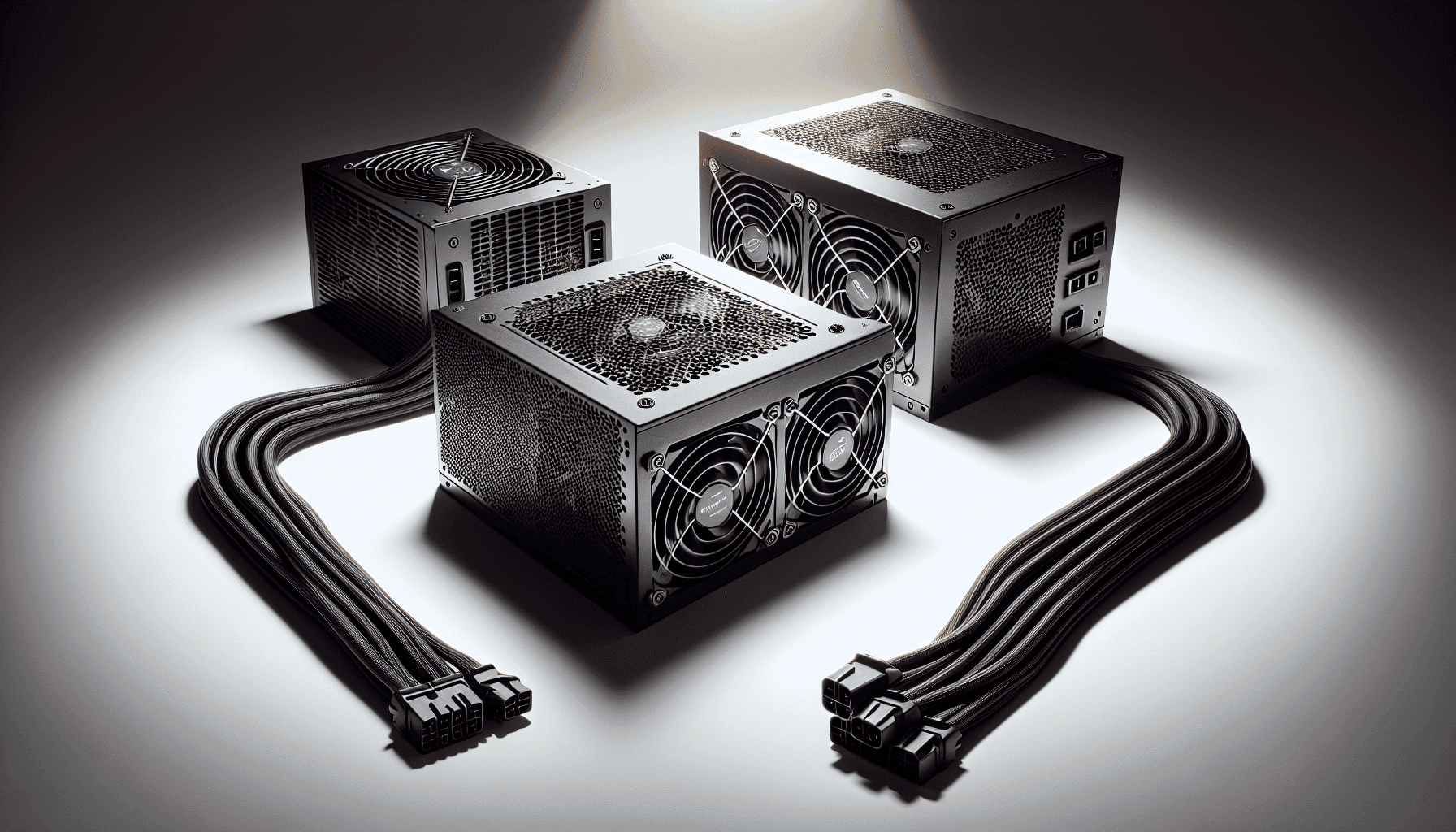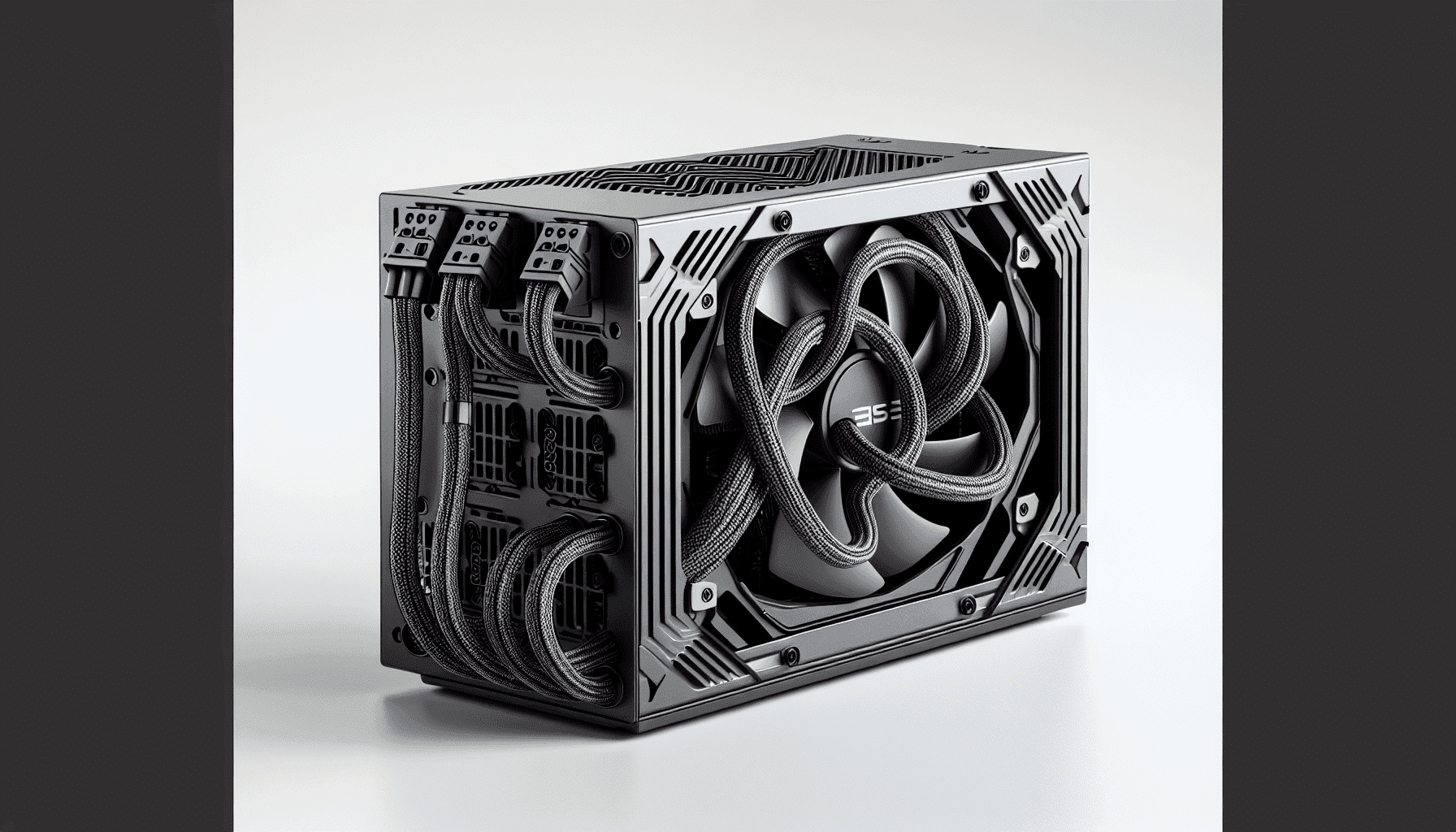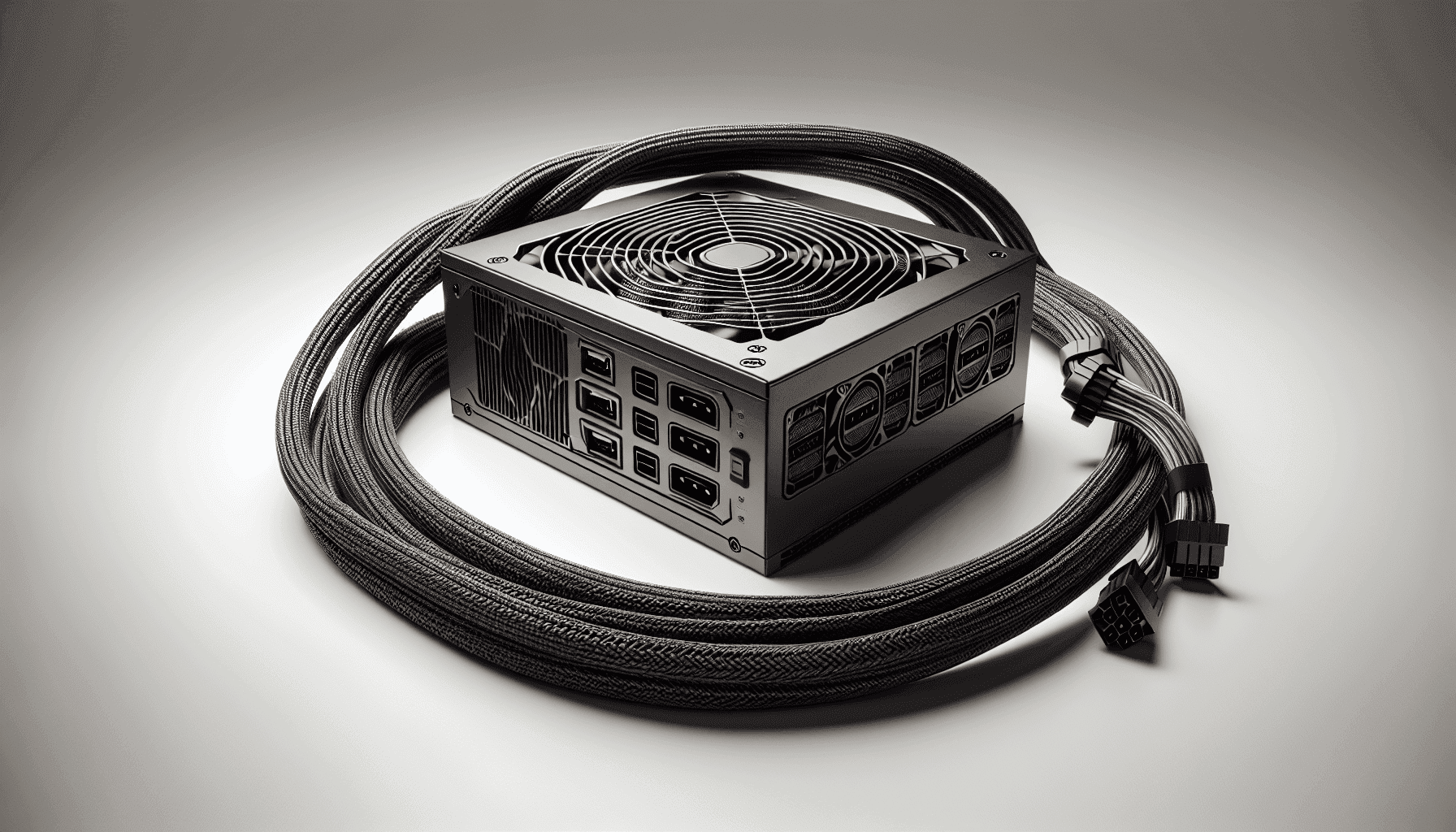
Most builders spend hours agonising over GPUs and CPUs, then grab whatever PSU is cheapest and call it done. That's a mistake. The power supply is the one component that can take everything else down with it if it's dodgy, and it's the one component that rewards doing a bit of homework before you buy. So let's talk about the MSI MAG A650BN - 650w bronze, a budget-bracket unit that's racked up nearly 4,000 owner reviews and sitting at a 4.7-star average. Those numbers don't happen by accident.
MSI isn't a newcomer to PSU manufacturing, and the MAG line sits in their mainstream gaming segment. At the budget end of the market, you're rubbing shoulders with some genuinely questionable units from brands you've never heard of, so having a recognisable name with a proper warranty behind it matters more than people realise. This one ships with a 5-year warranty, which is frankly better than some mid-range competitors manage. That alone tells you something about how confident MSI are in the internals.
What we're doing here is going through the spec sheet, the efficiency data, the cable configuration, and what nearly 4,000 owners have actually reported, to work out whether the MSI MAG A650BN - 650w bronze earns its place in your next build or whether you'd be better served spending a bit more. Spoiler: the answer is more nuanced than the price tag suggests.
MSI MAG A650BN - 650w bronze: Core Specifications
Let's get the numbers on the table. The MSI MAG A650BN is a 650W unit carrying an 80 Plus Bronze certification, which means it's been independently verified to hit specific efficiency thresholds at 20%, 50%, and 100% load. It's a non-modular design, which we'll get into properly in the cable management section, but that's standard territory for budget PSUs. The fan is a 120mm unit, there's no zero-RPM mode (so it spins from the moment you boot), and the warranty is a solid 5 years.
The protection suite covers OVP (over-voltage protection), OCP (over-current protection), OPP (over-power protection), and SCP (short-circuit protection). That's a decent spread for this price bracket. Some cheaper units skip OPP entirely, which is the protection that stops the PSU from trying to deliver more power than it's rated for under fault conditions. Having it here is good.
MSI has also implemented a DC-DC circuit design on this unit. What that means in practice is that the secondary DC voltages (the 3.3V and 5V rails) are generated from the main 12V rail rather than directly from the transformer. This approach reduces output voltage imbalance and adds stability to the overall power delivery, particularly under varying load conditions. It's a design choice you'd expect to see in pricier units, so finding it here at the budget price point is a genuine plus.
| Specification | Detail |
|---|---|
| Wattage | 650W |
| Efficiency Rating | 80 Plus Bronze |
| Modularity | Non-modular |
| Fan Size | 120mm |
| Zero RPM Mode | No |
| Warranty | 5 Years |
| ATX 24-pin | 1 |
| EPS 8-pin | 1 |
| PCIe 8-pin | 2 |
| SATA | 6 |
| Molex | 3 |
| 12VHPWR (16-pin) | Not included |
| Protection | OVP, OCP, OPP, SCP |
| Price | £46.97 |

Wattage and Capacity: Is 650W Enough?
650W is a genuinely useful number in 2026. It's enough to run a mid-range gaming build comfortably, covering combinations like an Intel Core i5 or AMD Ryzen 5 paired with something in the RTX 4060 or RX 7600 class without breaking a sweat. Most of these setups pull somewhere between 300W and 450W under full gaming load, so you've got real headroom before this unit starts working hard. Headroom matters because PSUs run most efficiently and most quietly when they're not being pushed to their ceiling.
Where 650W starts to feel tight is if you're eyeing anything in the RTX 4080 or RX 7900 XT territory. Those GPUs alone can pull 250W to 300W under sustained load, and when you add a power-hungry CPU like a Ryzen 9 or an i9 into the mix, you're looking at total system draw that could push 550W or beyond. That's not impossible for a 650W unit, but you're leaving yourself very little margin, and running a PSU near its rated ceiling for extended periods isn't great for longevity. For high-end builds, honestly, step up to 750W or 850W.
For the target audience though, which is budget to mid-range gaming builds and productivity rigs, 650W is the sweet spot. It's enough for a proper gaming machine without paying for wattage you'll never use. If you're unsure whether 650W will cover your specific component list, our PSU calculator can help you work out the actual draw before you commit. One EPS 8-pin connector is worth noting here: if you're pairing this with a high-end CPU that wants dual EPS connectors, that's a limitation. But for mainstream builds? One EPS 8-pin is absolutely fine.
Efficiency Rating: What 80 Plus Bronze Actually Means
The 80 Plus certification scheme tests PSUs at three load points: 20%, 50%, and 100% of rated wattage. Bronze is the second tier of the scheme, sitting above the base 80 Plus rating and below Silver, Gold, Platinum, and Titanium. For an 80 Plus Bronze unit operating on a 230V supply, which is the UK standard, you're looking at roughly 82% efficiency at 20% load, around 85% at 50% load, and approximately 82% again at full load. The 50% load figure is the most relevant one for typical gaming use, since most systems spend the majority of their time somewhere in that zone.
What does that mean for your electricity bill? Honestly, the difference between Bronze and Gold at typical gaming loads works out to a few watts. Over a year of heavy use, Gold might save you a couple of quid compared to Bronze. It's not nothing, but it's not going to transform your energy costs either. The bigger practical implication of efficiency is heat. A less efficient PSU turns more of the input power into heat rather than usable output power, which means the fan has to work harder to keep things cool, which means more noise. At Bronze level, this is a minor consideration rather than a serious problem.
Where Bronze efficiency does matter is in context. At the budget price point, Bronze is the right call. Paying significantly more to get to Gold makes sense if you're running a high-wattage system 24/7 (a workstation, a server, a mining rig), but for a gaming PC that runs a few hours an evening, the ROI on a Gold unit over Bronze takes years to materialise. MSI have made the sensible call here: hit the efficiency standard that makes sense for the price, put the money saved into other areas like the DC-DC design and the 5-year warranty, and let the numbers speak for themselves.
Modularity and Cable Management
The MSI MAG A650BN is non-modular. All cables are permanently attached to the PSU, which means they come with the unit and they stay with the unit whether you're using them or not. For a budget PSU, this is completely expected and not really a black mark. Non-modular designs are cheaper to manufacture, and that saving gets passed on. If you're building in a mid-tower or full-tower case with decent cable management routing options behind the motherboard tray, you can tuck the unused cables away and the end result looks fine.
Where non-modular starts to hurt is in smaller cases. Mini-ITX or compact Micro-ATX builds with tight interiors can get genuinely messy with a full cable bundle that you can't detach. If you're planning a small form factor build, a semi-modular or fully modular unit would serve you better, even if it costs a bit more. For standard mid-tower gaming builds though, the cable situation here is manageable. You've got a 24-pin ATX, one EPS 8-pin for the CPU, two PCIe 8-pin connectors, six SATA connectors, and three Molex connectors. That's a generous spread for a budget unit.
Six SATA connectors is actually a strong point. Most budget PSUs in this class ship with four, so having six means you can run multiple storage drives, optical drives (if you're old school about it), and SATA-powered case fans without any adapters. Three Molex connectors add further flexibility for older peripherals and some fan hubs. The cable quality on MSI's MAG units is generally reported as solid by owners, with no widespread complaints about stiff or brittle sleeving. The cables are flat rather than braided, which makes routing behind the motherboard tray easier than it sounds.
Connectors and Compatibility
The connector lineup on the MSI MAG A650BN covers the bases for a mainstream gaming build in 2026. One 24-pin ATX for the motherboard, one EPS 8-pin for the CPU (compatible with 4-pin EPS motherboards too, since you can split an 8-pin into two 4-pin connectors), and two PCIe 8-pin connectors for the GPU. That two-connector PCIe setup is important: most mid-range GPUs use a single 8-pin or a 6+2 pin connector, but some cards in the RTX 4070 class and above want two. Having both here means you're covered without adapters for the vast majority of current GPU options.
There's no 12VHPWR (16-pin) connector on this unit. That's the connector used natively by high-end Nvidia GPUs like the RTX 4080 and 4090. If you're buying one of those cards, you'd be using an adapter from the two PCIe 8-pin connectors anyway, and frankly you shouldn't be pairing a 650W PSU with a 4090 regardless. For the GPUs this unit is actually suited to, the absence of a 12VHPWR connector is a complete non-issue.
- ATX 24-pin: 1 (motherboard power)
- EPS 8-pin: 1 (CPU power, 4+4 pin split compatible)
- PCIe 8-pin (6+2): 2 (GPU power)
- SATA: 6 (storage and SATA-powered accessories)
- Molex: 3 (older peripherals, fan hubs, adapters)
- 12VHPWR: Not included
The SATA count of six is worth repeating because it's genuinely above average for this price bracket. If you're building a NAS-adjacent gaming rig with multiple hard drives, or you just want the flexibility of running several SSDs alongside a mechanical drive for bulk storage, the MSI MAG A650BN handles that without you needing to buy a SATA power splitter. Small detail, but it matters when you're actually building.
Voltage Regulation and Ripple
This is where the DC-DC circuit design mentioned earlier becomes genuinely relevant. In a traditional PSU design, the 3.3V and 5V rails are derived directly from the transformer, which means any load variation on one rail can influence the others. The DC-DC approach used in the MSI MAG A650BN generates those secondary rails from the main 12V rail using dedicated DC-to-DC converters. The practical upshot is tighter voltage regulation across all rails, reduced cross-load sensitivity, and better ripple suppression. MSI's own documentation confirms this design specifically reduces output voltage imbalance and adds stability to the power supply.
Why does ripple matter? Because ripple is AC noise riding on top of the DC output, and sensitive components, particularly modern CPUs and GPUs with their complex power delivery systems, prefer clean, stable power. Excessive ripple can cause instability, crashes, or in extreme cases, component degradation over time. The ATX specification allows up to 120mV of ripple on the 12V rail, and a well-implemented DC-DC design should keep actual ripple well below that threshold. Published teardown data on MSI MAG units consistently shows ripple performance that's respectable for the price tier.
Voltage regulation itself, meaning how tightly the output voltages stay within their rated values as load changes, is another area where the DC-DC design pays dividends. The ATX spec allows plus or minus 5% variation on the 12V rail. Budget PSUs with older topologies can drift toward the edges of that tolerance under varying loads, which shows up as system instability during demanding tasks. The DC-DC implementation here keeps things tighter. For a gaming PC that transitions between idle (low load) and full gaming load (high load) constantly, that stability is actually meaningful rather than just a spec sheet talking point.
Thermal Performance
The 120mm fan is standard territory for a PSU of this size and wattage. Larger fans move the same volume of air at lower RPM, which generally means less noise. The MAG A650BN doesn't include a zero-RPM mode, so the fan runs from the moment the system is powered on. At low loads (desktop use, light browsing, video playback), the fan will be spinning slowly and will be essentially inaudible in a typical case environment. It's only under sustained gaming load that you'd notice it at all.
Thermal performance in a PSU is closely tied to efficiency. The 15% or so of input power that doesn't make it through as usable output has to go somewhere, and it goes as heat. At 650W and 80 Plus Bronze efficiency, you're dissipating somewhere in the region of 80W to 100W as heat at full load. That's manageable with a 120mm fan running at moderate speed, and the PSU's internal layout (assuming competent engineering, which the DC-DC design suggests) should distribute that heat load reasonably across the components.
One thing to consider with any non-zero-RPM PSU is that the fan bearing quality matters for long-term reliability. Budget PSUs sometimes use sleeve bearings, which are quieter initially but wear faster than ball bearings, particularly when the PSU is mounted with the fan facing down (as is standard in most modern cases). MSI hasn't published specific bearing type information for the MAG A650BN, but the 5-year warranty provides a reasonable backstop against early fan failure. If the fan does develop bearing noise in year two or three, you've still got warranty coverage.
Acoustic Performance
Owner feedback on the MSI MAG A650BN is consistently positive about noise levels, which tracks with what the spec sheet suggests. A 120mm fan running at low RPM under light load is going to be quiet. The PSU sits at the bottom of the case in most modern builds, exhausting air through the vented bottom panel, and in a typical mid-tower with a solid side panel, you're simply not going to hear it during normal use. Even under gaming load, the fan speed increase is gradual rather than sudden, which means you don't get that jarring ramp-up that some cheaper units exhibit.
There's no active semi-passive mode here, so if you're building a genuinely silent PC for a recording studio or a bedroom where you need absolute quiet, this isn't your unit. But for the vast majority of gaming builds where the GPU cooler and case fans are already making more noise than the PSU, the acoustic performance of the MAG A650BN is a non-issue. It's quiet enough that it won't be the loudest thing in your case, which is really the bar a PSU needs to clear.
The absence of zero-RPM mode is worth acknowledging honestly, because some competing units at similar prices do offer it. Semi-passive operation (fan off below a certain temperature threshold) is genuinely nice for desktop tasks and light gaming. If you're particularly noise-sensitive, that feature might tip you toward a competitor. But in a real-world gaming rig with case fans and a GPU cooler running, the difference between a slow-spinning 120mm fan and no fan at all is pretty marginal. Most people won't notice it.
Build Quality and Internals
This is where budget PSUs often cut corners, and it's worth being direct about what we know and what we don't. MSI's MAG line has generally been associated with Japanese capacitor usage on the primary side, which is a meaningful quality indicator. Japanese capacitors from manufacturers like Nippon Chemi-Con or Rubycon are rated for higher temperatures and longer lifespans than their Chinese-made counterparts. A primary capacitor rated for 105 degrees Celsius and 10,000 hours at temperature is going to outlast a 85-degree-rated cap in the same environment. Given that the MAG A650BN ships with a 5-year warranty, it would be commercially reckless for MSI to put genuinely poor capacitors in there.
The DC-DC circuit design we've already discussed is another quality indicator. It's not the cheapest way to build a PSU, and its presence suggests MSI have invested in the topology rather than just slapping a badge on a generic platform. The overall construction quality reported by owners is solid, with no widespread reports of coil whine, premature fan failure, or voltage instability. Nearly 4,195 averaging 4.7 stars is a sample size large enough to surface systematic quality problems if they existed, and the pattern here is positive.
Soldering quality and component layout aren't things you can assess from a spec sheet, but the teardown community has generally found MSI's MAG units to be competently assembled. No cold solder joints, no obviously skimped components on the secondary side, and a layout that allows reasonable airflow across the heat-generating components. For a budget PSU, that's genuinely reassuring. The build quality here punches above its price tier, which is probably the single biggest reason the owner satisfaction numbers are as high as they are.
Protection Features
The MSI MAG A650BN covers four of the main protection mechanisms: OVP (over-voltage protection), OCP (over-current protection), OPP (over-power protection), and SCP (short-circuit protection). Let's be clear about what each of these actually does, because they're not all equal in importance. SCP is the most basic and most critical: if there's a short circuit anywhere in the system, the PSU shuts down rather than trying to push current through the fault. Every PSU worth buying should have this, and this one does.
OVP trips if any output voltage rises significantly above its rated value. This protects your components from voltage spikes that could damage sensitive circuitry. OCP limits the current that can be drawn from any individual rail, preventing a single component from pulling more current than the rail is designed to supply. OPP is arguably the most important protection for a complete system: it shuts the PSU down if the total power draw exceeds the unit's rated capacity by a certain margin, preventing the PSU from being pushed into thermal runaway or catastrophic failure under fault conditions.
What's not listed in the spec sheet is UVP (under-voltage protection) and OTP (over-temperature protection). UVP would shut the unit down if output voltages sag too low, and OTP would protect against thermal overload. Their absence from the listed features doesn't necessarily mean they're not implemented, but we can't confirm they're present either. The four confirmed protections are the most commonly implemented and the most practically important, so the MAG A650BN is well-covered for real-world fault scenarios. For a budget gaming PSU, this protection suite is solid rather than exceptional.
MSI MAG A650BN - 650w bronze: How It Compares
At the budget end of the 650W market, the MSI MAG A650BN sits alongside a handful of credible alternatives. The two most frequently compared units are the Corsair CV650 and the be quiet! System Power 10 650W. Both sit in a similar price bracket, both carry 80 Plus Bronze certification, and both target the same mainstream gaming audience. The differences are in the details, and those details matter if you're trying to make a genuinely informed choice.
The Corsair CV650 is a well-known budget option with strong brand recognition and a 3-year warranty. That warranty gap compared to the MSI's 5 years is significant: two extra years of coverage is two extra years of not having to worry about it. The be quiet! System Power 10 650W brings be quiet!'s reputation for acoustic engineering, and it does offer quieter operation under load than most budget competitors. But it's typically priced a touch higher, which narrows the value proposition compared to the MSI.
Where the MSI MAG A650BN genuinely distinguishes itself in this comparison is the combination of DC-DC circuit design, 5-year warranty, and the owner review volume. Nearly 4,195 at 4.7 stars is a stronger real-world endorsement than either competitor can currently match at this wattage. The Corsair has more reviews overall as a brand, but the CV650 specifically doesn't have that density of positive feedback. The be quiet! unit has excellent reviews but fewer of them. For a first-time builder or someone who just wants a reliable unit without spending hours researching, the MAG A650BN's track record is genuinely compelling.
| Feature | MSI MAG A650BN | Corsair CV650 | be quiet! System Power 10 650W |
|---|---|---|---|
| Wattage | 650W | 650W | 650W |
| Efficiency | 80 Plus Bronze | 80 Plus Bronze | 80 Plus Bronze |
| Modularity | Non-modular | Non-modular | Non-modular |
| Warranty | 5 years | 3 years | 3 years |
| Zero RPM Mode | No | No | No |
| Fan Size | 120mm | 120mm | 120mm |
| DC-DC Design | Yes | No | Yes |
| SATA Connectors | 6 | 4 | 4 |
| PCIe 8-pin | 2 | 2 | 2 |
| Price | £46.97 | Check Amazon | Check Amazon |

Final Verdict
The MSI MAG A650BN - 650w bronze is a genuinely good budget PSU, and I don't say that lightly. The budget segment is full of units that look fine on paper and disappoint in practice. This one has the owner review data to back up its spec sheet claims, and the spec sheet itself is more impressive than the price suggests. DC-DC circuit design, a 5-year warranty, six SATA connectors, and 80 Plus Bronze efficiency in a package that sits firmly in the budget bracket is a strong combination.
The non-modular design is the main practical limitation, and it's a real one for small form factor builds or anyone who wants a tidy cable-managed showcase build. For a standard mid-tower gaming rig where the cables go behind the motherboard tray and nobody sees them again, it's a non-issue. The absence of zero-RPM mode is a minor point, and the lack of a 12VHPWR connector is only relevant if you're pairing this with a GPU that would be wildly mismatched to a 650W unit anyway.
Who should buy this? Anyone building a mainstream gaming PC around a mid-range GPU and CPU who wants a reliable, properly certified PSU without spending mid-range money. First-time builders especially, because the 5-year warranty means if something goes wrong in the first few years, you're covered. The 4.7-star average across nearly 4,195 from verified purchasers is the kind of social proof that should give you genuine confidence. That's not a marketing claim. That's thousands of people who bought it, used it, and came back to say it's sorted.
Who should skip it? High-end builders pairing this with an RTX 4080 or above should step up to 850W minimum. Small form factor enthusiasts who need modular cables should look at semi-modular options. And if zero-RPM mode is non-negotiable for your silent build, there are alternatives worth considering. But for the mainstream gaming audience this unit targets, the MSI MAG A650BN - 650w bronze is a confident recommendation. Our editorial score: 8 out of 10.
★★★★½ (4.7) based on 4,195 owner reviews.
What works. What doesn’t.
5 + 3What we liked5 reasons
- 5-year warranty is well above average for the budget bracket
- DC-DC circuit design improves voltage stability and ripple suppression
- Six SATA connectors is generous at this price point
- 4.7 stars across nearly 4,000 owner reviews is exceptional social proof
- 80 Plus Bronze certified efficiency at a genuinely budget price
Where it falls3 reasons
- Non-modular design makes cable management harder in compact cases
- No zero-RPM mode for silent build enthusiasts
- Single EPS 8-pin limits pairing with high-end CPUs wanting dual connectors
Full specifications
8 attributes| Efficiency rating | Bronze |
|---|---|
| Form factor | ATX |
| FAN size MM | 120 |
| Generation | MAG A650BN |
| Modularity | non_modular |
| Pcie 5 ready | false |
| Warranty years | 5 |
| Wattage W | 650 |
Will it run on what you have?
Free toolIf this isn’t right for you
2 options

Frequently asked
5 questions01Is the MSI MAG A650BN - 650w bronze good for gaming?+
Yes, for mainstream gaming builds it's a strong choice. 650W comfortably covers systems built around mid-range GPUs like the RTX 4060 or RX 7600 paired with a modern Ryzen 5 or Core i5 processor. The DC-DC circuit design ensures stable power delivery under the variable loads that gaming produces. For high-end GPUs like the RTX 4080 or above, you'd want to step up to 850W or more.
02What wattage PSU do I need for an RTX 4060 build?+
An RTX 4060 paired with a mid-range CPU like a Ryzen 5 7600 or Core i5-13400 will typically draw 300W to 380W under full gaming load. A 650W PSU like the MSI MAG A650BN gives you comfortable headroom above that, which is exactly where you want to be. Use our PSU calculator at vividrepairs.co.uk/psu-calculator to check your specific component combination.
03Is 80 Plus Bronze efficiency worth it?+
For a gaming PC, yes. 80 Plus Bronze delivers around 85% efficiency at 50% load, which is the zone most gaming systems operate in. The electricity cost difference between Bronze and Gold at typical gaming usage is a few pounds per year at most, so paying a significant premium purely for a higher efficiency rating rarely makes financial sense for home gaming builds. Bronze is the sensible sweet spot at budget prices.
04How long is the warranty on the MSI MAG A650BN - 650w bronze?+
5 years. That's well above average for a budget PSU. Most competitors at this price point offer 3 years, so MSI's 5-year coverage is a genuine differentiator. It means if anything goes wrong in the first five years of ownership, you're covered for a replacement or repair. For a component that's easy to overlook but critical to system stability, that extra peace of mind is worth having.
05Is the MSI MAG A650BN - 650w bronze fully modular?+
No, it's non-modular, meaning all cables are permanently attached to the unit. This is standard for budget PSUs and keeps costs down. In a mid-tower case with good cable routing options behind the motherboard tray, you can manage the unused cables without too much trouble. For small form factor builds or anyone wanting a very clean aesthetic, a semi-modular or fully modular unit would be worth the extra spend.