
Switch terminology is a mess. Red, brown, blue, speed silver, silent red, manufacturers slap these labels on their own proprietary switches and expect you to know what you're getting. The practical question is simpler: does this keyboard actually work for gaming and typing at this price, or is it just cheap plastic that'll annoy you within a fortnight? That's what matters here.
The Dierya DK61se is a 60% mechanical keyboard sitting firmly in the budget bracket, competing against a surprisingly crowded field of sub-£50 boards. It's been out long enough to rack up nearly 3,000 owner reviews on Amazon, averaging ★★★★☆ (4.4). That's not a fluke. But 4.4 stars on a budget board doesn't mean it's flawless, it means it's doing the right things for the right people. The question is whether you're one of those people.
The DK61se ships with red linear switches, ice blue LED backlighting (not RGB, which matters), a detachable USB-C cable, and full-key rollover. At this price point, that's a reasonable spec sheet. But specs only tell part of the story. What owners actually report about how it feels, what breaks, and what surprises them is where the real picture comes from.
Core Specifications
The DK61se is a 61-key, 60% layout keyboard. That means no function row, no navigation cluster, no numpad, and no dedicated arrow keys. All of those functions are accessible via FN key combinations, which is standard for the format. If you've never used a 60% before, there is a learning curve. It's not huge, but it's real. Arrow keys on FN+WASD or FN+IJKL depending on the layout layer, function keys on FN+number row, and so on. You'll spend a week or two building new muscle memory. After that, most people either love the compactness or realise they actually needed those keys and go back to something bigger.
The polling rate is 1000Hz, which is exactly what you want for gaming. That means the keyboard is reporting its state to your PC 1000 times per second, giving you effectively 1ms response latency. Full-key rollover means every key you press simultaneously is registered, no ghosting, no missed inputs. These aren't premium features anymore at this price, but the DK61se does have them, and they're confirmed in the spec sheet rather than just marketing copy.
The connection is wired USB-C to USB-A, with a detachable cable. The detachable cable is genuinely useful, it means you can replace it if it gets damaged, and you can unplug the keyboard for transport without worrying about yanking a soldered connector. The ice blue LED lighting is monochrome, not RGB. That's worth saying clearly because some buyers don't read the listing carefully and expect full colour. You get 19 lighting modes, all in that single ice blue colour. Brightness, mode, and speed are all adjustable via FN key combos.
| Specification | Detail |
|---|---|
| Layout | 60% (61 keys) |
| Switch Type | Red Linear |
| Backlighting | Monochrome Ice Blue, 19 modes |
| Polling Rate | 1000Hz |
| Rollover | Full-Key (N-Key) |
| Connection | Wired USB-C (detachable cable) |
| Compatibility | Windows 11/10/8/7/XP, Mac OS, Vista, Linux |
| Warranty | 1 year manufacturer warranty |
| Keycap Design | Stepped ergonomic layout |
| Price | £29.99 |
Switch Type and Feel: What Red Linear Actually Means
Red linear switches are the most popular switch type for gaming, and there's a straightforward reason for that. Linear means the switch travels straight down with no tactile bump and no audible click. You press it, it actuates, it bottoms out. That's it. For gaming, this translates to fast, consistent keypresses without any resistance mid-travel that might slow down rapid inputs. For typing, it's more divisive. Some people love the smooth feel. Others find they bottom out constantly because there's no feedback telling them the key has registered, which leads to fatigue over long sessions.
The DK61se uses its own red linear switches rather than Cherry MX or Gateron branded units. This is common at this price point, Cherry MX switches cost more to licence and source, and budget boards almost universally use proprietary or generic switches to keep costs down. The practical question is whether the feel is acceptable, and owner feedback suggests yes, for the price. Most buyers report a smooth enough actuation with no major scratchiness out of the box. There are some reports of inconsistency between individual switches, which is also common at this tier. You're not getting the butter-smooth consistency of a Gateron Yellow or a Cherry MX Speed Silver, but you're also not paying for those.
The switches are not described as hot-swappable in the product listing, which means if a switch fails or you want to change to a different type, you'd need to desolder and resolder. That's a significant limitation compared to some competitors at similar prices that have started offering hot-swap sockets. For most buyers at this price point it won't matter, you're not swapping switches on a sub-£50 board. But if you're someone who likes to tinker, it's worth knowing upfront. The mechanics of keyboard switches are well documented if you want to understand the underlying engineering before committing to a type.
Keycap Quality and Layout
The keycaps on the DK61se are ABS plastic. That's the honest answer, and it's the expected answer at this price. ABS keycaps are cheaper to produce than PBT, they're lighter, and they develop that characteristic shine after a few months of heavy use. The oils from your fingers gradually polish the surface, and you end up with shiny patches on the most-used keys (WASD, the home row, spacebar) within three to six months of regular use. It's not a dealbreaker for most people at this price, but it's something to know going in. If keycap shine bothers you, budget another £15 to £25 for a PBT replacement set down the line.
The legends (the printed characters on the keycaps) appear to be laser-etched or pad-printed based on owner feedback, rather than double-shot. Double-shot legends are moulded into the keycap in two layers of plastic and essentially never fade. Pad-printed or laser-etched legends can wear over time, though how quickly depends on use intensity. For casual gaming and typing, they'll likely be fine for a year or more. For heavy daily use, you might see wear sooner. The ice blue backlighting shines through the legends reasonably well according to owner reports, which is the main practical function of the legend transparency at this price.
The layout is the standard 60% arrangement with what Dierya calls stepped keycaps for ergonomic comfort. The stepped design refers to the varying heights across the keyboard rows, which is actually the standard keycap profile (not a special ergonomic feature, despite the marketing language). The 60% layout itself is the real ergonomic consideration, it keeps your mouse closer to your keyboard because there's no numpad pushing it further right. For gaming, that reduced mouse travel distance is a genuine benefit. For anyone who uses a numpad regularly for work, it's a genuine problem. Know which camp you're in before buying.
Build Quality
The DK61se has a plastic case, which is standard for this price bracket. You're not getting an aluminium top plate or a brass weight in the base. What you are getting is a board that owner reviews consistently describe as feeling more solid than its price suggests, not premium, but not hollow and flexy either. The 60% form factor helps here because a smaller footprint means less flex across the case. Longer boards at this price tend to have more chassis wobble; the DK61se benefits from being compact.
The plate material isn't explicitly specified in the product listing, which is a common omission at this price tier. Based on the sound profile described by owners (a fairly high-pitched clack rather than a deep thock), it's likely a steel or polycarbonate plate rather than aluminium. Steel plates tend to produce a crisper, higher-pitched sound. That's not necessarily bad for gaming, but if you're chasing a deeper, quieter sound profile, you'd need to look at boards with foam dampening or different plate materials, which generally means spending more.
Stabilisers are the weak point on most budget boards, and the DK61se is no exception. The spacebar stabiliser in particular gets mentioned in owner reviews as a source of rattle and inconsistency. This is fixable, stabiliser modding (lubing and clipping) is a well-documented process that costs almost nothing in materials, but it does require you to open the keyboard and get your hands dirty. For a board aimed at casual users and first-time mechanical keyboard buyers, that's not ideal. Some units ship with better-than-average stabs, some don't. It's a bit of a lottery at this price, which is frustrating but honest. The detachable USB-C cable is a positive build note, it's a proper USB-C port rather than a micro-USB, which is the right choice in 2026.
RGB and Lighting
The lighting on the DK61se is not RGB. It's monochrome ice blue, and that's it. There's no per-key colour control, no software to set up colour zones, no rainbow wave in seventeen colours. What you get is ice blue in 19 different lighting modes. You change mode with FN and the pipe key, adjust brightness with FN and the left bracket key, and control animation speed with FN and the semicolon key. All of this is on-board, no software required.
Whether this is a problem depends entirely on what you want. If you bought this keyboard specifically for RGB customisation, you bought the wrong keyboard. Full stop. But if you just want a backlit keyboard so you can see the keys in a dim room, the ice blue lighting is actually quite clean and consistent. Owner photos show a bright, even glow across the board. It looks good, particularly on a dark desk setup. The monochrome constraint means Dierya hasn't had to manage per-key LED control, which often results in more even brightness distribution than you'd get on a budget RGB board where some LEDs are noticeably brighter than others.
The 19 lighting modes give you enough variety to find something you like without being overwhelming. Breathing, static, ripple, reactive, the usual set. The fact that all of this is hardware-controlled with no software dependency is actually a point in the DK61se's favour. Plug it in, it works, no driver installation, no software that breaks with the next Windows update. For users who just want a keyboard that turns on and does its job, that's a real practical benefit. The ice blue colour specifically works well with the black case, giving it a clean, slightly retro aesthetic that plenty of buyers seem to like based on the review photos.
Software and Customisation
There isn't a dedicated software suite for the DK61se, at least not one prominently featured in the product listing or widely discussed by owners. All customisation is done via FN key combinations directly on the keyboard. This is a deliberate design choice for budget boards in this category, it keeps the price down, eliminates compatibility issues across operating systems, and means the keyboard works immediately on any machine without installation steps.
The practical consequence is that you can't remap keys, create macros, or save custom lighting profiles beyond what the on-board hardware supports. For a first mechanical keyboard or a gaming board for someone who just wants to play games without fiddling, this is fine. For power users who want to remap keys for specific games or set up complex macro sequences, the DK61se won't cut it. You'd need to look at boards with dedicated software, which typically means spending more or choosing a different brand entirely.
On the positive side, the FN layer is well thought out for a 60% board. All the missing keys are accessible, and the combination shortcuts for lighting control are sensibly placed. The keyboard also supports basic media functions through FN combinations. There's no on-board memory to store profiles for use on different machines, which is a limitation if you regularly move between computers and want consistent key behaviour everywhere. But for a single-machine setup, the lack of software is genuinely a feature rather than a bug. Fewer things to go wrong, faster setup, and no background processes eating RAM.
Connectivity
The DK61se is a wired-only keyboard. The connection is USB-C on the keyboard end, USB-A on the computer end. The cable is detachable, which is the right call, a fixed cable that gets damaged means replacing the whole keyboard, whereas a detachable cable means replacing a cable. USB-C has become the standard connector for keyboards in this category, and it's good to see it here rather than the micro-USB ports that cheaper boards still sometimes use.
There's no wireless option. No Bluetooth, no 2.4GHz dongle. For gaming, this is actually the correct choice, wired connections have lower and more consistent latency than wireless, and you don't have to worry about battery life or interference. The 1000Hz polling rate over the wired connection delivers that 1ms response time consistently. If you need a wireless keyboard for a living room setup or a clean cable-free desk, the DK61se simply isn't for you and there's no workaround.
The USB-C port placement on the keyboard matters more than people realise. On a 60% board, the cable routing can affect how the keyboard sits on your desk and whether the cable gets in the way of your mouse movement. The DK61se's port position is at the top-centre of the board based on product images, which is a fairly standard placement. It works fine with most desk setups. The included cable is functional but not particularly premium, owners report it's a bit stiff, which is common on bundled cables. A braided aftermarket USB-C cable is a cheap upgrade if the stock cable bothers you.
Battery Life
The DK61se is a wired keyboard. It doesn't have a battery. There's no battery life to report, no charge time to worry about, and no situation where you'll pick up the keyboard and find it dead. You plug it in, it works. You unplug it, it doesn't. That's the entirety of the power story here.
This is worth stating clearly because some buyers in the budget keyboard category genuinely confuse wired and wireless products when shopping quickly. If you need a keyboard that works without being tethered to a cable, the DK61se is not the right product. The wired-only design is a deliberate choice that keeps costs down and keeps latency consistent, and it's the right choice for a gaming-focused board at this price point.
The USB-C connection does mean the keyboard draws power from your PC, which is how all wired keyboards work. Power consumption is negligible. The detachable cable means you can swap to a longer or shorter cable depending on your desk setup, which is a small but genuinely practical flexibility. If you're routing cables through a desk grommet or along cable management channels, being able to choose your cable length without buying a new keyboard is useful.
Typing and Gaming Experience
For gaming, the DK61se's spec sheet does the right things. The 1000Hz polling rate means 1ms input latency, which is the standard for gaming keyboards and genuinely better than the 125Hz (8ms) you'd get from a basic USB keyboard. Full-key rollover means you can hold WASD, shift, ctrl, and mash other keys simultaneously without any inputs being dropped. These are the two specs that actually matter for competitive gaming, and both are present. The red linear switches suit fast gaming inputs well, no tactile bump to push through, consistent actuation throughout the travel.
For typing, the experience is more nuanced. Red linears are fine for typing if you've used them before and adapted your technique. If you're coming from a membrane keyboard or a tactile mechanical switch, the lack of feedback takes adjustment. Owner reviews split fairly clearly here: gamers tend to rate the switches positively, while buyers who primarily wanted a typing keyboard are more mixed. A significant portion of the negative reviews mention bottoming out too easily and finding the switches tiring over long typing sessions. That's not a flaw in the DK61se specifically, it's a characteristic of red linears generally. The stepped keycap design helps with wrist positioning, and the compact form factor reduces the reach to the mouse, which does reduce shoulder fatigue over long sessions.
The sound profile is clicky-ish for a linear switch, which might seem contradictory. Linear switches don't have a click mechanism, but the sound of bottoming out on a hard plate with ABS keycaps produces a fairly sharp, high-pitched sound. It's not quiet. It's not office-friendly. Owners who've used it in shared spaces report it's audible enough to be noticeable. If you need a quiet keyboard for an office or a shared bedroom, you'd want to look at silent switch variants or add O-rings to dampen the bottom-out sound. The DK61se as shipped is a proper gaming keyboard sound, present and percussive.
Compatibility
The DK61se is compatible with Windows 11, 10, 8, 7, and XP, Mac OS, Vista, and Linux. That's essentially every operating system you're likely to be running. Because there's no software to install, compatibility is straightforward, the keyboard presents as a standard HID (Human Interface Device) and works immediately on any system that supports USB input, which is all of them.
Mac compatibility is worth a specific note because 60% keyboards with FN layers can sometimes have issues with Mac-specific keys. The DK61se's listing confirms Mac OS compatibility, and owner reviews from Mac users are generally positive. The usual caveats apply, the key labelling is Windows-centric (the Windows key becomes the Command key on Mac, for example), and some FN combinations may behave differently. But for general use and gaming on Mac, it works without significant issues.
Linux compatibility is confirmed and works as expected for a keyboard with no proprietary software. The USB HID standard that keyboards use is universally supported across Linux distributions. There's no firmware updater to worry about, no driver package to hunt down for your distro. It plugs in and the kernel recognises it immediately. For console gaming, the DK61se isn't explicitly listed as console-compatible, but many users report it works on PS5 and Xbox for basic navigation, though for gaming inputs on console you'd want to check your specific use case.
How It Compares
The budget 60% mechanical keyboard market has genuinely got competitive over the last couple of years. The DK61se's closest rivals are the Redragon K530 (which adds Bluetooth and costs a bit more) and the Epomaker TH61 (which offers hot-swap switches and PBT keycaps at a slightly higher price point). Understanding where the DK61se sits against these two tells you a lot about who it's actually for.
Against the Redragon K530, the DK61se loses on connectivity (no wireless option) but wins on price and polling rate. The K530's Bluetooth mode is genuinely useful for multi-device setups, but wireless gaming keyboards at this price tier have measurably higher latency than wired. If you're buying for gaming, wired wins. If you need wireless for a clean desk or a living room setup, the K530 is worth the extra spend. Against the Epomaker TH61, the DK61se loses on keycap quality (ABS vs PBT) and switch flexibility (no hot-swap), but the TH61 costs noticeably more. For buyers on a tight budget who just want a functional mechanical keyboard for gaming, the DK61se's lower price is a meaningful advantage.
What the DK61se does better than most of its direct competitors is deliver a genuinely complete feature set at the lowest price point in the category. Full-key rollover, 1000Hz polling, detachable USB-C, and a reasonable switch feel all in one package. The compromises (ABS keycaps, no hot-swap, monochrome lighting, no software) are the expected compromises for the price tier. It's not trying to be something it isn't, which is more than you can say for some budget boards that make claims they can't back up.
| Feature | Dierya DK61se | Redragon K530 | Epomaker TH61 |
|---|---|---|---|
| Layout | 60% (61 keys) | 60% (61 keys) | 60% (61 keys) |
| Switch Type | Red Linear (proprietary) | Red/Brown/Blue options | Gateron options |
| Hot-Swap | No | No | Yes |
| Keycaps | ABS | ABS | PBT |
| Lighting | Ice Blue (monochrome) | RGB per-key | RGB per-key |
| Polling Rate | 1000Hz | 1000Hz (wired) | 1000Hz (wired) |
| Connectivity | Wired USB-C only | Wired + Bluetooth | Wired USB-C only |
| Full-Key Rollover | Yes | Yes | Yes |
| Price Tier | Budget | Budget-Mid | Budget-Mid |
What Buyers Actually Say
With nearly 3,080 averaging ★★★★☆ (4.4), the DK61se has a genuinely strong track record. The praise clusters around a few consistent themes: the compact size frees up desk space, the switches feel better than expected for the price, and the build quality surprises people who were expecting something more toy-like. A lot of the positive reviews come from people buying their first mechanical keyboard, which is exactly the audience this board is designed for. First-time mechanical keyboard buyers are often genuinely delighted by the improvement over membrane, even on a budget board.
The complaints are equally consistent and worth taking seriously. Stabiliser rattle on the spacebar is the most common specific complaint, appearing in enough reviews to be considered a systematic issue rather than isolated bad luck. Some buyers report that individual switches feel scratchy or inconsistent, which points to quality control variation in the switch manufacturing. The lack of RGB is mentioned frequently in negative reviews, almost always by buyers who didn't read the listing carefully enough to notice it said ice blue rather than RGB. That's a buyer error more than a product flaw, but it's worth flagging because it clearly catches people out.
A smaller but notable cluster of complaints concerns the FN layer learning curve. Some buyers find the absence of dedicated arrow keys genuinely disruptive to their workflow, particularly for document editing and spreadsheet use. This is a 60% layout issue, not a DK61se issue specifically, but it does reinforce the point that this keyboard is better suited to gaming than to heavy productivity work. The people who are happiest with it are using it primarily for gaming with occasional typing, not as a daily driver for eight hours of office work.
Value Analysis
In the budget bracket, the DK61se represents solid value. You're getting a mechanical keyboard with proper gaming specs (1000Hz polling, full-key rollover), a detachable USB-C cable, and a compact 60% layout that genuinely improves your gaming setup ergonomics. The switch feel is acceptable for the price. The build is decent. The lighting works. For someone spending this amount on their first mechanical keyboard, it's a reasonable entry point that won't immediately disappoint.
The value calculation gets more complicated if you compare it to spending a bit more. The jump from the DK61se's price to something like the Epomaker TH61 buys you PBT keycaps (which won't shine), hot-swap switches (which let you change the feel without soldering), and proper RGB. If you can stretch the budget, those upgrades are meaningful and will make the keyboard feel more premium for longer. The DK61se is the right choice when budget is genuinely tight, not when you're trying to save a tenner and will regret it in six months.
The one-year manufacturer warranty is standard and acceptable. Dierya's customer service response time of 24 hours is claimed in the listing, and owner reviews suggest they do actually respond to issues, which is better than some budget brands where post-purchase support is essentially non-existent. The Amazon A-to-Z guarantee also covers you for 30 days regardless of the manufacturer warranty, so your immediate purchase protection is solid.
Pros and Cons
- Full-key rollover and 1000Hz polling, proper gaming specs at a budget price
- Detachable USB-C cable, right connector, replaceable if damaged
- Compact 60% layout, genuinely more desk space, better mouse positioning
- No software required, plug in and it works on Windows, Mac, and Linux
- Nearly 3,080 at 4.4 stars, not a paper product, real-world track record
- ABS keycaps will shine, expect glossy patches within months of heavy use
- Spacebar stabiliser rattle, consistent complaint across owner reviews
- Monochrome ice blue only, not RGB, buyers need to read the listing carefully
- No hot-swap switches, you're stuck with what you get unless you can solder
Compatibility Details
Windows support covers the full range from XP through to Windows 11, which means this keyboard will work on older machines without any compatibility concerns. The lack of software means there are no driver conflicts, no compatibility layers needed, and no risk of a Windows update breaking your keyboard functionality. It just works as a standard USB HID device, which the USB Implementers Forum has defined as a universal standard across all modern operating systems.
Mac users get full compatibility with the caveat that the physical key labelling is Windows-centric. The Windows key functions as Command on Mac, and Alt functions as Option. Some FN layer shortcuts may differ in behaviour between Windows and Mac, but core typing and gaming functionality works without issue. Dierya explicitly lists Mac OS compatibility, and the owner review base includes Mac users who confirm it works.
Linux compatibility is inherent to the USB HID standard. No proprietary drivers, no kernel modules to compile, no compatibility workarounds. Any modern Linux distribution will recognise the DK61se immediately on connection. For developers and power users running Linux as their daily driver, this is a keyboard that simply works without any configuration headaches. The same applies to Chrome OS and other less common operating systems that support standard USB input devices.
How It Compares to the Competition
The budget 60% mechanical keyboard space is genuinely competitive, and the DK61se's position within it is worth understanding clearly. At the very bottom of the mechanical keyboard market, you get boards with questionable switch quality, poor stabilisers, and build quality that feels like it came out of a Christmas cracker. The DK61se sits a step above that floor, offering specs that are actually appropriate for gaming rather than just labelled as gaming.
The main alternative at a similar price is the Royal Kludge RK61, which has been around longer and has a larger review base. The RK61 offers Bluetooth connectivity as an option, which the DK61se doesn't. But the RK61's wireless implementation at this price has been criticised for latency inconsistency, and its wired polling rate varies by version. For pure wired gaming, the DK61se's consistent 1000Hz polling rate is a point in its favour. The RK61 also uses ABS keycaps and proprietary switches, so the core trade-offs are similar.
Further up the budget scale, around the £50 to £70 range, you start finding boards with Gateron switches (which are widely regarded as smoother than most budget proprietary switches), PBT keycaps, and sometimes hot-swap sockets. The Kemove Shadow and various Epomaker boards occupy this space. If you can stretch to that tier, you'll get a noticeably better typing feel and keycaps that won't embarrass you after six months. The DK61se makes sense when you genuinely can't or won't spend more, not as the absolute best value in the category overall.
Final Verdict
The Dierya DK61se is a budget 60% mechanical gaming keyboard that does what it says on the tin. The gaming specs are legitimate, 1000Hz polling and full-key rollover are the two things that actually matter for gaming responsiveness, and both are present. The red linear switches are functional if unremarkable. The build is better than the price might suggest. The monochrome ice blue lighting is clean and works without any software. Nearly 3,000 owners at 4.4 stars tells you this isn't a lemon.
The compromises are real and you should go in with eyes open. ABS keycaps will shine. The spacebar stabiliser may rattle. There's no RGB, no hot-swap, no software customisation. The 60% layout requires a learning curve that some people never fully get comfortable with. If any of those things are dealbreakers for your use case, there are better options at higher prices.
But if you want a compact, wired mechanical keyboard for gaming that won't break the bank, works immediately on any operating system, and has a track record of satisfying real buyers, the DK61se earns its place in the budget bracket. It's a sensible first mechanical keyboard, a decent travel board, and a solid secondary keyboard for a secondary machine. Editorial score: 7 out of 10. Good for what it is, not pretending to be something it isn't.
Not Right For You?
If the DK61se doesn't fit your needs, here's where to look instead. For wireless connectivity at a similar price, the Redragon K530 adds Bluetooth and is worth the small extra spend if you need cable-free use. For better keycaps and hot-swap switches, the Epomaker TH61 costs more but delivers PBT keycaps that won't shine and Gateron switches that are smoother out of the box. For a larger layout with dedicated arrow keys, any 65% or TKL board in the budget bracket will suit you better, the 60% layout is genuinely not for everyone, and there's no shame in admitting you need those keys.
If your budget stretches further and you want a proper enthusiast entry point, the mechanical keyboard hobby goes very deep very quickly. Boards with aluminium cases, gasket mounting, lubed stabilisers, and premium PBT keycaps start around £80 to £100 and deliver a noticeably different experience. The DK61se is a gateway drug. If you find yourself wanting more after a few months with it, that's normal and expected.
For office use specifically, if you're sharing a workspace with other people, consider that red linear switches on a hard plate are not quiet. A board with silent switches or brown tactile switches would be more considerate to colleagues. The DK61se is a gaming keyboard first, and it sounds like one. That's fine at home, less fine in an open-plan office at 9am.
What works. What doesn’t.
5 + 4What we liked5 reasons
- 1000Hz polling rate and full-key rollover for genuine gaming performance
- Detachable USB-C cable is replaceable and future-proof
- 60% layout frees up significant desk and mouse space
- Works immediately on Windows, Mac, and Linux with no software
- Nearly 3,000 reviews at 4.4 stars shows real-world reliability
Where it falls4 reasons
- ABS keycaps will develop shine within months of heavy use
- Spacebar stabiliser rattle is a consistent owner complaint
- Monochrome ice blue only, no RGB colour customisation
- No hot-swap switches, stuck with red linears unless you can solder
Full specifications
9 attributes| Switch type | Red mechanical |
|---|---|
| Layout | 60% |
| Connectivity | wired (USB-C) |
| Backlight | RGB (19 modes) |
| Backlighting | Ice Blue LED |
| HOT swappable | false |
| Polling rate HZ | 1000 |
| Switch actuation | linear |
| Type | mechanical |
If this isn’t right for you
2 options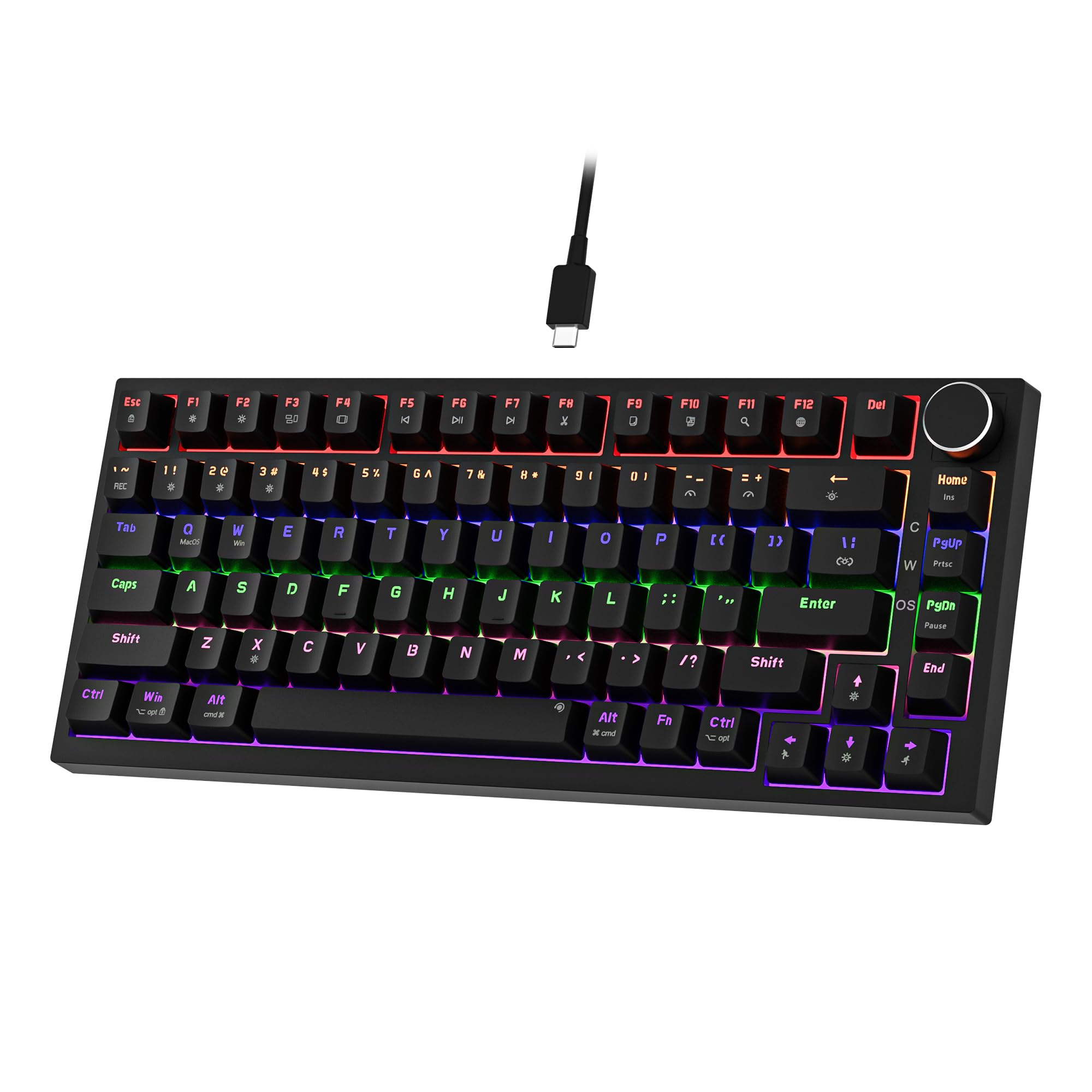 7.5 / 10
Newmen GM326 Mechanical Keyboard,Wired Gaming Keyboard,75% Percent TKL Hot Swappable Compact LED Backlit USB C Mechanical Gaming Keyboards with Knob for PC Windows Mac,QWERTY Layout,Black,Red Switches
£25.26 · NEWMEN
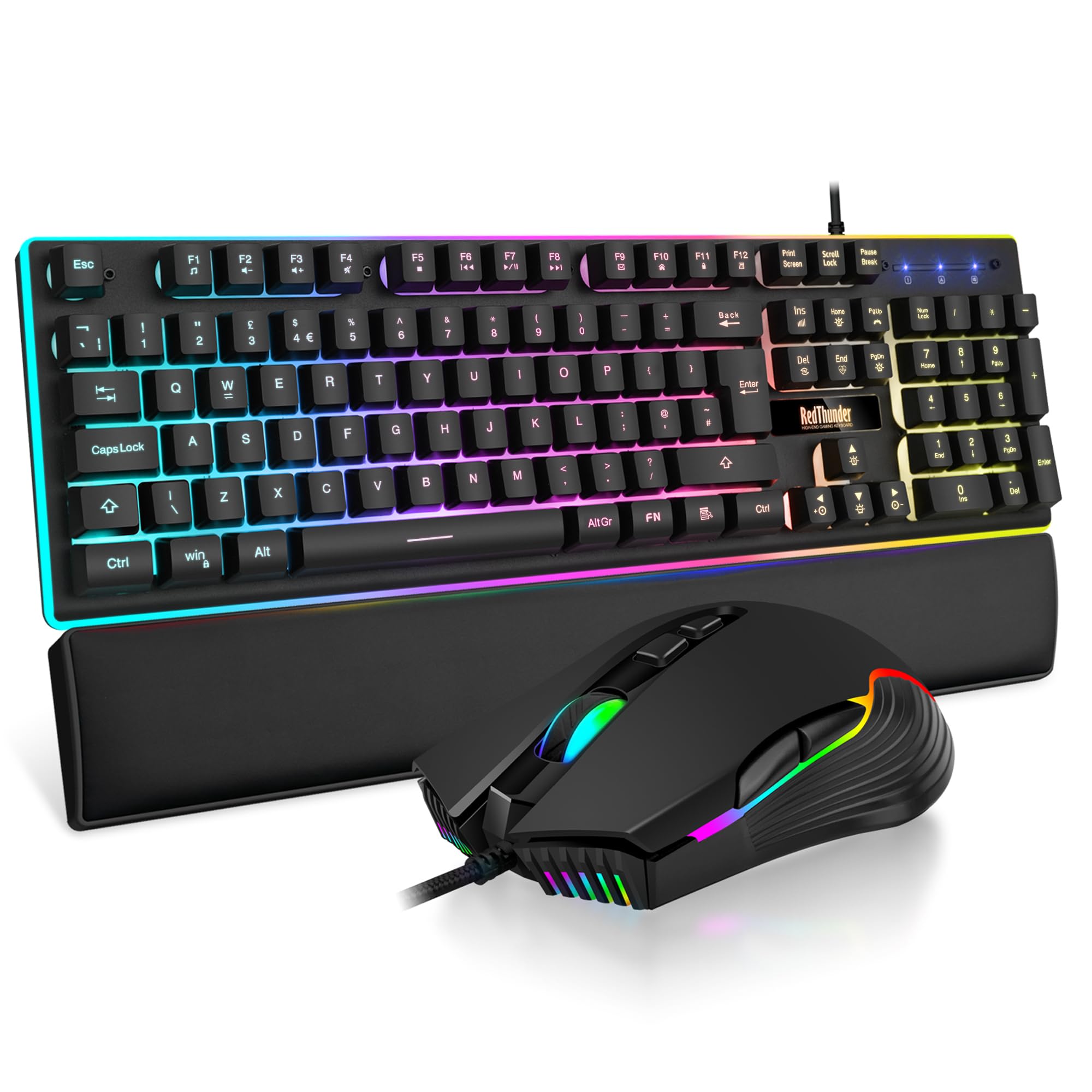 7.5 / 10
RedThunder K10 Wired Gaming Keyboard and Mouse Combo, UK Layout, True RGB Backlight, Soft Leather Wrist Rest, Mechanical Feel Ergonomic Anti-Ghosting Keyboard + 7D 7200 DPI Mouse for PC Mac (Black)
£33.99 · RedThunder
Frequently asked
5 questions01What switches does the Dierya DK61se use?+
The DK61se uses red linear switches. Linear means no tactile bump and no click during the keypress, the switch travels straight down and actuates smoothly. Red linears are popular for gaming because of their fast, consistent feel, but some typists find the lack of feedback leads to bottoming out and finger fatigue over long sessions. The switches are proprietary to Dierya rather than Cherry MX or Gateron branded units.
02Is the Dierya DK61se good for gaming?+
Yes, for the price. The DK61se has a 1000Hz polling rate (1ms response latency) and full-key rollover, which are the two specs that genuinely matter for gaming responsiveness. Red linear switches suit fast gaming inputs well. It's a wired-only keyboard, which actually benefits gaming by keeping latency consistent. Owner reviews from gamers are generally positive about the gaming performance.
03Is the Dierya DK61se good for typing?+
It's acceptable for light typing but not ideal for heavy productivity work. Red linear switches have no tactile feedback, which some typists find leads to bottoming out and fatigue over long sessions. The 60% layout also removes dedicated arrow keys, which disrupts workflow for document editing and spreadsheet use. For gaming with occasional typing it works fine; as a primary office keyboard for eight-hour days, most people would want something different.
04Is the Dierya DK61se loud?+
It's not quiet. Red linear switches don't click, but the sound of bottoming out on a hard plate with ABS keycaps produces a fairly sharp, high-pitched sound that's noticeable in shared spaces. Owner reviews confirm it's audible enough to be a consideration in open-plan offices or shared bedrooms. If you need a quiet keyboard, look for boards with silent switches or consider adding O-rings to dampen the bottom-out noise.
05What warranty and returns apply to the Dierya DK61se?+
Amazon offers 30-day returns on most items. Dierya provides a one-year manufacturer warranty and claims a 24-hour customer service response time. You're also covered by Amazon's A-to-Z guarantee for purchases made through Amazon UK, which provides additional buyer protection beyond the manufacturer warranty.




