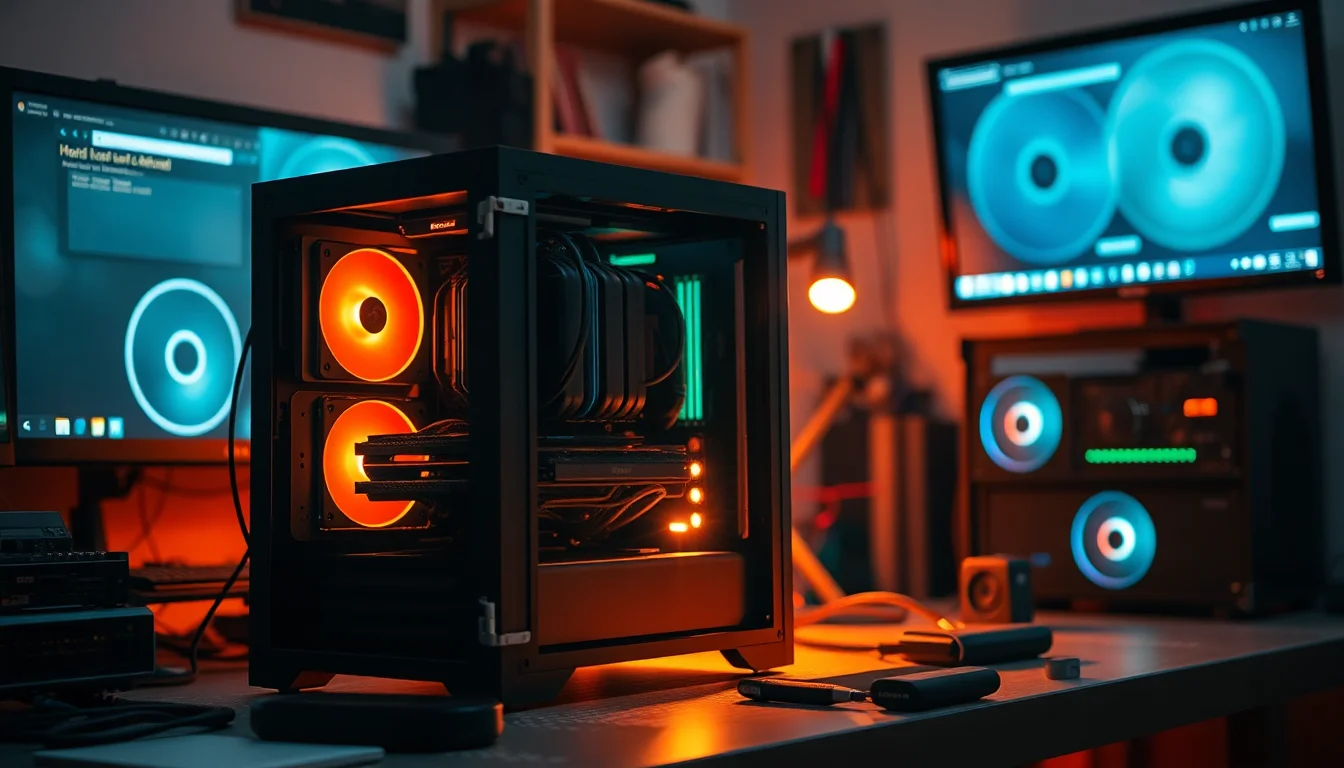
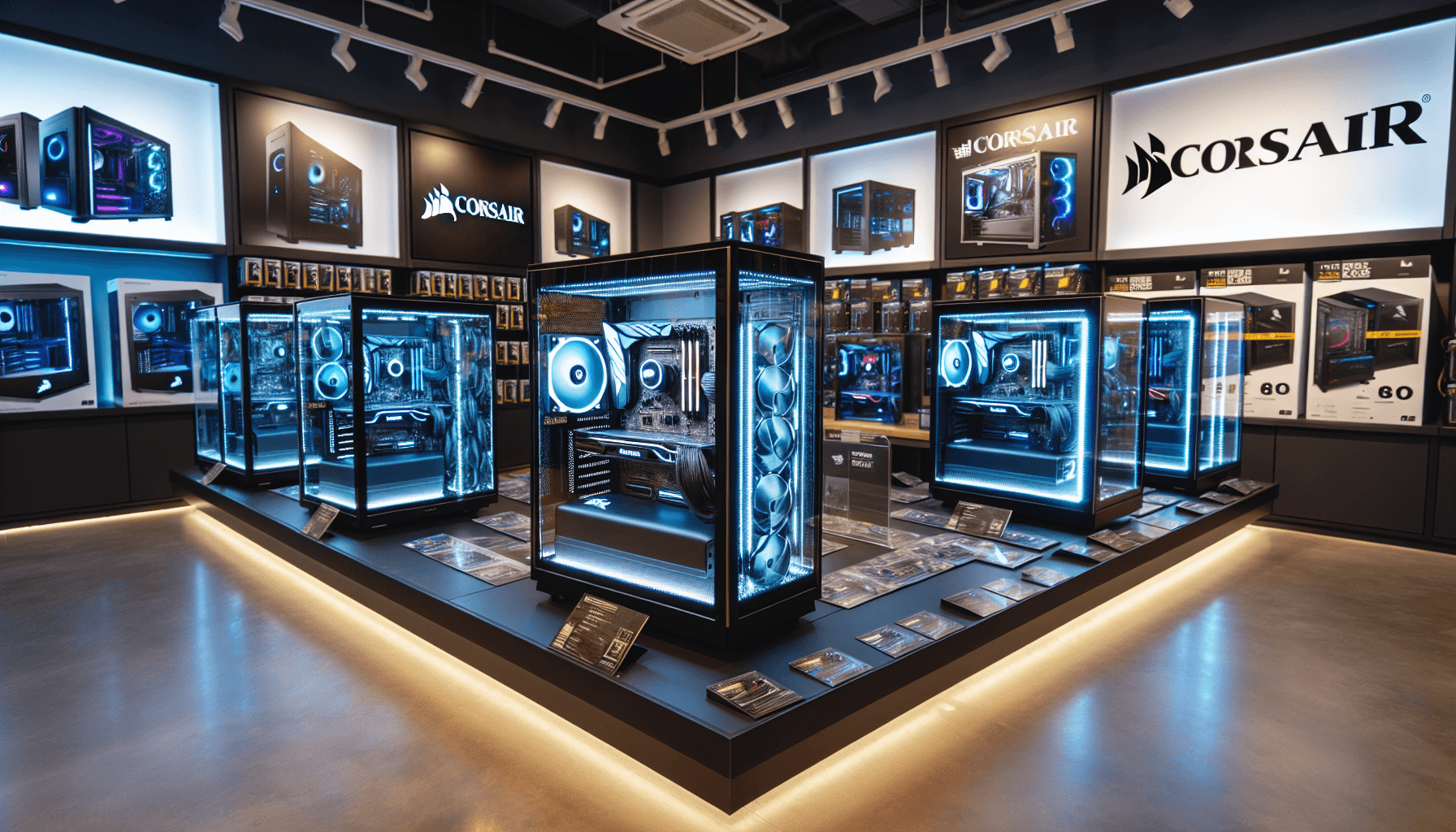
Right, let me be straight with you. The case you pick for your build matters a lot more than most people give it credit for. I've seen builds throttle themselves because someone shoved a high-end GPU into a case with a solid front panel and no real airflow to speak of. I've also seen people spend three hours fighting cable routing because the case designer clearly never actually built a PC. After twelve years of doing this, I've learned that a bad case makes every other component decision harder, and a good case makes the whole thing feel effortless. So when Corsair sent over the 3000D RGB AIRFLOW for me to test, I was genuinely curious whether it lives up to the airflow name or whether that's just marketing.
The Corsair 3000D RGB AIRFLOW Case Review: Ultimate Gaming PC Build Solution sits in the mid-range bracket, and that's a competitive space right now. You've got a lot of options fighting for your money. Quite a few of them, actually.
Short version: this is a genuinely good mid-range case that gets the fundamentals right. The airflow is real, the build experience is mostly pleasant, and the RGB looks decent without being over the top. There are a couple of niggles I'll get into, but if you're building a gaming PC and want something that won't fight you at every step, this deserves a serious look.
Core Specifications
Before we get into the hands-on stuff, let's run through the numbers. The 3000D RGB AIRFLOW is a mid-tower ATX case, which is exactly what most people building a gaming PC want. It's not trying to be anything exotic. The dimensions come in at roughly 453mm tall, 230mm wide, and 466mm deep, so it's a proper mid-tower footprint. Not massive, not cramped. It weighs around 8.4kg without any components, which is about right for a steel chassis with a tempered glass side panel.
Fan support is where this case starts to get interesting. You can fit up to six 120mm fans or configure it for larger 140mm units in certain positions. Corsair includes three LL120 RGB fans pre-installed at the front as intake, which is a decent starting point. The rear gets a single exhaust fan position, and the top supports up to three 120mm or two 140mm fans. That's a lot of mounting real estate for a mid-tower, and it means you've got real flexibility when it comes to cooling configurations.
Radiator support is solid too. The front will take up to a 360mm radiator, the top handles up to 360mm, and the rear fits a 120mm. So if you're planning an AIO liquid cooler, you've got options. Drive storage gives you two 3.5-inch bays and two 2.5-inch dedicated mounts, plus additional 2.5-inch mounting on the drive cage. It's not the most storage-heavy case out there, but for a gaming build it's more than enough.
| Specification | Detail |
|---|---|
| Form Factor | Mid-Tower ATX |
| Dimensions (H x W x D) | 453 x 230 x 466mm |
| Weight | ~8.4kg |
| Motherboard Support | ATX, mATX, Mini-ITX |
| Max GPU Length | 420mm |
| Max CPU Cooler Height | 170mm |
| PSU Clearance | Up to 225mm (with drive cage) |
| Front Fan Support | 3x 120mm or 2x 140mm |
| Top Fan Support | 3x 120mm or 2x 140mm |
| Rear Fan Support | 1x 120mm |
| Front Radiator Support | Up to 360mm |
| Top Radiator Support | Up to 360mm |
| Rear Radiator Support | 120mm |
| 3.5" Drive Bays | 2 |
| 2.5" Drive Bays | 4 (2 dedicated + 2 on cage) |
| Front I/O | 2x USB-A 3.0, 1x USB-C 3.1, HD Audio |
| Side Panel | 4mm Tempered Glass |
| Steel Thickness | 0.8mm SPCC |
| Included Fans | 3x LL120 RGB (front intake) + 1x 120mm rear exhaust |
| Price | £54.85 |

Form Factor and Dimensions
The 3000D RGB AIRFLOW is a proper mid-tower, and it feels like one. At 453mm tall and 230mm wide, it's not going to dominate your desk like some of the chunkier full-towers out there, but it's also not trying to squeeze into a tight space. If you've got a standard desk setup with the case sitting on the floor or on a desk beside your monitor, this fits comfortably without feeling like it's taking over the room. The 466mm depth is worth noting if you're putting it on a desk with limited front-to-back space, but honestly that's pretty standard for a mid-tower with proper front radiator support.
The footprint is sensible. Corsair hasn't gone mad with the dimensions trying to cram in features that push the chassis into awkward territory. What you get is a case that sits squarely in the mid-tower category without any weird compromises. The tempered glass side panel is 4mm thick, which feels solid when you're handling it. Some cheaper cases use thinner glass that flexes a bit when you press on it, which always makes me nervous. This one doesn't have that problem.
One thing I appreciate is that the case doesn't feel plasticky or hollow when you knock on it. The steel panels have decent rigidity, and the overall build feels like something that'll last through multiple component upgrades. I've built in cases at this price point that felt like they'd fall apart if you looked at them wrong. The 3000D isn't one of those. It's got a bit of weight to it, which is reassuring rather than annoying.
Motherboard Compatibility
The 3000D RGB AIRFLOW supports ATX, Micro-ATX, and Mini-ITX motherboards. No E-ATX support, which is fine for a mid-tower at this price point. If you're running an E-ATX board you're probably looking at a different class of case anyway. For the vast majority of gaming builds, ATX is the sweet spot, and this case handles it well. The standoff layout is standard, and Corsair pre-installs the standoffs for ATX, which saves a bit of faff during the build.
I built this with a full-size ATX board and had no issues whatsoever with clearances around the board itself. The motherboard tray has a large CPU cutout behind it, which is important for installing aftermarket coolers without pulling the board out. The cutout is generously sized at around 185mm diameter, so even larger backplate designs clear it without drama. That's the kind of detail that separates a well-designed case from one that'll have you swearing at 11pm when you're trying to mount a cooler.
For mATX builds, the case works fine but you'll have a bit of extra space that some people find aesthetically odd through the glass panel. Mini-ITX is the same story. The case is really sized for ATX, and that's where it looks and functions best. If you're building mATX specifically, there are more compact options that might suit the build better visually, but functionally the 3000D will do the job without any compatibility headaches.
GPU Clearance
Corsair quotes 420mm of GPU clearance that held up. I fitted a card that runs around 340mm in length and had loads of room to spare. Even the longer triple-fan cards that are pushing 360-380mm will fit without issue. If you're running something truly enormous, like one of the factory-overclocked cards with extended PCBs, you'll want to double-check your specific card's length, but for the vast majority of current gaming GPUs this case is not going to be a limiting factor.
There's no vertical GPU mount option included in the box, which is a bit of a shame at this price point. You can buy Corsair's vertical GPU mount separately if you want that look, but it's an extra cost on top. Some competing cases include this as standard, so it's worth factoring in if the vertical mount aesthetic matters to you. Personally I'm not fussed, but I know plenty of builders who specifically want that look through the glass panel.
The GPU sits in the standard horizontal position and is supported by the PCIe slots on the motherboard. There's no GPU support bracket included either, which is something I'd like to see at this price. Long, heavy cards can sag over time, and a simple support bracket costs pennies to include. It's not a dealbreaker, but it's a small miss. The PCIe slot area is clean and accessible, with tool-free expansion slot covers that actually work properly rather than the flimsy punch-out type you get on budget cases.
CPU Cooler Clearance
170mm of CPU cooler clearance is what Corsair specifies, and that's genuinely good for a mid-tower. Most of the popular tower coolers on the market sit under 165mm, so you've got a comfortable margin. The Noctua NH-D15, which is one of the chunkiest air coolers you'd realistically put in a mid-tower, comes in at 165mm, so it fits with 5mm to spare. That's tight but workable. For anything more sensibly sized, like a 155mm or 160mm cooler, you've got no worries at all.
AIO liquid cooler support is where this case really shines. The front panel supports up to a 360mm radiator, so a 360mm AIO will fit. Installation was straightforward. The front mesh panel comes off easily, the fan mounting positions are clearly laid out, and there's enough clearance between the front radiator and the motherboard to avoid any awkward fitting issues. RAM clearance with a front-mounted 360mm radiator is fine for standard height DIMMs, though very tall RAM heatspreaders might be tight depending on your specific board layout.
The top panel also supports up to a 360mm radiator, which gives you a second option if you prefer top-mounted cooling. I'd personally go front-mounted for intake in most builds, but having the top option is useful. The rear supports a single 120mm radiator or fan, which is standard for exhaust. One thing to check before you buy: if you're going front 360mm radiator plus a full ATX board with tall VRM heatsinks, measure your specific board's clearance from the front of the case. It's usually fine, but it's worth confirming rather than finding out mid-build.
Storage Bay Options
Storage is one area where the 3000D RGB AIRFLOW is decent but not exceptional. You get two 3.5-inch drive bays in a removable cage at the bottom of the case, plus two dedicated 2.5-inch mounts on the back of the motherboard tray. There are also two more 2.5-inch mounts on the drive cage itself, giving you four 2.5-inch positions in total. For a gaming build in 2026, where most people are running one or two NVMe SSDs on the motherboard and maybe a 2.5-inch SATA SSD for extra storage, this is plenty.
The 3.5-inch drive cage is removable, which is a nice touch. If you're not using spinning hard drives and want to maximise airflow through the bottom of the case, you can pull the cage out entirely. That also gives you more PSU cable routing room, which is genuinely useful. The cage removal is tool-free, which I appreciate. No hunting for a screwdriver just to reconfigure your storage setup.
Tool-less 2.5-inch mounting on the back panel works well. The drives click into place with a simple bracket system and feel secure. I've seen tool-less systems on cheaper cases that feel wobbly and unreliable, but these are solid. If you're a content creator or someone who genuinely needs a lot of spinning disk storage, this case might feel limiting. But for gaming? You're sorted. Most modern gaming builds don't need more than a couple of drives, and the NVMe slots on your motherboard handle the fast storage anyway.
Cable Management
This is where I was pleasantly surprised. The 3000D RGB AIRFLOW has genuinely good cable management for a mid-range case. The PSU shroud covers the bottom of the case nicely, hiding the PSU and most of the cable mess from view through the glass panel. The cable routing channels behind the motherboard tray are well thought out, with multiple grommeted pass-throughs in sensible positions.
Rear panel clearance is around 20-25mm, which is enough to route cables without the side panel bulging when you close it. I've built in cases with 15mm of rear clearance and it's a nightmare, especially if you've got a modular PSU with chunky cables. The 3000D gives you enough room to actually tuck things away properly. There are Velcro cable tie points pre-installed behind the tray, which is exactly what you want. Not just a couple of them either, there are enough to actually manage your cables rather than just bundle them into one big lump.
The 24-pin ATX cable routing is clean, with a dedicated channel that runs it up the right side of the board. The EPS CPU power cable has a pass-through at the top right of the tray, which is in the right place for most ATX boards. GPU power cables route through a large opening at the bottom right of the tray. Honestly, the cable management in this case is better than some cases I've used that cost significantly more. It's clear that someone at Corsair actually thought about where cables need to go rather than just adding a few random holes and calling it done.
Airflow and Thermal Design
Right, this is the bit that matters most for a case with AIRFLOW in the name. And I'm happy to report it actually earns that label. The front panel is a fine mesh design that allows air to pass through with minimal restriction. This is the fundamental difference between this case and cases with solid or glass fronts. Mesh fronts move more air, full stop. The physics aren't complicated.
Corsair includes three LL120 RGB fans at the front as intake and one 120mm fan at the rear as exhaust. The LL120 fans are decent quality, not the absolute best on the market but well above what you'd expect bundled with a case at this price. They're quiet at lower RPMs and move a reasonable amount of air. The RGB lighting on them is genuinely nice, with the dual light loop design that Corsair uses on their LL series. If you're connecting them to a Corsair iCUE ecosystem, the lighting integration is excellent. If you're not, you can still control them via the included lighting node, though the software side is more limited without iCUE.
Temperatures were good. Not record-breaking, but genuinely good. The three-fan front intake with a single rear exhaust creates positive pressure inside the case, which helps keep dust out and maintains consistent airflow across the components. The dust filters on the front and bottom are magnetic and easy to remove for cleaning, which is the right way to do it. No tools, no fiddling, just pull them off and give them a clean. Some cases hold their dust filters in with screws. That's a design decision made by someone who has never actually maintained a PC.
Front I/O and Connectivity
The front I/O panel sits at the top of the case and gives you two USB-A 3.0 ports, one USB-C 3.1 Gen 1 port, and a combined headphone and microphone jack. The USB-C port is a nice inclusion and increasingly necessary as peripherals and accessories move toward that connector. The placement at the top of the case is sensible for a tower sitting on a desk or floor, as the ports are easy to reach without bending down.
The power button has a satisfying click to it and is clearly differentiated from the reset button, which is smaller and slightly recessed. I appreciate that. I've built in cases where the power and reset buttons are the same size and right next to each other, which is a recipe for accidentally resetting your PC when you're trying to turn it on. Small design detail, but it matters. There's also a dedicated button for the RGB lighting control, which lets you cycle through lighting modes without needing to open software.
One thing I'd flag is that the USB-C port is 3.1 Gen 1, which means it tops out at 5Gbps. That's fine for most uses, but if you're connecting a fast external SSD or a device that benefits from 10Gbps throughput, you won't get it here. Some competing cases at similar prices are now offering USB-C 3.2 Gen 2 at 10Gbps, so it's a small but real limitation. Not a dealbreaker for most people, but worth knowing.
Build Quality and Materials
The steel is 0.8mm SPCC, which is standard for mid-range cases. It's not the thickest steel you'll find, but it's not flimsy either. The panels feel solid and don't flex excessively when you're handling them. The tempered glass side panel is 4mm thick and attaches with four thumbscrews, which is the standard approach. The glass itself is clear and has a slight tint that makes the interior look a bit more dramatic without obscuring the components.
The interior edges are free of the sharp edges that draw blood, which sounds like a low bar but genuinely isn't. I've cut myself on cases that cost more than this one. Corsair has done a decent job of rolling the edges and deburring the metal. The panel alignment is good out of the box, with the side panels sitting flush and the front panel fitting without any gaps or misalignment. These things matter because they affect how the case looks and how well the airflow sealing works.
The thumbscrews throughout the case are captive, meaning they stay attached to the panel when you remove them. This sounds trivial until you've spent ten minutes on your hands and knees looking for a thumbscrew that rolled under your desk. The rear panel (the non-glass side) is a solid steel panel that removes easily for access to the cable management area. Overall build quality is genuinely good for the price. It doesn't feel like a premium case, but it doesn't feel cheap either. It feels like exactly what it is: a well-made mid-range case from a brand that knows what they're doing.
How It Compares
The 3000D RGB AIRFLOW sits in a competitive part of the market. The two cases I'd most naturally compare it to are the Fractal Design Meshify C and the be quiet! Pure Base 500DX. Both are popular mid-range airflow-focused cases that compete for the same builders. Let me be honest about where each one wins and loses.
The Fractal Design Meshify C is a slightly older design but still very capable. It has excellent airflow thanks to its angular mesh front, and it's generally regarded as one of the best cable management cases in its class. It's typically a bit cheaper than the 3000D RGB AIRFLOW, but it doesn't include RGB fans, and the interior is a bit more compact, which can make fitting larger components tighter. The Meshify C is a great case, but it's showing its age a bit compared to newer designs.
The be quiet! Pure Base 500DX is a strong competitor. It has good airflow, excellent build quality, and be quiet!'s reputation for low noise levels. It typically comes in at a similar price to the 3000D RGB AIRFLOW. The 500DX has slightly better noise dampening, which matters if you're building a quiet workstation. But the 3000D has more included RGB fans and arguably better airflow performance due to the more open mesh front. For a gaming build where aesthetics and thermals are priorities, I'd lean toward the 3000D. For a quieter, more workstation-focused build, the 500DX might be the better call.
| Feature | Corsair 3000D RGB AIRFLOW | Fractal Design Meshify C | be quiet! Pure Base 500DX |
|---|---|---|---|
| Form Factor | Mid-Tower ATX | Mid-Tower ATX | Mid-Tower ATX |
| Front Panel | Fine mesh | Angular mesh | Mesh with solid sections |
| Included Fans | 3x LL120 RGB + 1x rear | 2x 120mm (no RGB) | 3x 140mm Pure Wings |
| Max GPU Length | 420mm | 315mm (with front fan) | 369mm |
| Max CPU Cooler Height | 170mm | 172mm | 190mm |
| Front Radiator Support | Up to 360mm | Up to 360mm | Up to 360mm |
| USB-C Front I/O | Yes (3.1 Gen 1) | No (older models) | Yes (3.2 Gen 2) |
| RGB Lighting | Yes (LL120 fans) | No | Yes (ARGB) |
| Noise Dampening | Minimal | Minimal | Good |
| Price Tier | Mid-range | Mid-range (lower end) | Mid-range |

Final Verdict
So, where does the Corsair 3000D RGB AIRFLOW land? Honestly, pretty well. This is a case that gets the important things right. The airflow is genuine, not just a marketing claim. The mesh front actually lets air through, the included fans are decent quality, and the thermal performance reflects that. Building inside it is mostly a pleasure, with good cable management options, sensible pass-through positions, and no nasty sharp edges waiting to catch you out.
The clearances are generous. 420mm GPU clearance means you can fit virtually any current gaming card without worry. 170mm CPU cooler clearance handles all but the most extreme air coolers. 360mm radiator support front and top gives you real flexibility for liquid cooling. These aren't just numbers on a spec sheet, they translate to a case that works with your components rather than against them. And the build quality, while not premium, is solid enough that you won't feel like you've compromised by not spending more.
The niggles are real but minor. No vertical GPU mount included. USB-C is 3.1 Gen 1 rather than the faster 3.2 Gen 2. No GPU support bracket. These are things that competing cases sometimes include, and at this price point you'd hope Corsair might have squeezed them in. But none of them are reasons to walk away from an otherwise well-executed case. If you're building a gaming PC and want something that looks good, breathes well, and doesn't make the build process a misery, the 3000D RGB AIRFLOW is a genuinely solid choice. I'd recommend it without hesitation to anyone building in this price bracket.
For current pricing, check below. Corsair's mid-range cases tend to hold their value well, and this one is competitively priced against the alternatives I've compared it to.
What works. What doesn’t.
5 + 4What we liked5 reasons
- Genuine mesh front delivers real airflow improvement over glass-front alternatives
- 420mm GPU clearance fits virtually all current gaming cards
- Three LL120 RGB fans included, good quality for a bundled fan
- Excellent cable management with generous rear clearance and pre-installed Velcro ties
- Removable drive cage and magnetic dust filters show thoughtful design
Where it falls4 reasons
- No vertical GPU mount included, sold separately
- USB-C front port is 3.1 Gen 1 (5Gbps), not the faster 3.2 Gen 2
- No GPU support bracket for heavy cards
- Only four USB ports total on front I/O
Full specifications
12 attributes| Form factor | Mid-Tower |
|---|---|
| Airflow type | mesh |
| MAX GPU length | 360 |
| MAX cooler height | 170 |
| Radiator support | 360mm front, 280mm top, 240mm front |
| CPU cooler clearance MM | 170 |
| Dimensions MM | 453 x 230 x 466 |
| Drive bays | 2x 3.5in or 2x 2.5in |
| Fans included | 3 |
| GPU clearance MM | 360 |
| MAX FAN count | 8 |
| MAX radiator MM | 360 |
If this isn’t right for you
2 options

Frequently asked
5 questions01Is the Corsair 3000D RGB AIRFLOW Case Review: Ultimate Gaming PC Build Solution good for airflow?+
Yes, genuinely so. The fine mesh front panel allows air to pass through with minimal restriction, which is the most important factor for case airflow. Corsair includes three LL120 RGB fans at the front as intake and one 120mm fan at the rear as exhaust, creating positive pressure inside the case. The dust filters are magnetic and easy to remove for cleaning. Under sustained load with a gaming build, temperatures stay consistently good. This case earns the AIRFLOW name rather than just using it as marketing.
02What's the GPU clearance on the Corsair 3000D RGB AIRFLOW Case Review: Ultimate Gaming PC Build Solution?+
Corsair specifies 420mm of GPU clearance, which is excellent for a mid-tower. This means virtually all current gaming GPUs will fit without issue, including long triple-fan cards that push 360-380mm in length. If you're installing a front 360mm radiator at the same time, check your specific card's length against the remaining clearance, but for the vast majority of builds this won't be a limiting factor. There is no vertical GPU mount included in the box, though Corsair sells one separately.
03Can the Corsair 3000D RGB AIRFLOW Case Review: Ultimate Gaming PC Build Solution fit a 360mm AIO?+
Yes, and it handles it well. The front panel supports up to a 360mm radiator, and the top panel also supports up to 360mm, giving you two options for AIO placement. Front-mounted is generally preferred for intake cooling. Installation is straightforward with the mesh front panel removing easily for radiator access. Standard height RAM DIMMs have no clearance issues with a front 360mm radiator installed. Very tall RAM heatspreaders may be tight depending on your specific motherboard layout, so check your RAM height if you're running something like 50mm+ heatspreaders.
04Is the Corsair 3000D RGB AIRFLOW Case Review: Ultimate Gaming PC Build Solution easy to build in?+
Mostly yes. The cable management is genuinely good for a mid-range case, with around 20-25mm of rear panel clearance, multiple grommeted pass-throughs in sensible positions, and pre-installed Velcro cable tie points. The large CPU cutout behind the motherboard tray makes cooler installation easy. Tool-free expansion slot covers and a removable drive cage add convenience. There are no sharp edges to worry about. The main frustration is that there's no vertical GPU mount included if you want that look, and no GPU support bracket for heavy cards.
05What warranty and returns apply to the Corsair 3000D RGB AIRFLOW Case Review: Ultimate Gaming PC Build Solution?+
Amazon offers 30-day hassle-free returns if the case doesn't suit your build. Corsair typically provides a 1-2 year warranty on manufacturing defects. Check the product listing for exact warranty terms.